Product
Use Cases
How it Works
Pricing
Login

My Assets

Your reusablecreative library

Save any reference once — characters, textures, props, backgrounds, logos, and more.

Pull them into any prompt with a single click.

Start designing — free
My Assets library in Hiding Elephant
You

How it works

One library, every project

Save your references once. Use them everywhere — on every project, on every prompt.

Saving a reusable reference image as an asset

Save any reference as an asset

Upload a character, texture, prop, background, logo — anything you want to reuse. Add a name, tags, and a short instruction so AI knows what it's for.

01

Asset library organized by category

Organize by category

Group assets into Characters, Objects, Textures, Backgrounds, UI & Graphics, or Other. Filter and search when your library grows.
02
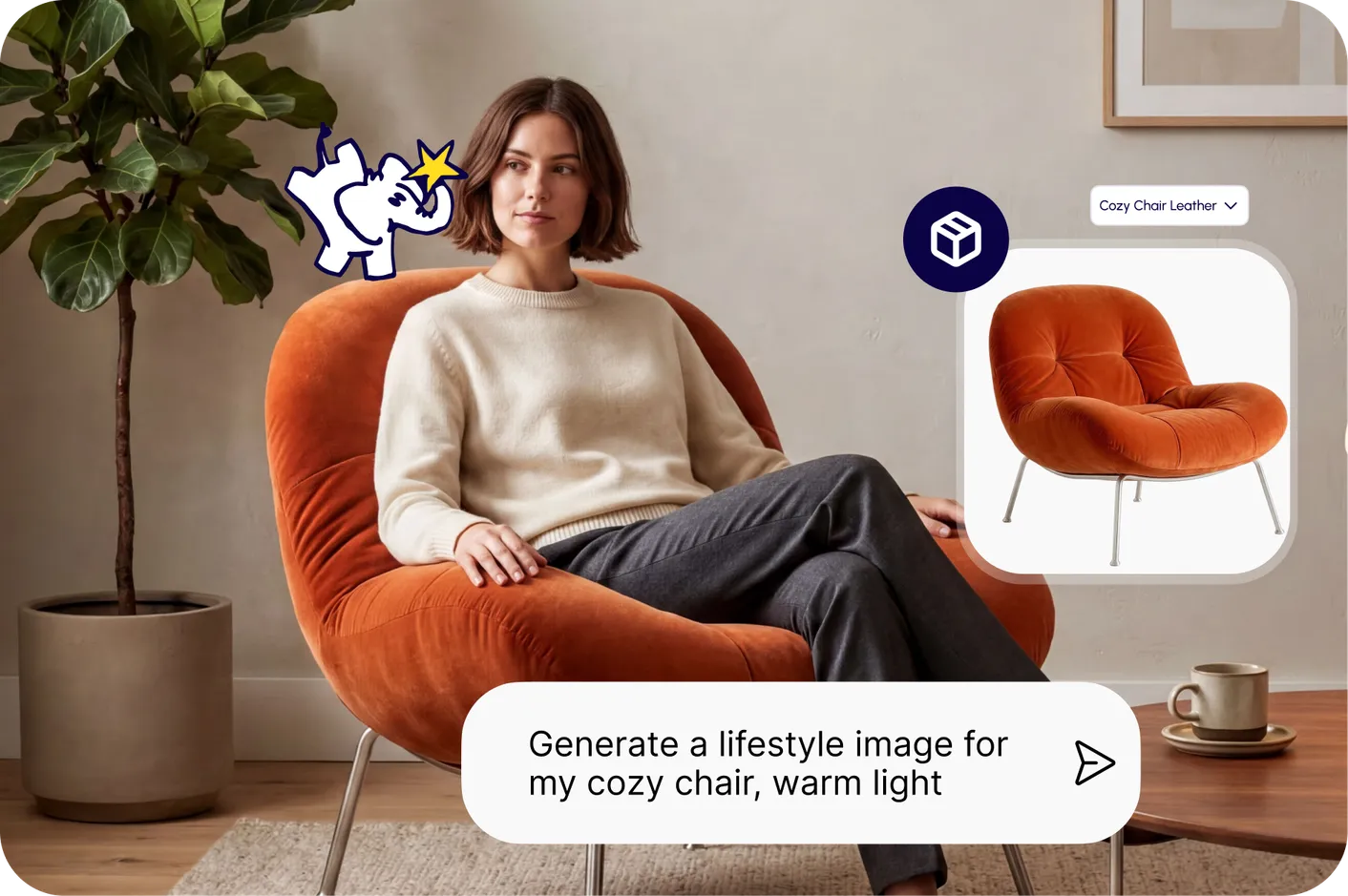
Attaching an asset to a prompt from the prompt bar

Pull assets into any prompt

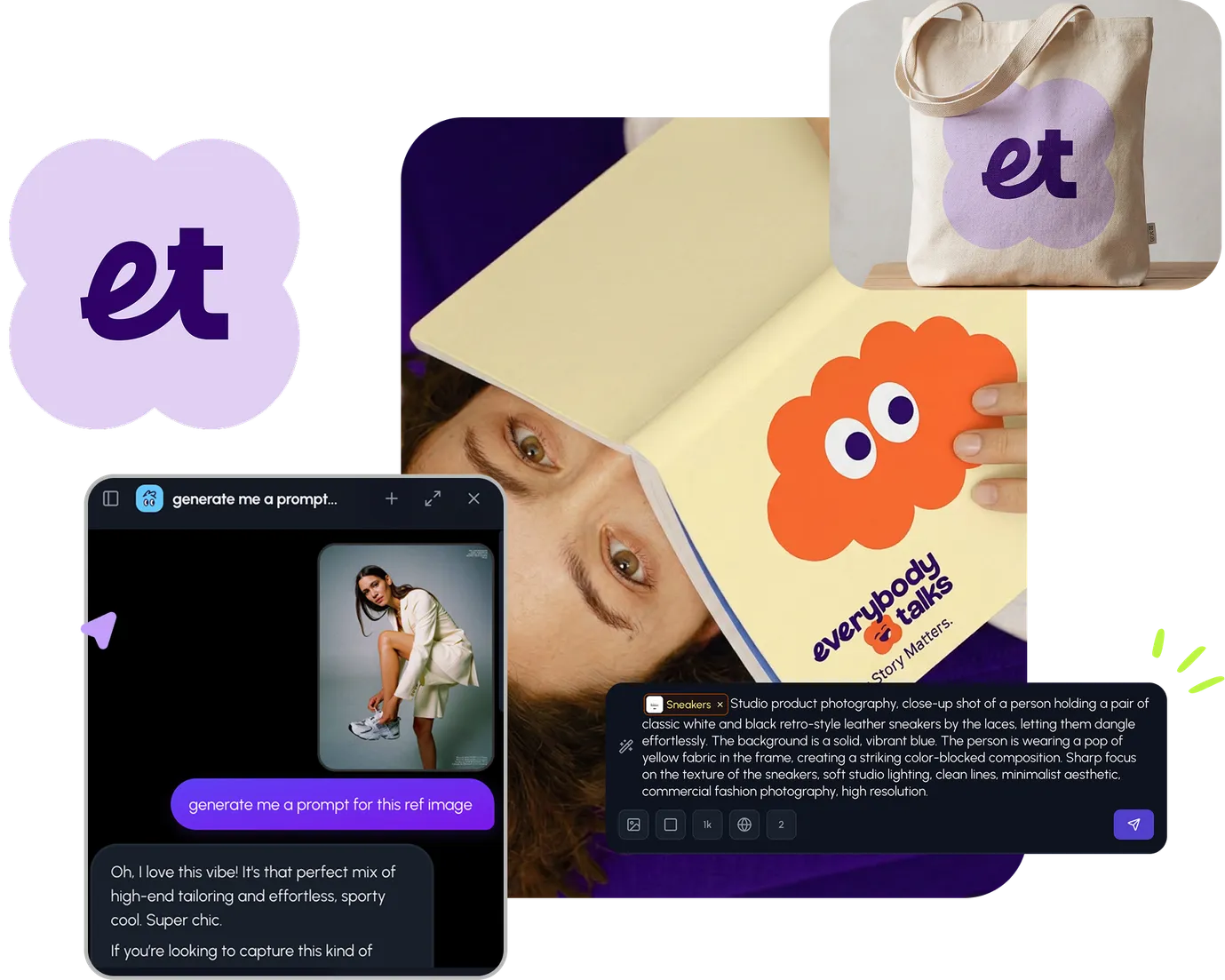
Attach assets straight from the prompt bar. AI uses them as visual references — no need to re-upload the same image every time.

03
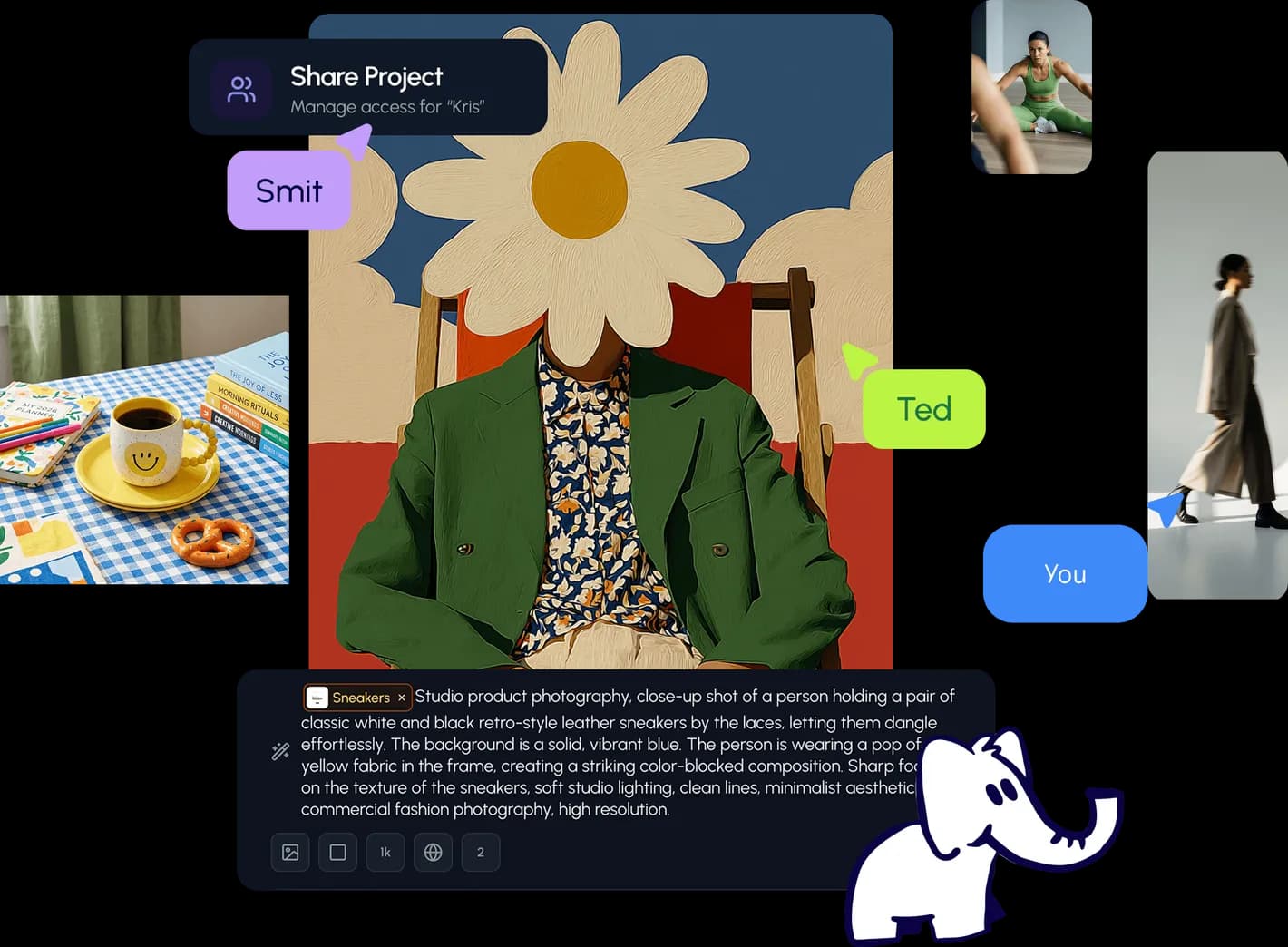
Shared asset library across a team workspace

Share with your whole team

Assets live inside your workspace. Everyone pulls from the same library — consistent references, no more hunting for the right file.

04

Even better together

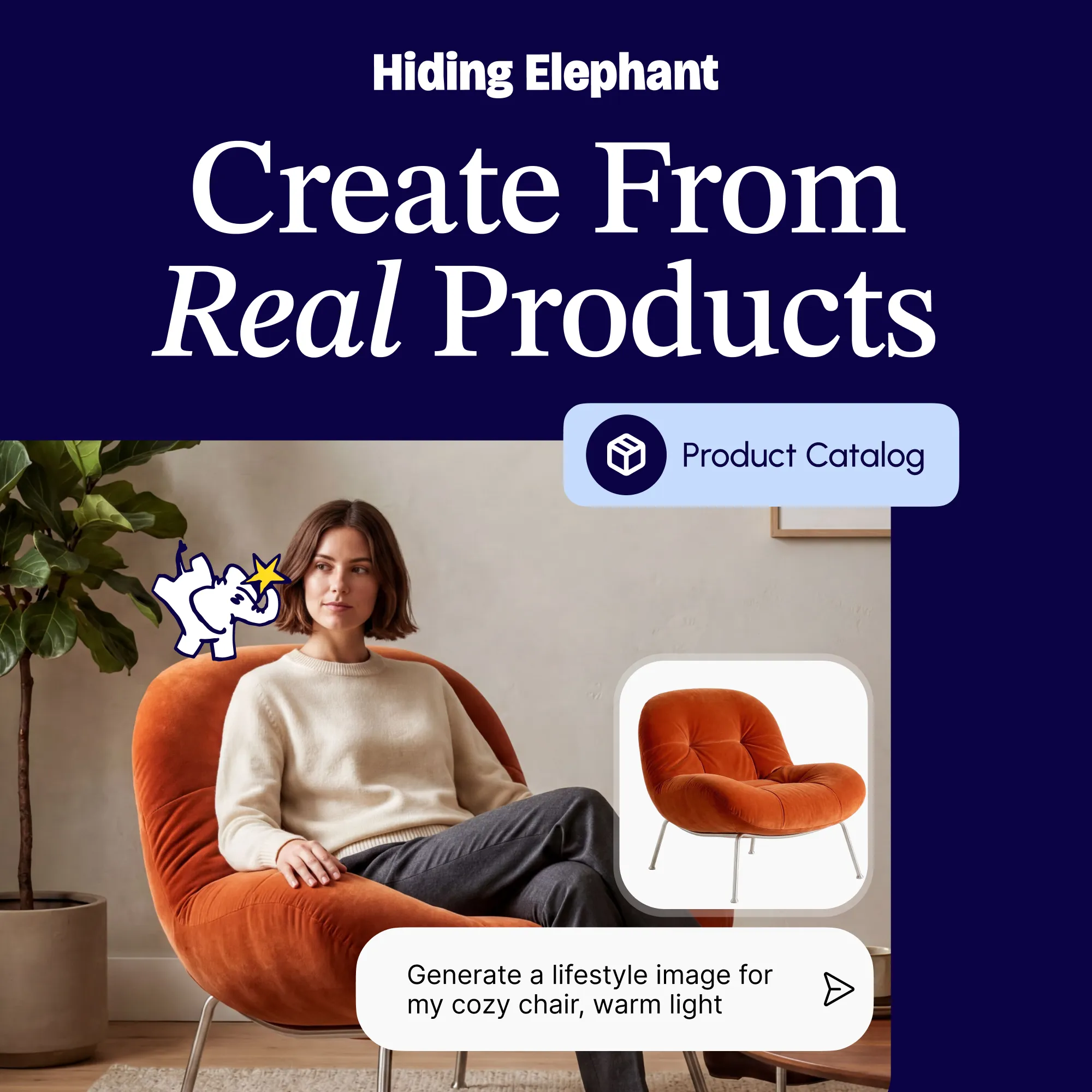
Pair it with your brandand product catalog

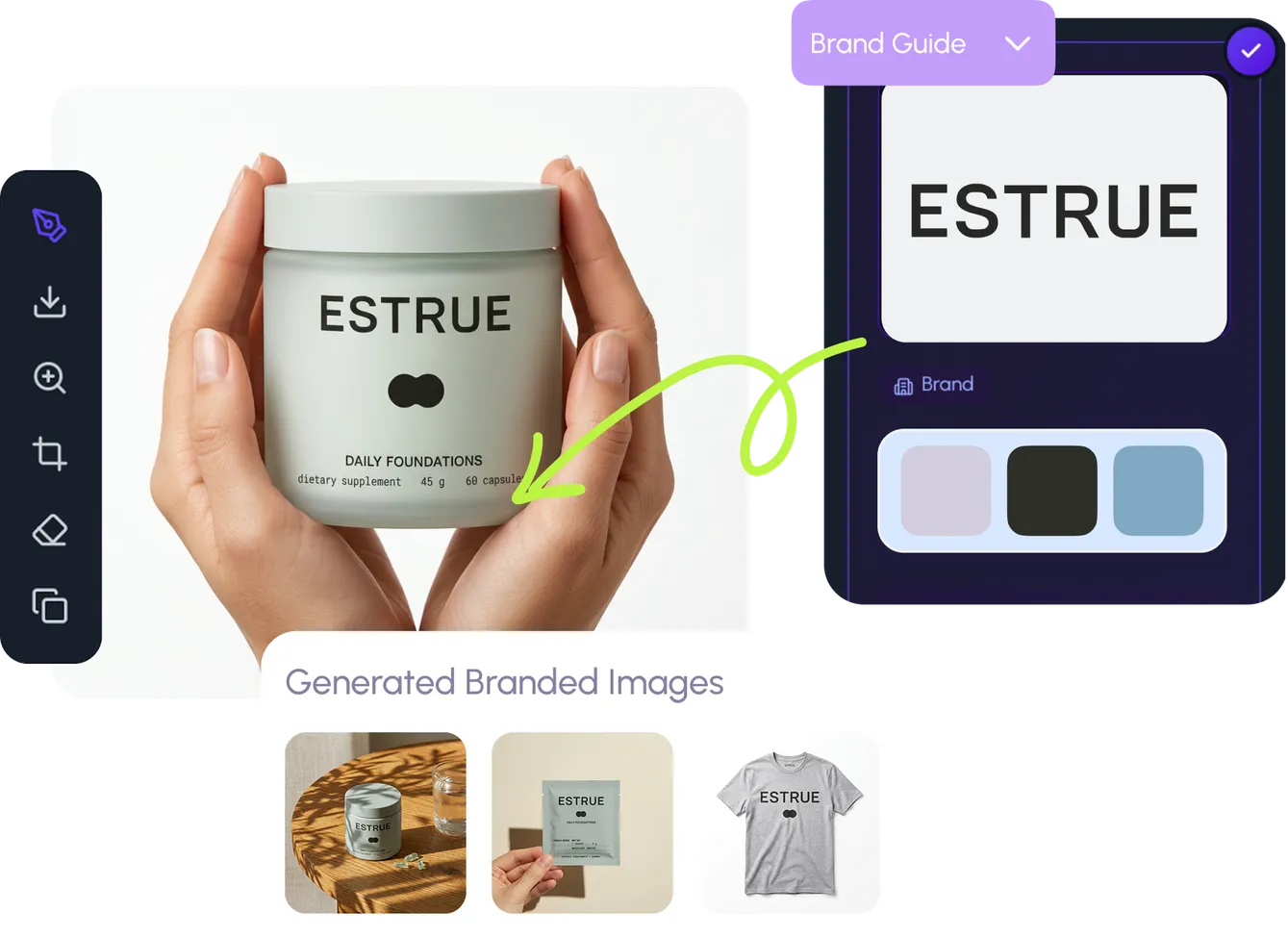
Assets sit alongside brand guides and product catalogs. Together they ground every generation in your real visual world — on-brand, on-product, on-reference.

My AssetsBrand guidesProduct catalog
Asset library working alongside brand guides and product catalog
See brand management

See it in action

Your references, always on hand

Character references in the asset library

Save any visual reference once. Pull it into any prompt, on any project, from any teammate.

One library,

every project

Wait, there's more

Explore what else the Elephant can do.You'll love it

AI image generation settings and prompt interface

AI Generation

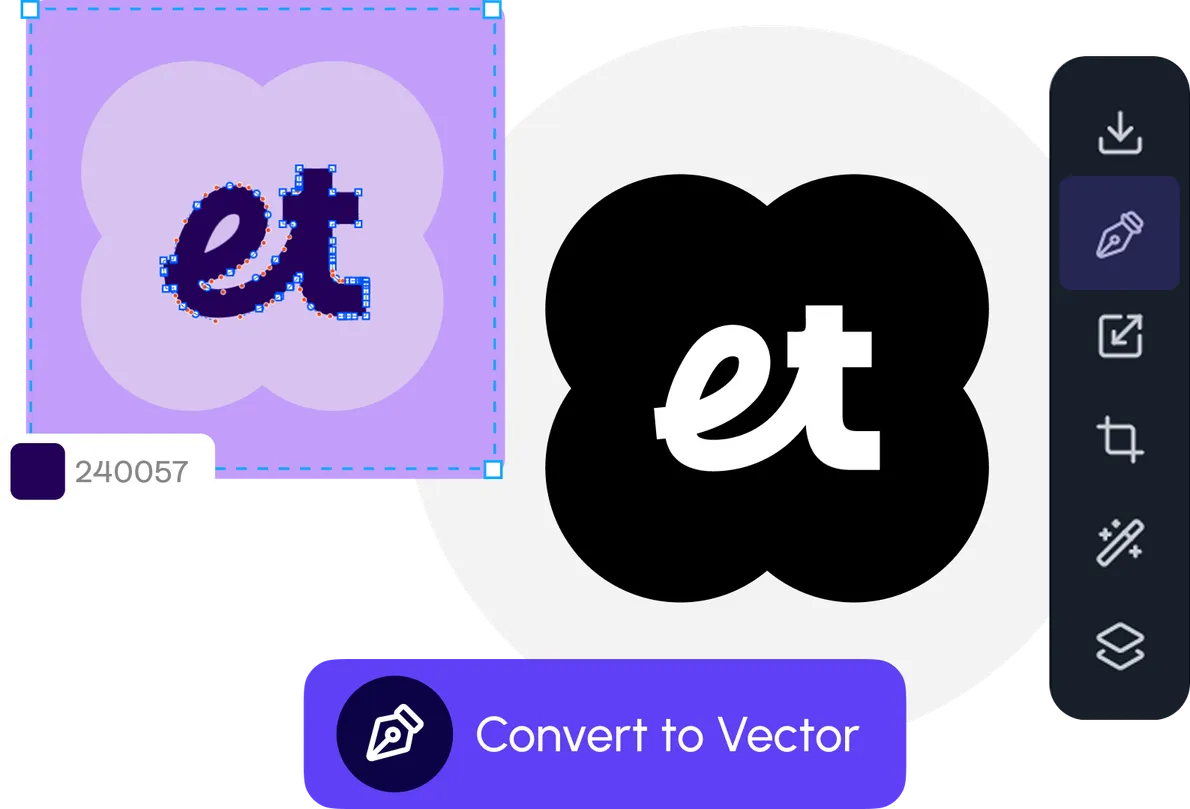
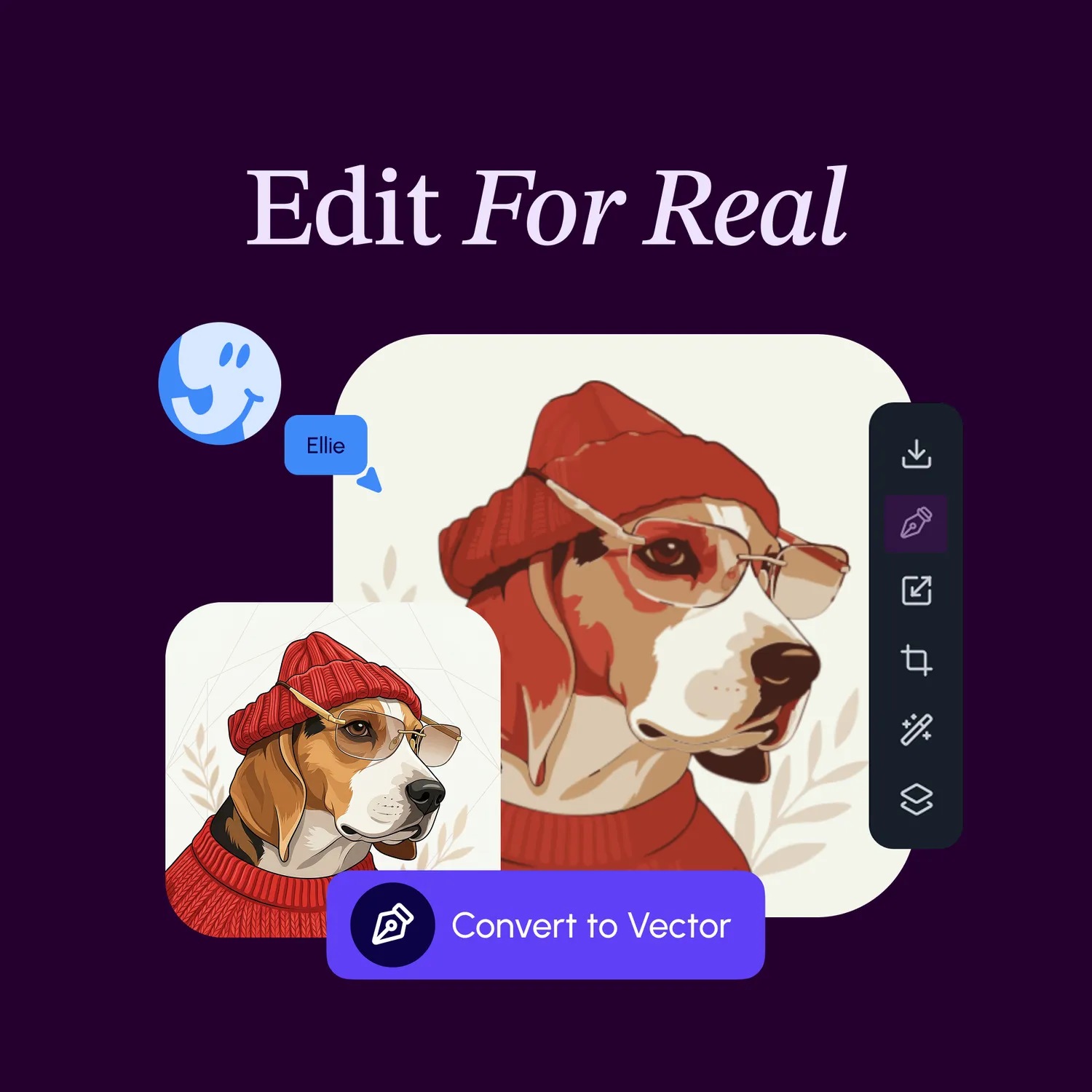
Pen tool, brush, and shapes on the vector canvas

Vector Canvas

Image optimizer with background removal examples

Image Tools

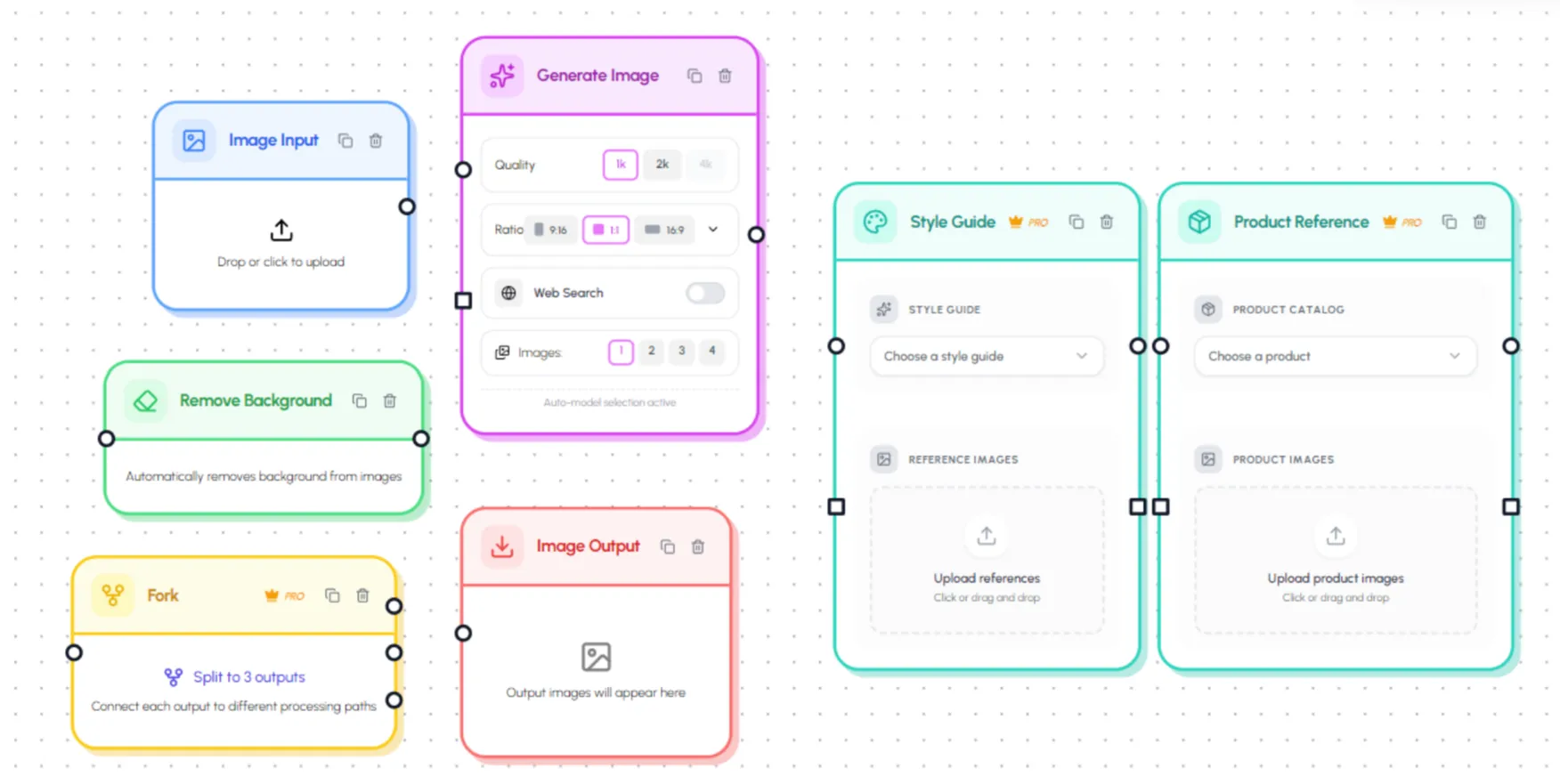
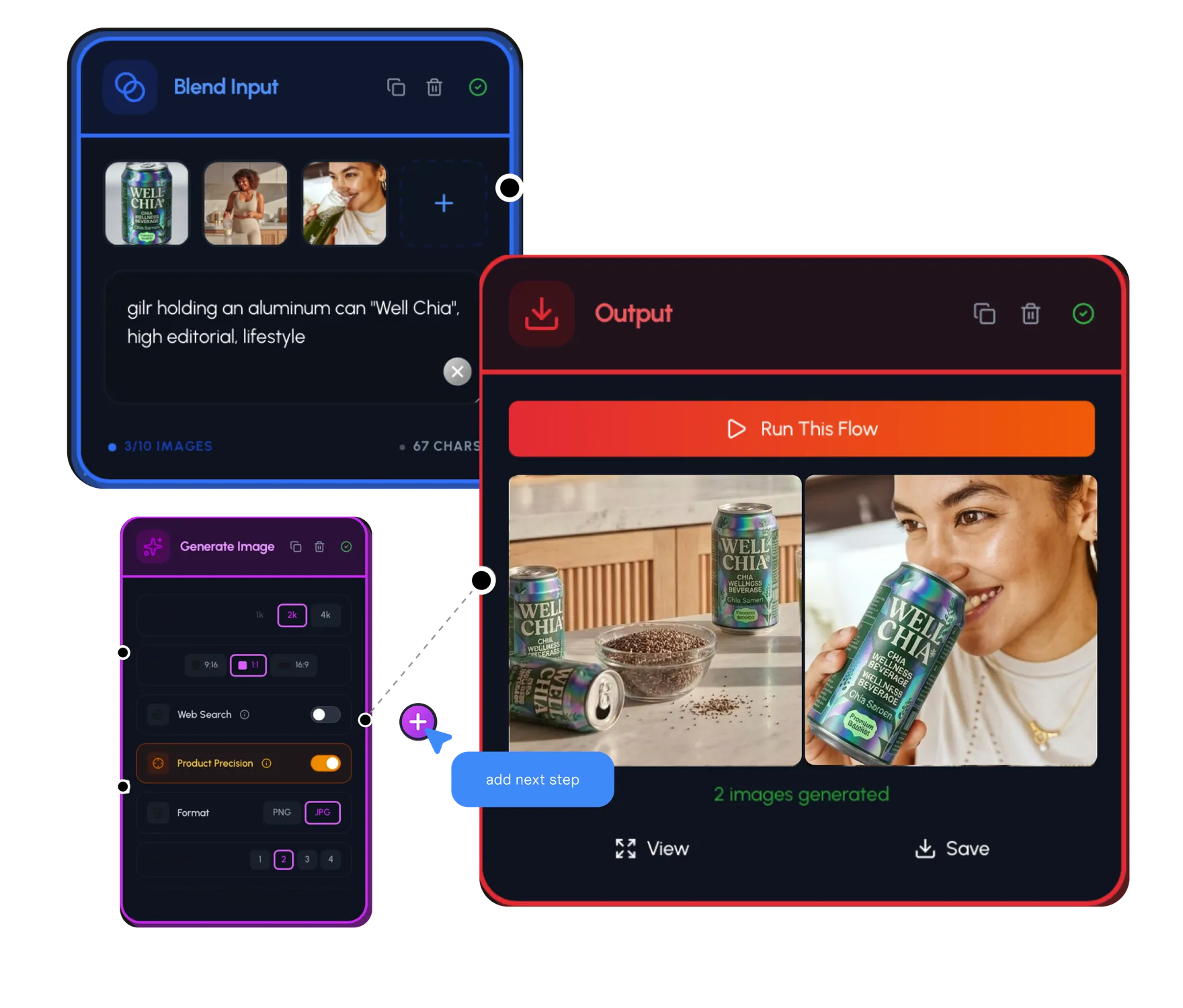
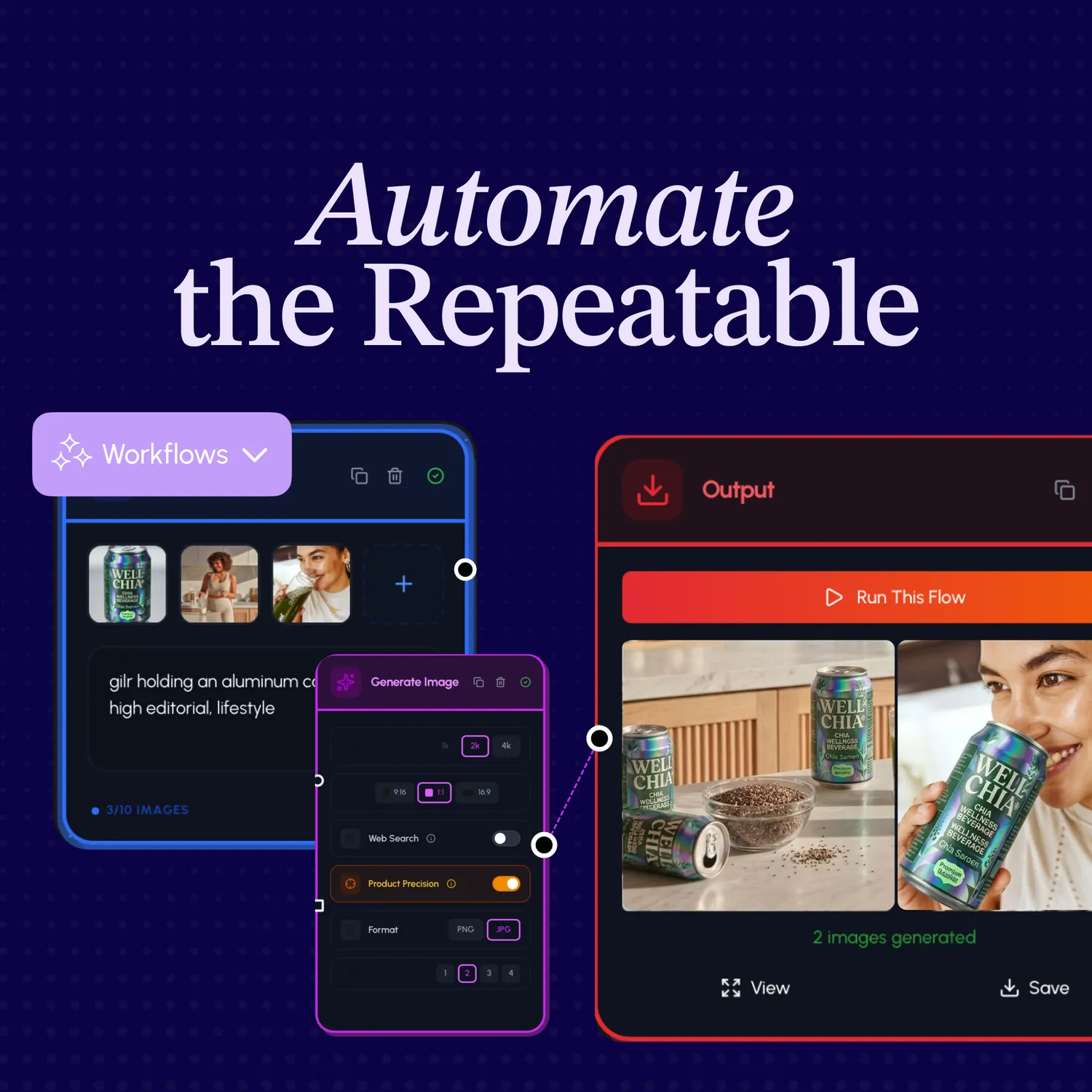
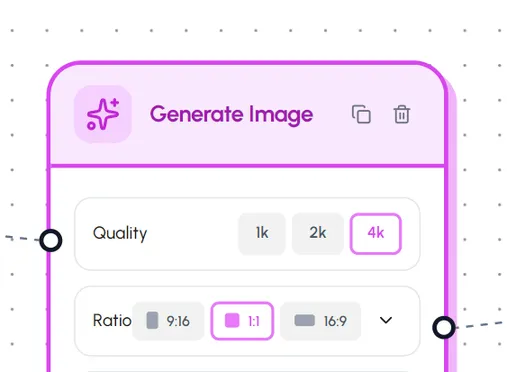
Visual workflow automation node editor

Workflow Automation

Brand exploration with moodboards and style references

Brand Management

Product catalog management with SKUs

Product Catalog

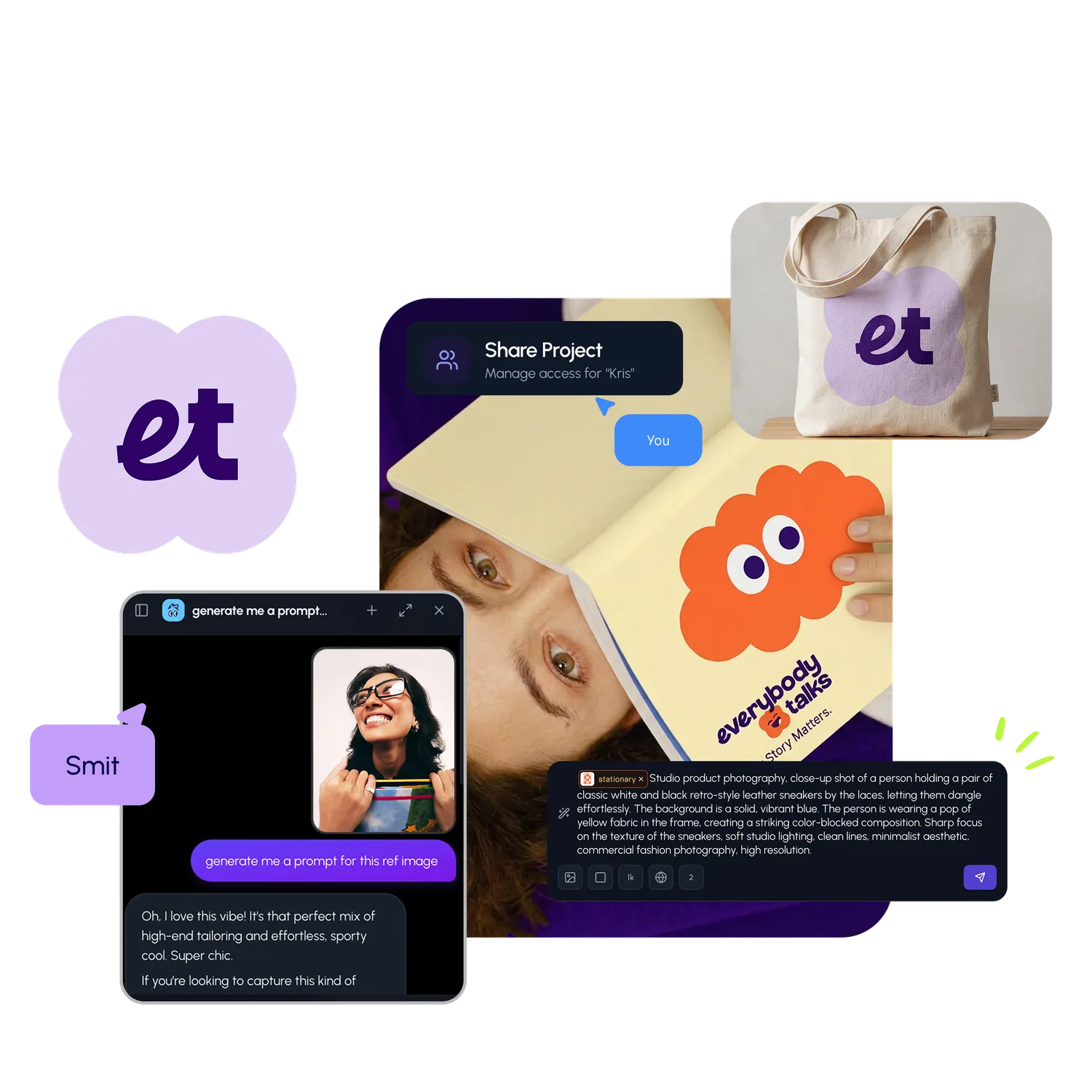
Live collaboration with real-time presence cursors

Collaboration

My Assets in Hiding Elephant

My Assets

What's next?Explore more features

Vector canvas editing

Designer-grade canvas

Vector editing, typography, and AI output in one place — refine every detail.

Workflow automation nodes

Workflow automation

Chain generation, processing, and export in visual pipelines built for scale.

Live collaboration

Collaboration

Real-time presence, sharing, and exports your team can rely on.

The AI designworkspace forfast-moving ideas.

Product

  • AI Generation
  • Vector Canvas
  • Image Tools
  • Workflows
  • Brand Management
  • Product Catalog
  • My Assets
  • Collaboration

Use Cases

  • E-commerce teams
  • Design agencies
  • Marketing teams
  • Content creators

Resources

  • About
  • Pricing
  • Enterprise
  • Explore
  • Blog
  • Contact Us
  • Book a Demo
  • Affiliates

© 2026 Hiding Elephant. All rights reserved

Cookie PolicyPrivacy PolicyTerms of Service
Hiding Elephant