
Free · resize, convert & compress
Free Image Optimizer: resize, compress & convert images
Resize, compress, and convert images in one step, or do just one. Batch up to 50 PNG, JPEG, WebP, AVIF, GIF, or TIFF files and choose the output format and quality.
Click or drop up to 20 files here to start
or click to select an image
Keep each image at its original dimensions.
Recommended — small files, great quality
Great quality, small files
Up to 20 images per run. For bulk jobs, chain optimize inside a workflow automation. Aspect ratio is always preserved. Results stay private to your workspace.
How it works
Optimize any image in three steps
Use it to just resize, just convert formats, or squeeze file size, any combination, applied to the whole batch.
Upload up to 50 images
Drag and drop PNG, JPEG, WebP, AVIF, GIF, or TIFF files, one at a time or up to 50 in a batch.
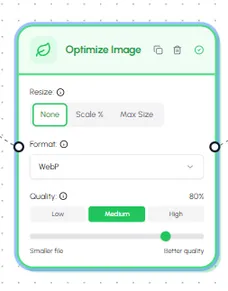
Choose what to do
Resize by percentage or to max dimensions, convert to WebP / AVIF / JPEG / PNG, and pick a quality, any or all at once.
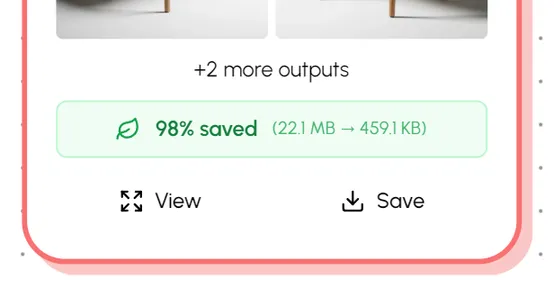
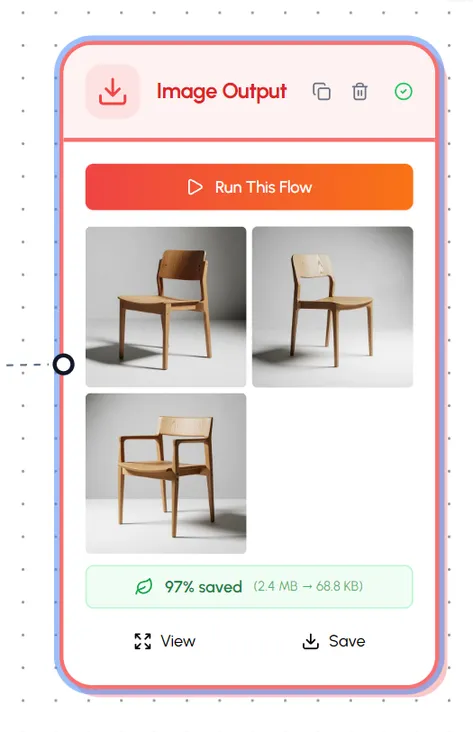
Download smaller, faster images
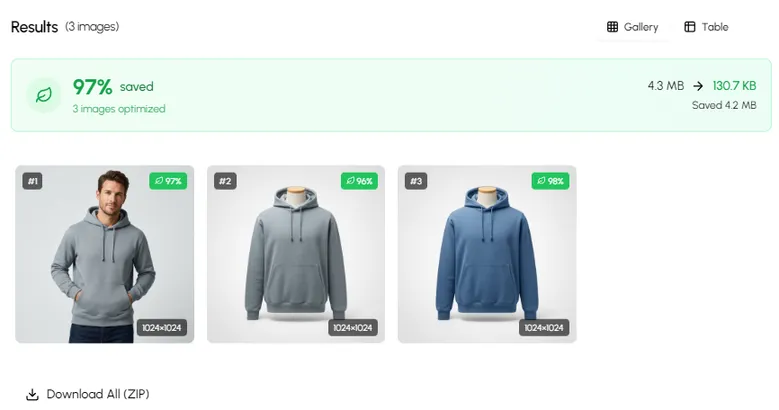
Each result shows the size and dimension savings. Download individually or as one ZIP, or bring the outputs into the Hiding Elephant workspace for batch delivery.
Supported files
What the optimizer accepts and outputs
Designed to be a drop-in replacement for TinyPNG, Squoosh, and ad-hoc format converters.
Inputs
- PNG
- JPEG
- WebP
- AVIF
- GIF
- TIFF
Outputs
- WebP
- AVIF
- JPEG
- PNG
- Keep original format
- Batch size
- Up to 50 images per run
- Resize
- 90%, 75%, 50%, or fit max dimensions
- Quality
- 50–95 (JPEG/WebP/AVIF), lossless for PNG
- Aspect ratio
- Always preserved
Image optimizer FAQ
Common questions
More you can do
One tool, three jobs, and a lot more behind it
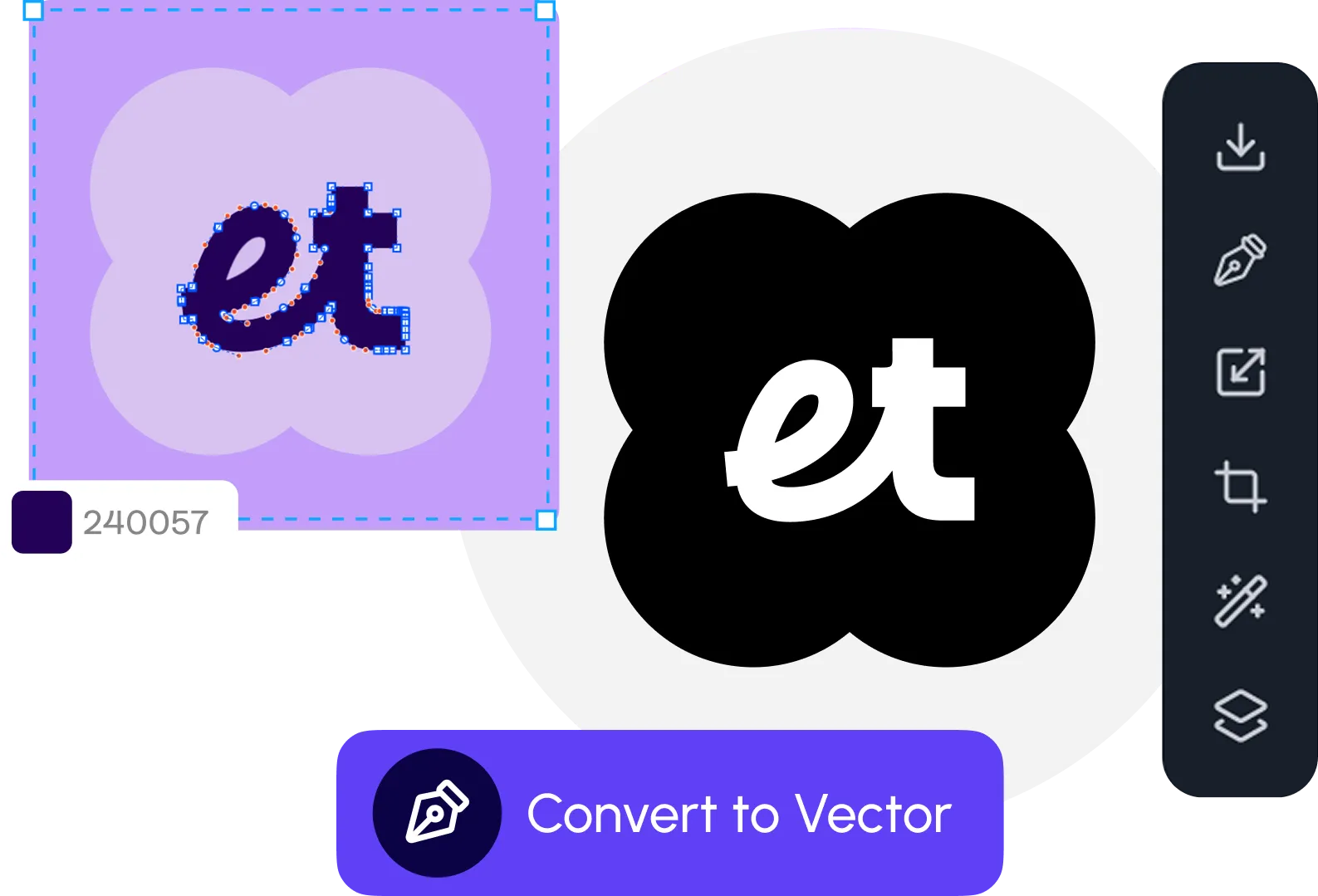
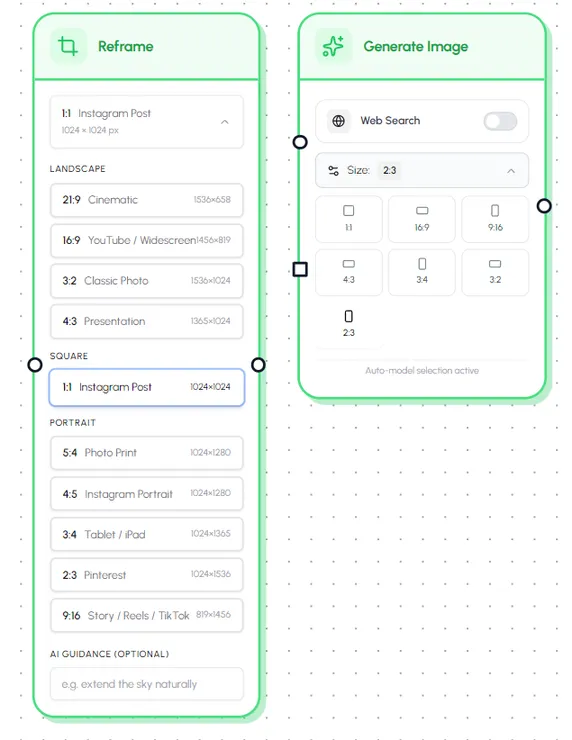
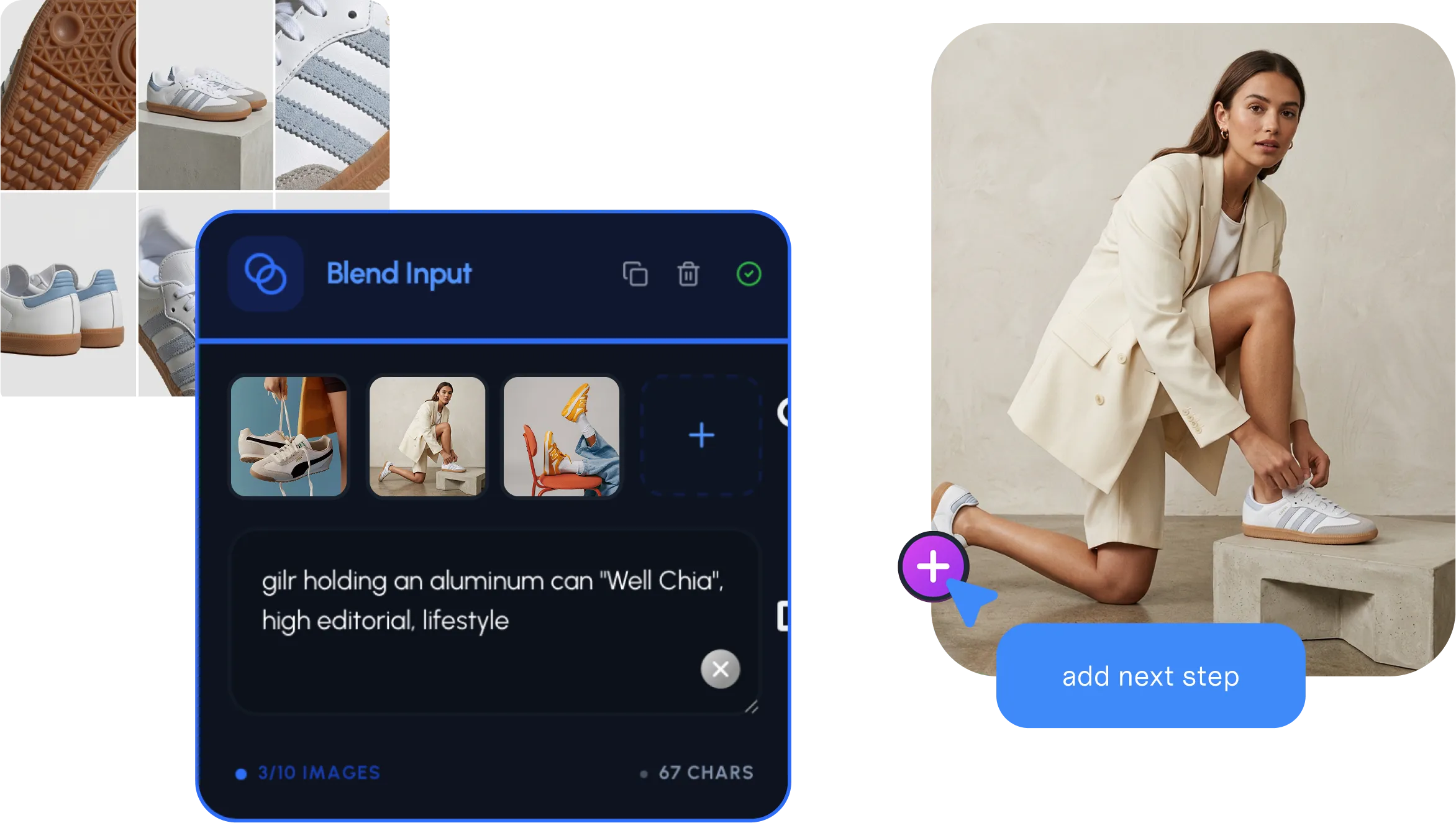
Use the optimizer to just resize, just convert formats, or squeeze file size, then plug into the rest of Hiding Elephant for AI, reframing, vectors, and batch delivery.
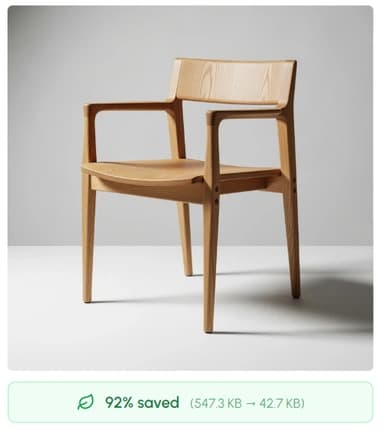
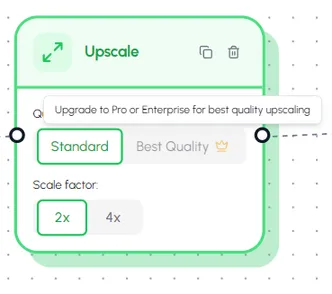
Optimization + the full workspace
Do more than shrink file sizes
Hiding Elephant pairs image optimization with AI generation, a vector canvas, brand rules, and batch workflows, so every asset is campaign-ready, not just smaller.