Save the brand and brief
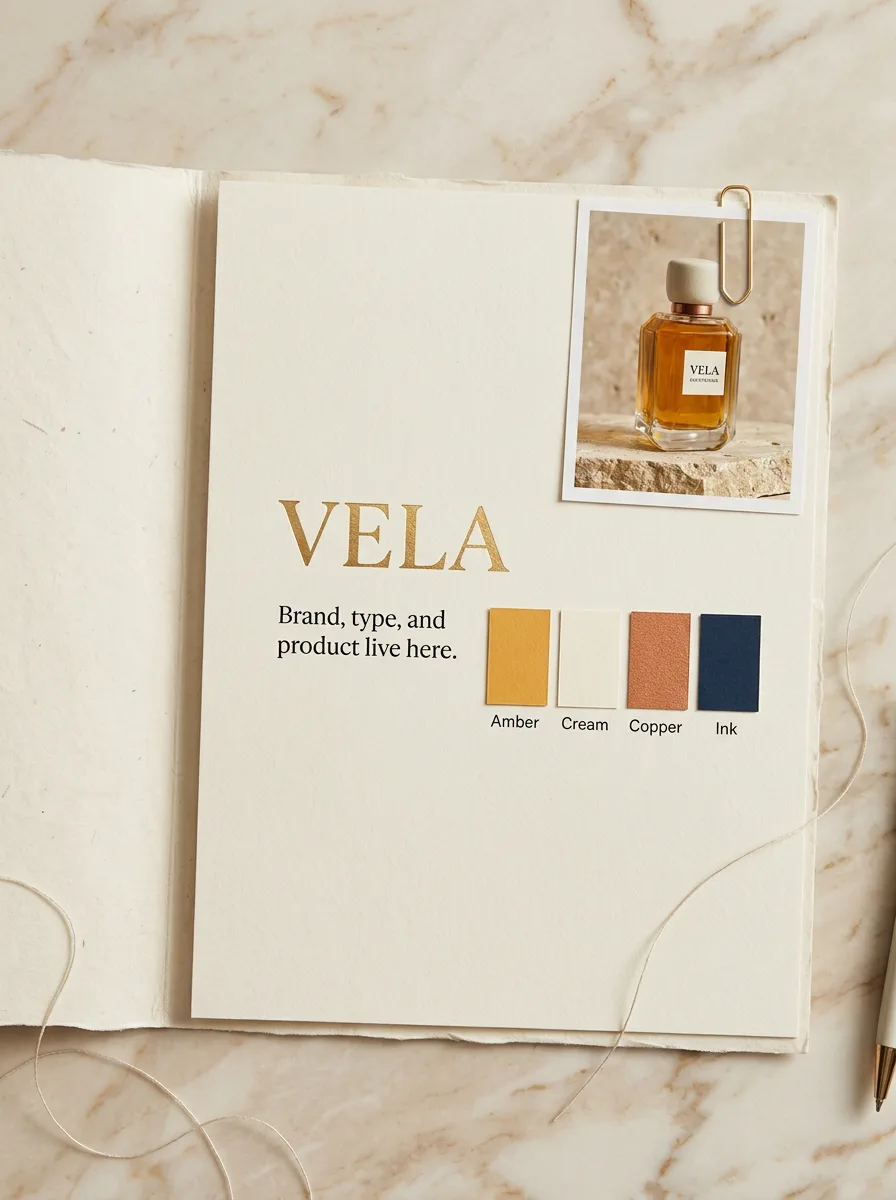
Drop in the logo, colors, fonts, and notes. Everything stays in the workspace — no more digging through Dropbox.
Explore ideas, polish the winners, and send clean files to clients — all in one workspace.

Generate options fast so the first pitch already shows real range.
Brand, brief, and references sit next to the canvas — not across ten folders.
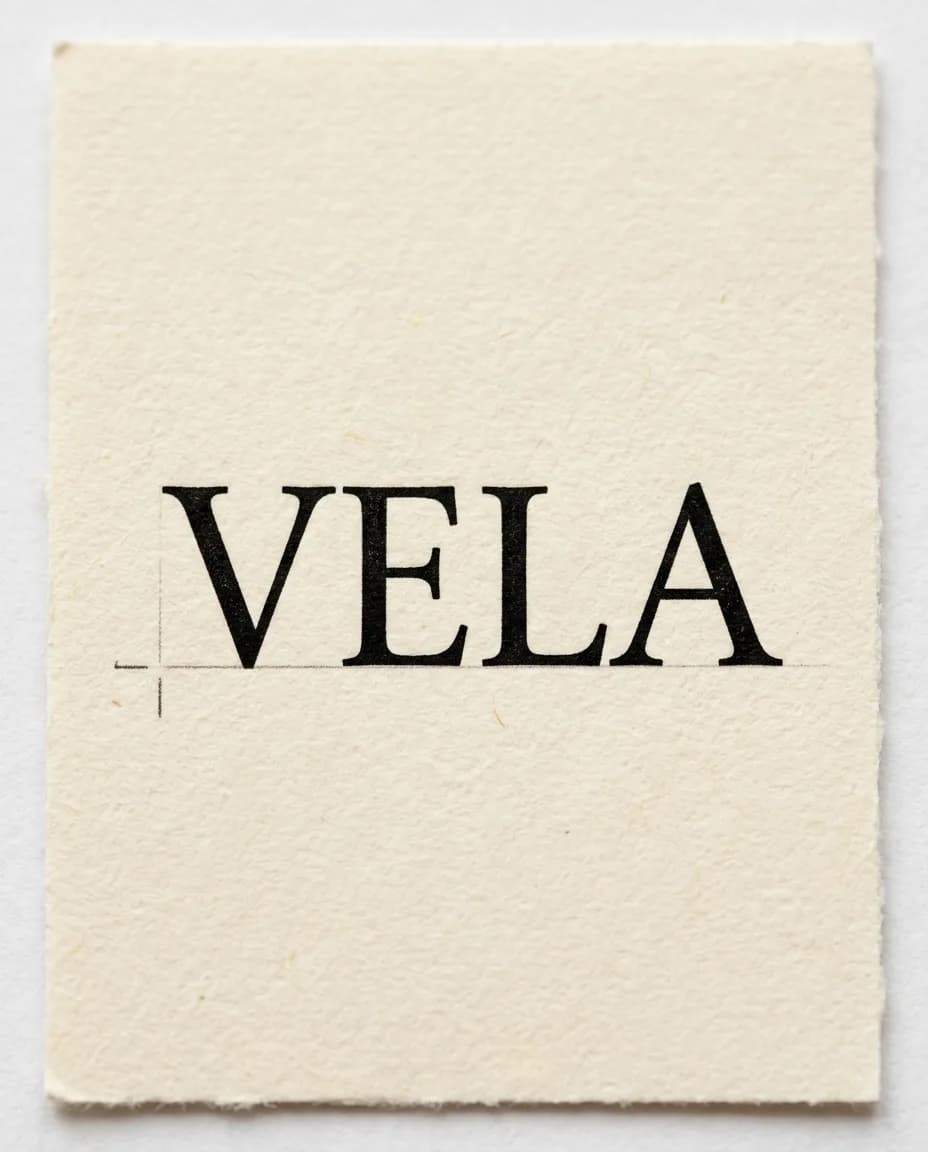
Fix the type, anchors, and tiny details instead of settling for close enough.
Export SVGs, print-ready PDFs, and web files in one click.
Save the brand, the brief, and the look in one place. Then start every project already on-brand.
Drop in the logo, colors, fonts, and notes. Everything stays in the workspace — no more digging through Dropbox.
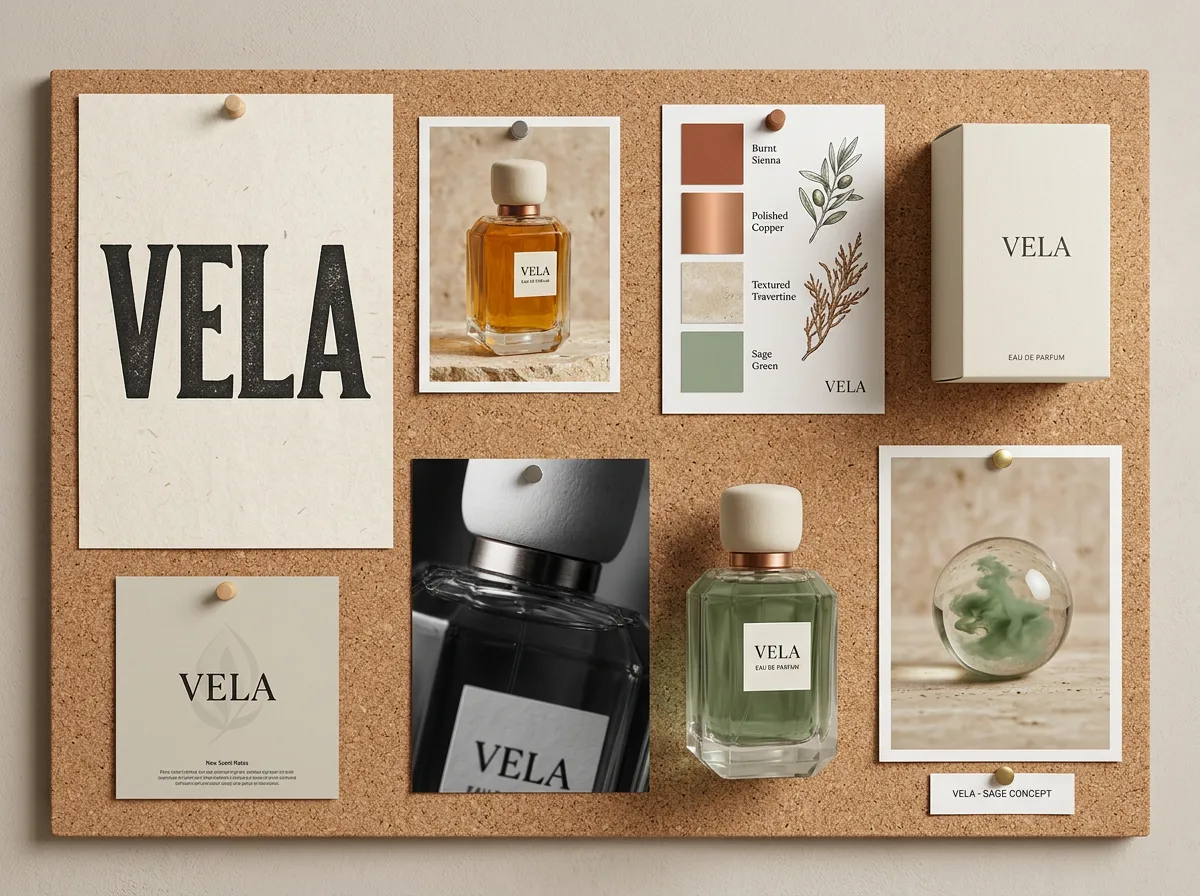
Generate ten directions in the time it used to take to start one. Pick the strongest and keep going.
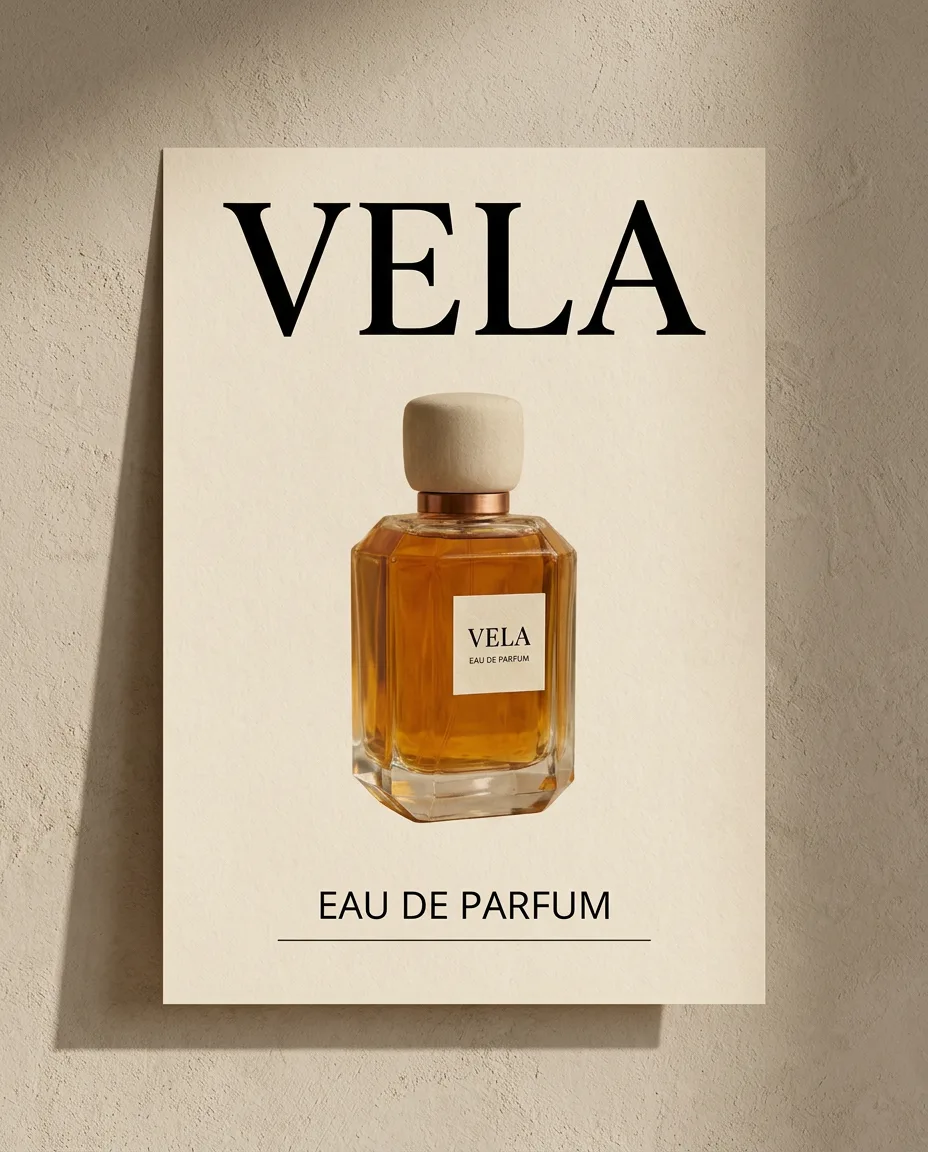
Fix the type, tidy the layout, and clean up the details on a real vector canvas — not in a prompt.
Fix the small things AI gets wrong — so the work that leaves the studio looks like it came from the studio.
Move anchor points, adjust kerning, and fix tiny mistakes right on the canvas. Stop settling for “close enough.”
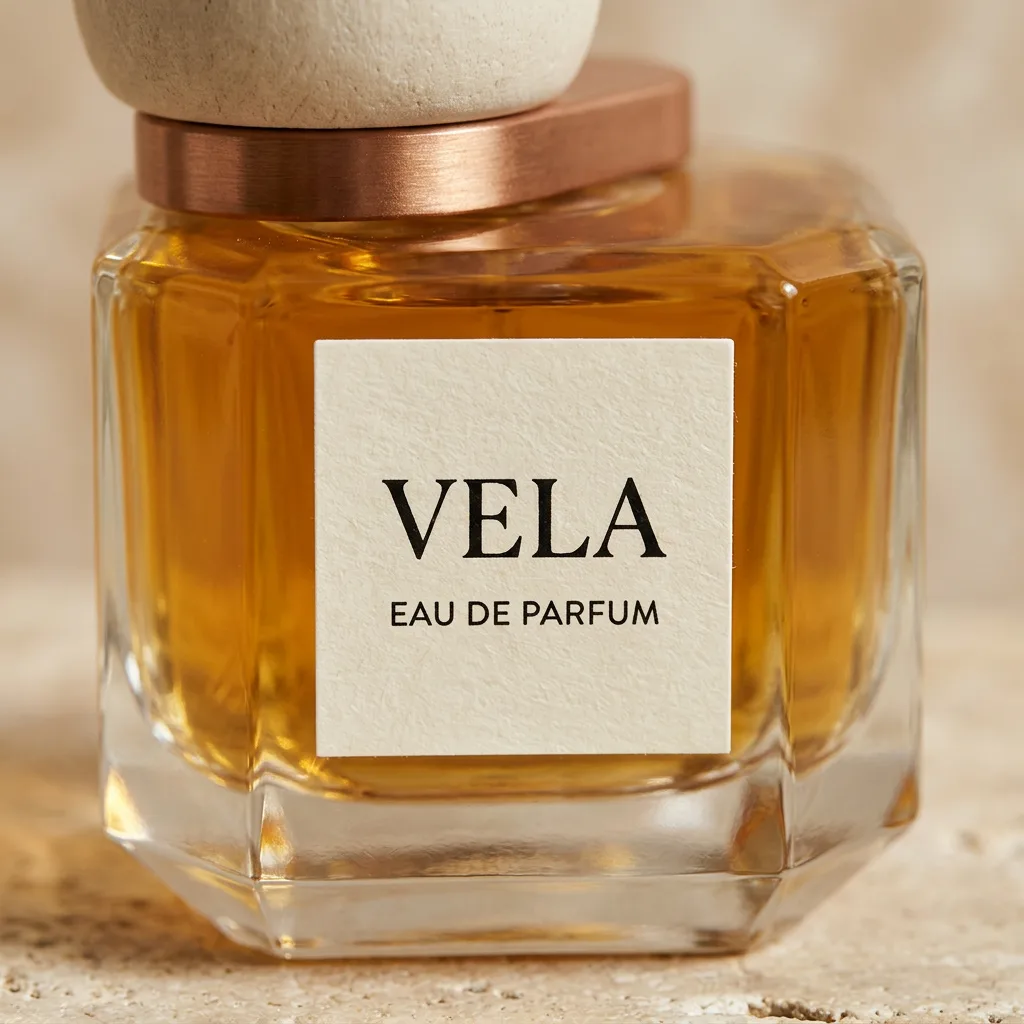
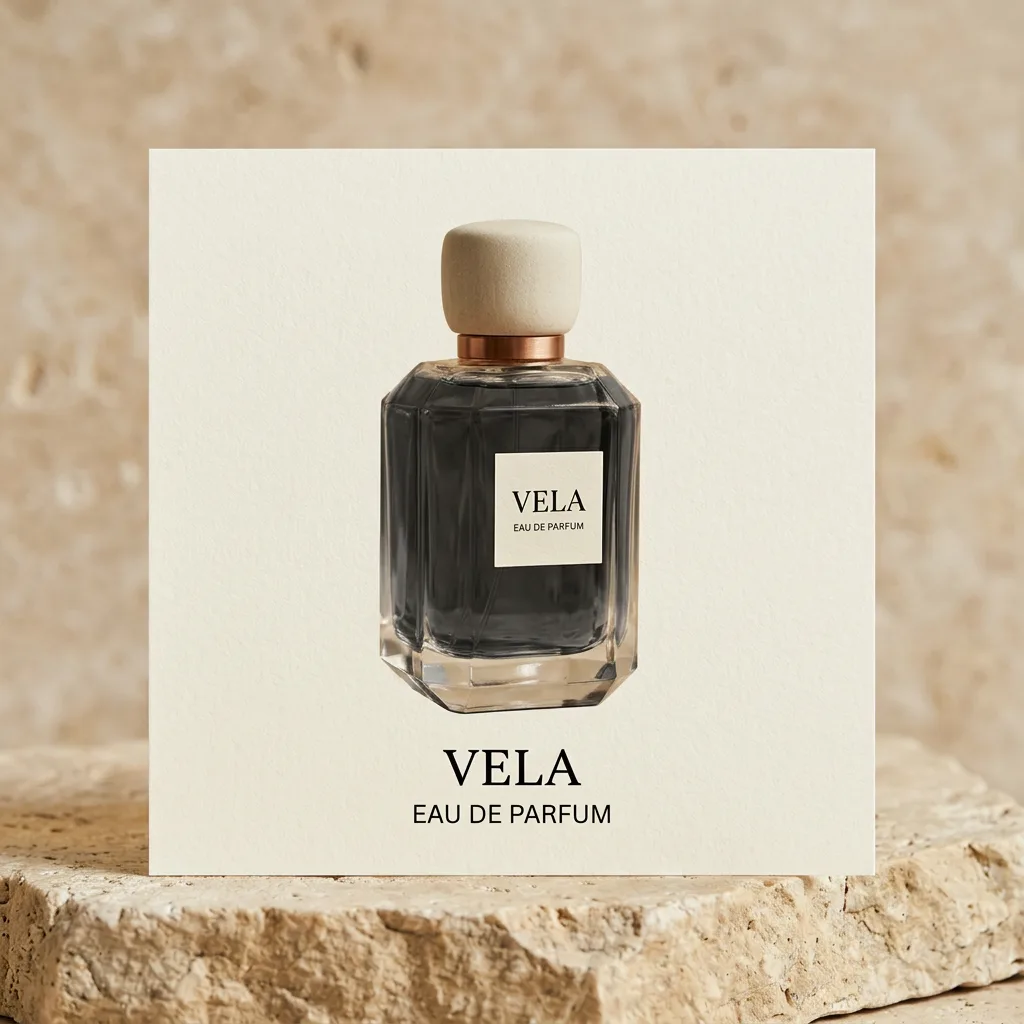
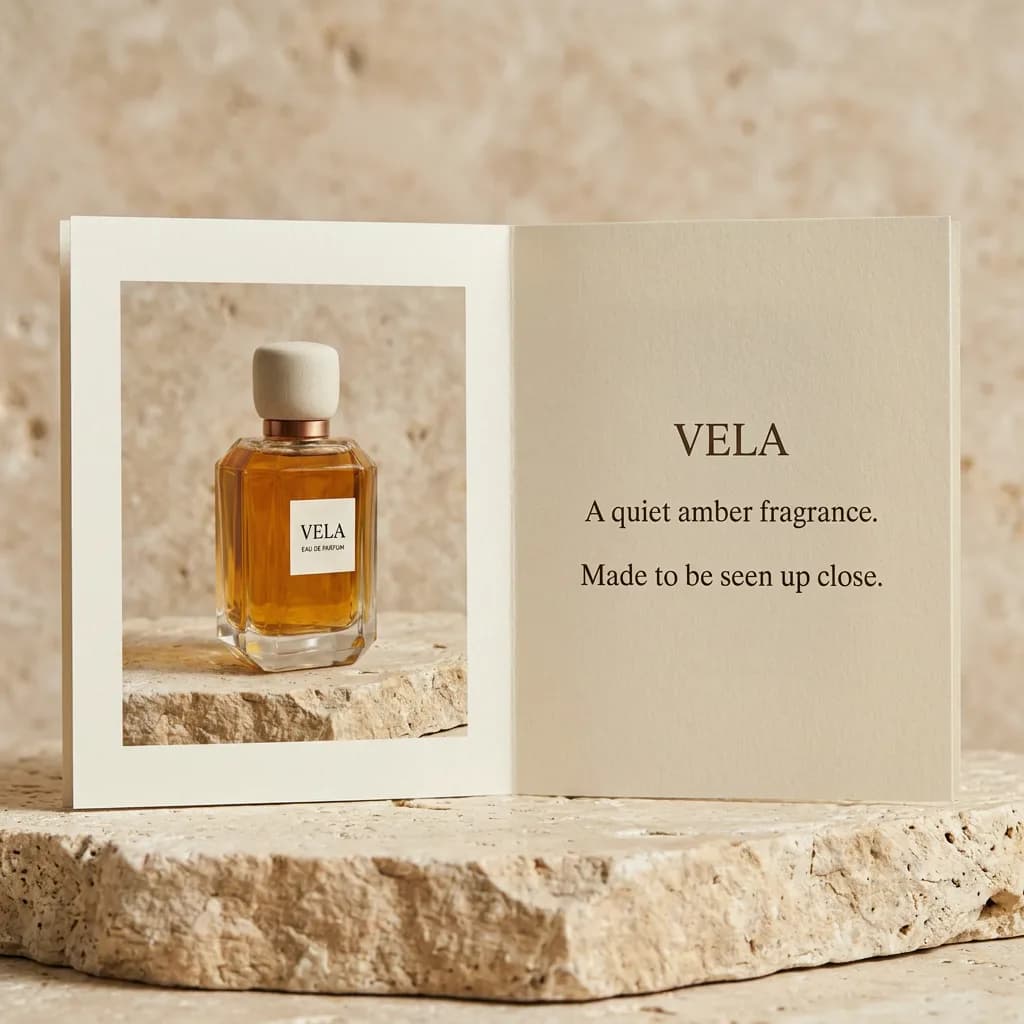

Set up the small stuff once. Get the hours back for the work clients actually pay for.
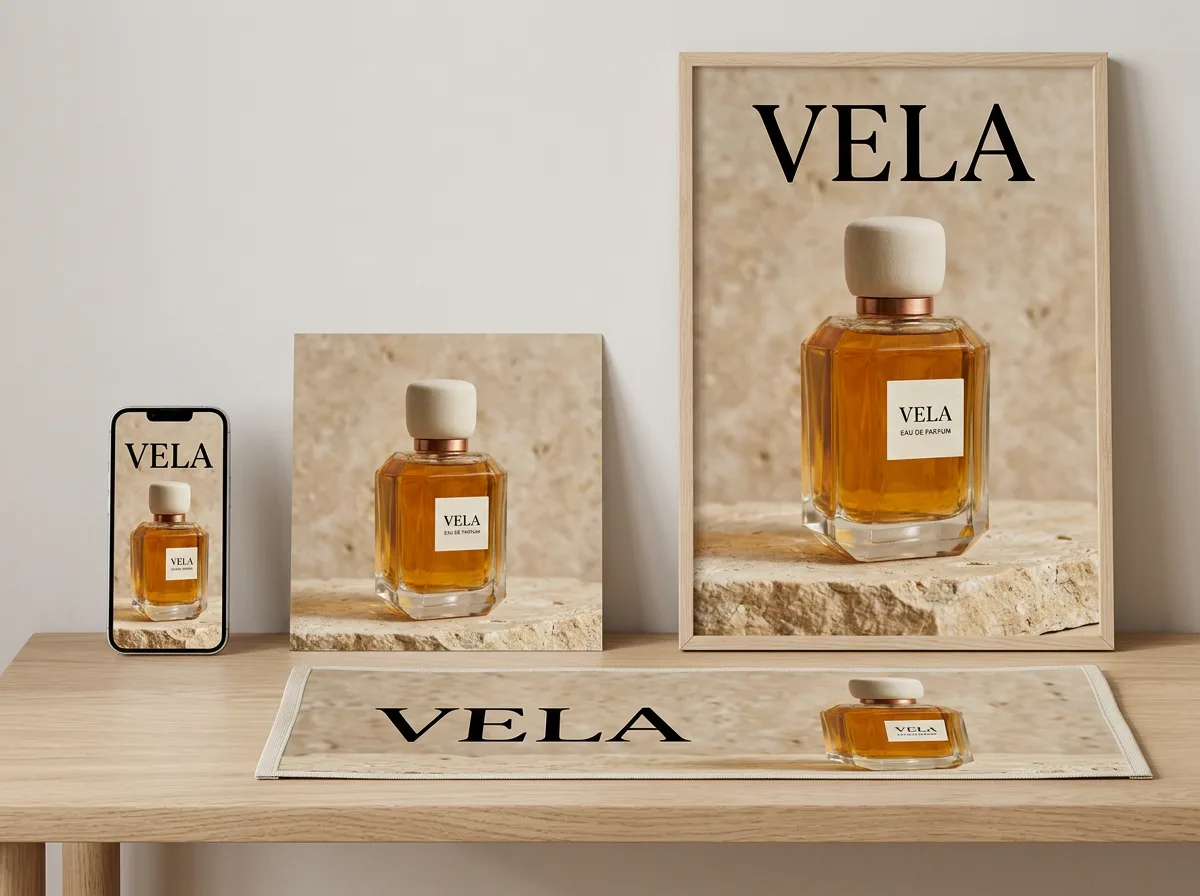
Turn one approved design into web, print, and social sizes. No more saving twelve files by hand.
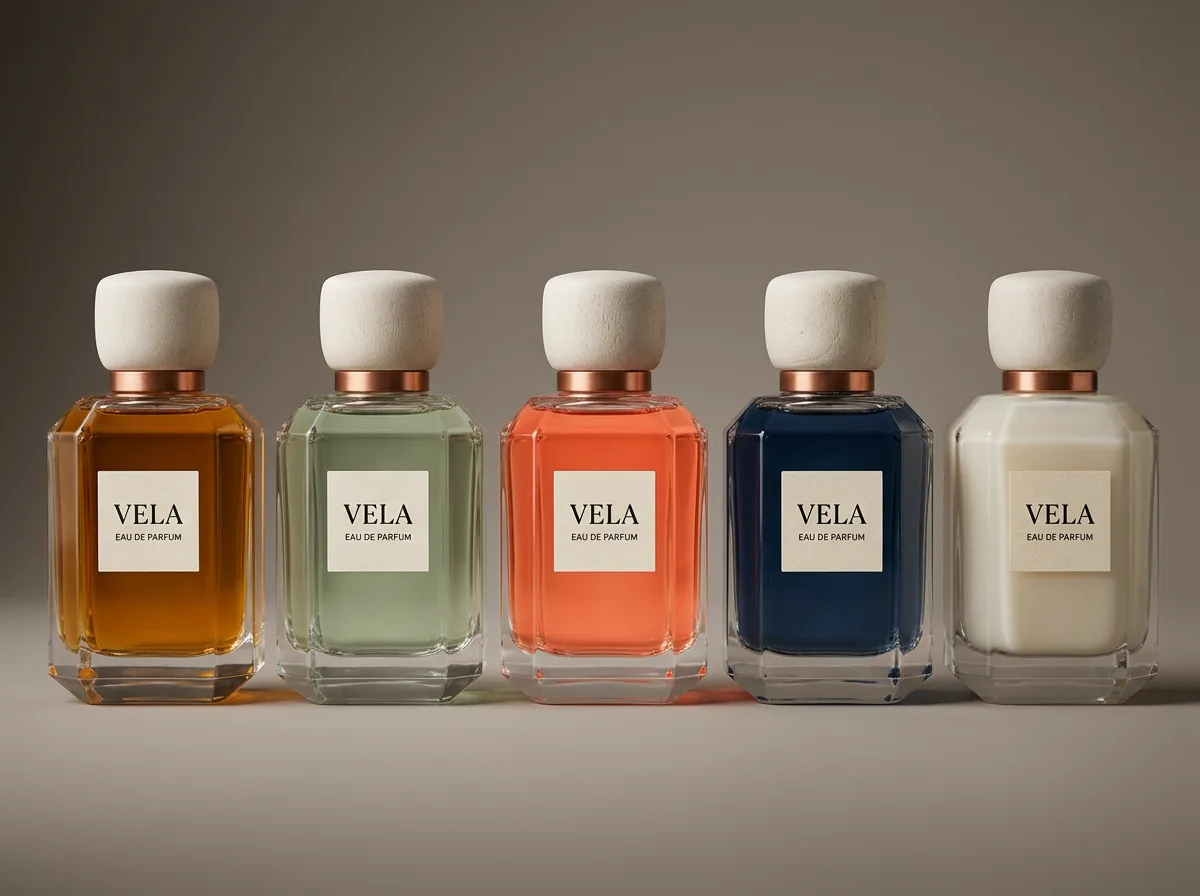
Spin up color and style variations from the approved design so the pitch shows range without extra hours.
Web-ready files that load fast. Print-ready files that stay crisp. No quality surprises at handoff.
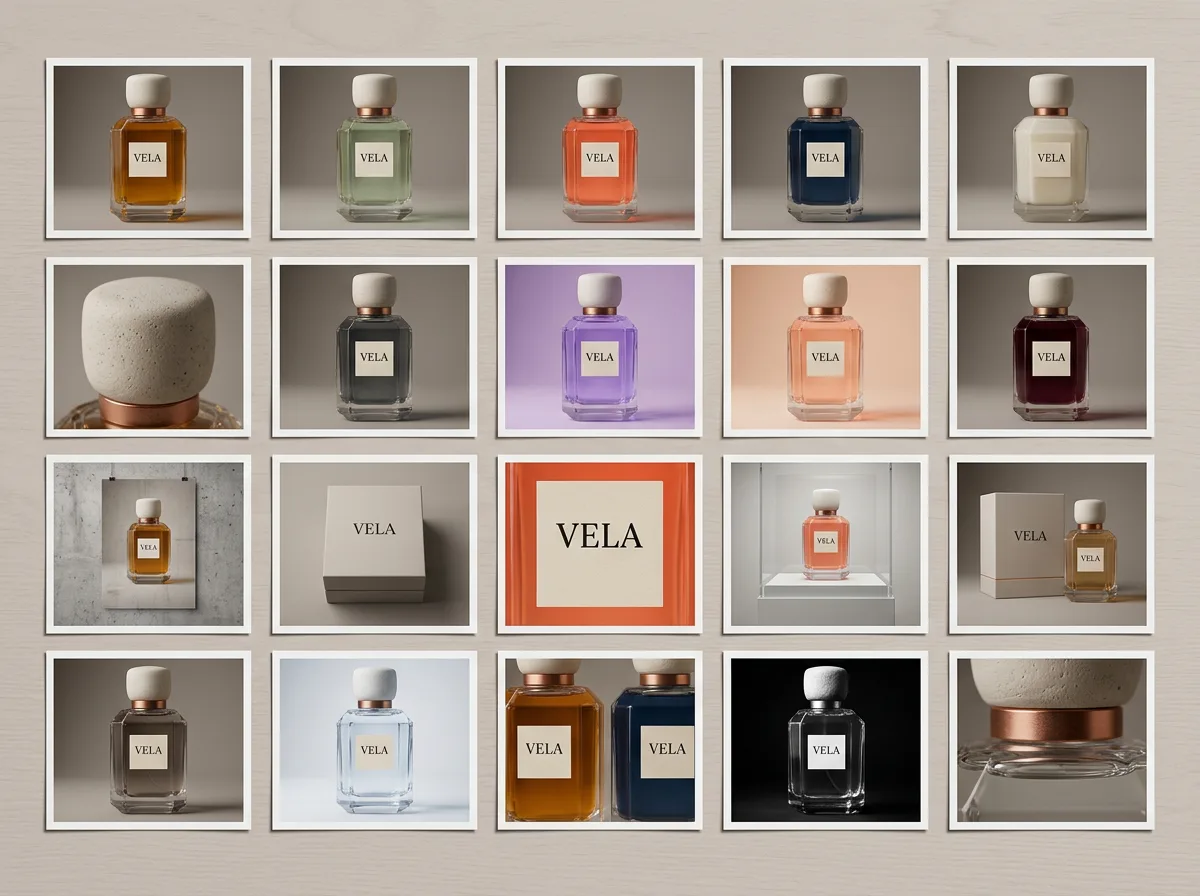
Run 50 exports or 50 variations at once. Stop clicking through every file at the end of the day.
Everything the studio needs to pitch, polish, and ship — without switching apps.
Turn stills into short videos. Pitch ideas that move without opening After Effects.
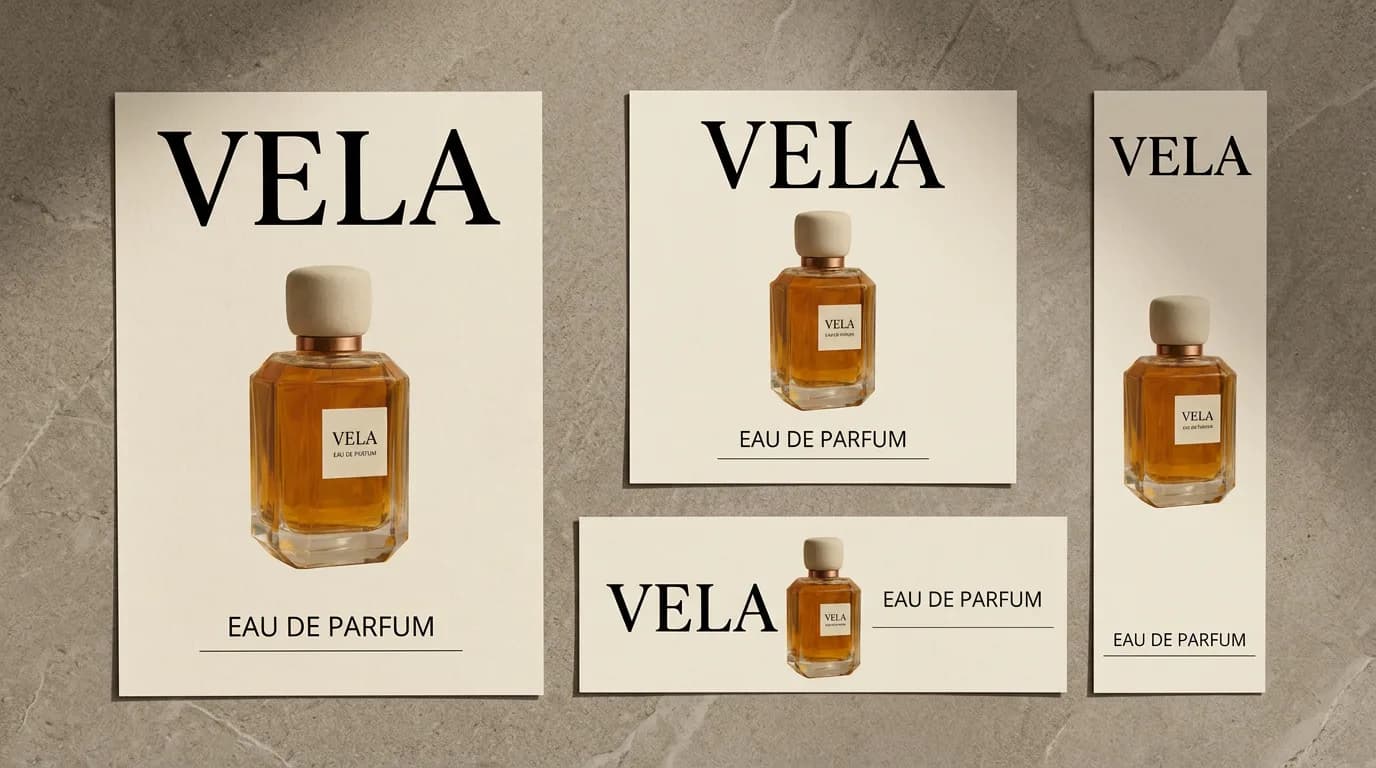
Save the layouts that work. Use them on the next three projects instead of rebuilding.

Put the mark on a tote, a tag, and the product. Show the client how it lives in the wild.
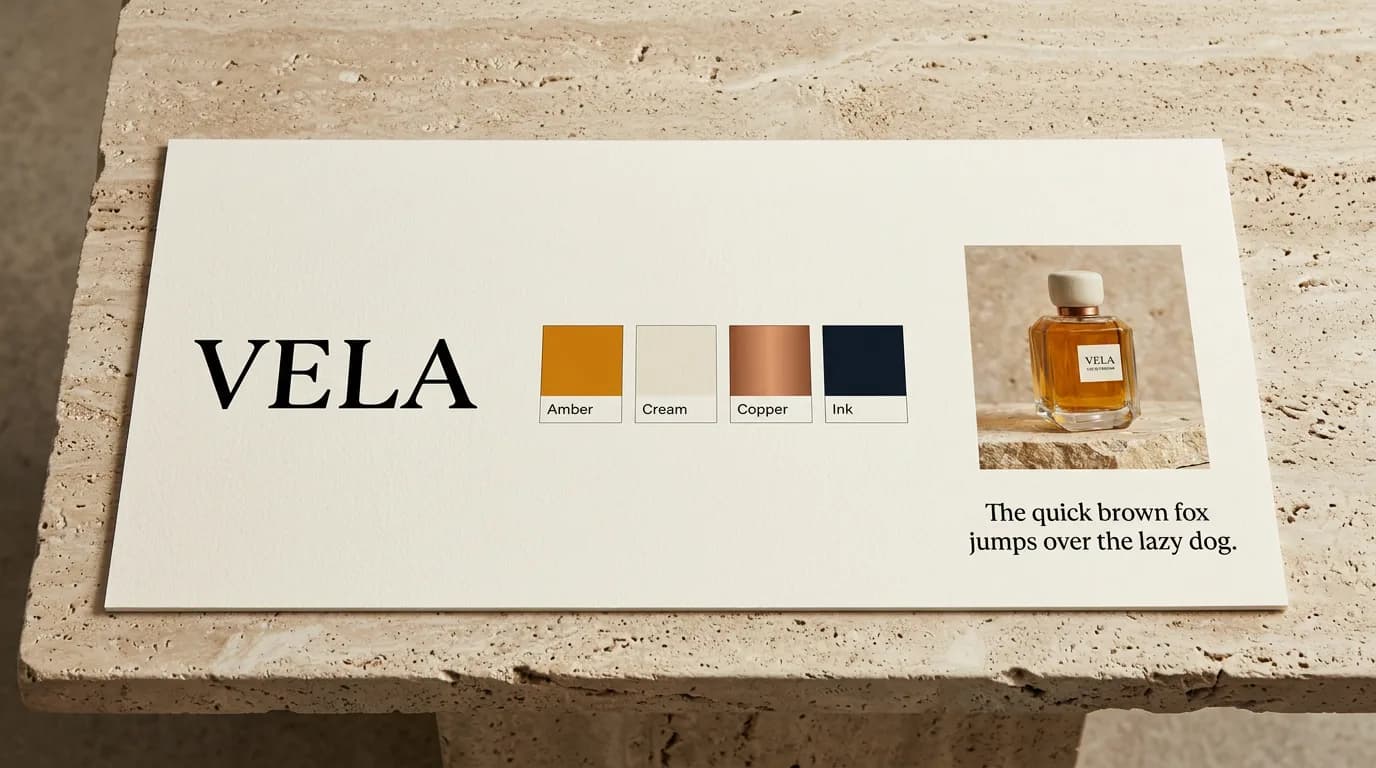
Colors, fonts, and rules sit right next to the work. Not in a PDF nobody opens.
Customer stories
Studios using Hiding Elephant to move from brief to finished client work without losing control.

Hiding Elephant helped us go from brief to awesome results MUCH faster. ... What I like most is that it helps us speed things up without turning the process into a black box. We didn't expect to have the full control over the final output while being able to spend far less time on repetitive setup work and more time where it actually matters.
Denys Kobylinskyi
Founder
Deka Agency
deka.agency
Hiding Elephant is an absolute game-changer! The output quality is next-level - the images are just stunning, editorial-grade, and beautifully art-directed. ... On top of the gorgeous results, the platform is ridiculously quick and easy to use, saving a massive amount of production time without compromising the final look.
Angie
Creative Director
Space Cadet AI Powered Creators
After generating a logo I found that it can be vectorized. ... All the elements and overlapping elements are vectorized correctly. I like that a lot :)
Hans Løgeskov-Eriksen
Explore
%204-3.webp&w=3840&q=75)
%204-3.webp&w=3840&q=75)
%204-3.webp&w=3840&q=75)