Product
Use Cases
How it Works
Pricing
Login

Free · AI · one-click

Free Background Remover: remove image backgrounds in one click

Remove the background from any image in one click. Clean, isolated subjects on transparent PNGs for products, people, and props, no masking, no manual cleanup.

Free with a Hiding Elephant accountSign up free

Click or drop up to 10 files here to start

or click to select an image

How it works

Remove any background in three steps

No masking, no selection tools, no manual edge cleanup, the AI handles it.

  1. Product photo with original background, ready for upload

    Upload your image

    Drag and drop a photo, product shot, or screenshot. PNG, JPEG, and WebP up to 10 files at a time.

    01
  2. AI removing the background from a product photo

    AI isolates the subject

    The background remover detects the subject (person, product, logo, or object) and separates it from the background in seconds.

    02
  3. Clean product catalog built from transparent PNGs

    Download as a transparent PNG

    Preview the result and download a transparent-background PNG you can drop into any design, ad, or listing.

    03

Supported files

What the background remover accepts and outputs

Designed for product photos, portraits, and graphic assets. Strict formats in, clean transparent PNGs out.

Product photo before and after background removal

Inputs

  • PNG
  • JPEG
  • WebP

Outputs

  • Transparent PNG
Batch size
Up to 10 images per run
Max file size
Up to 50 MB per image
Privacy
Private by default, never used to train models
Storage
Uploads encrypted at rest on R2

Background remover FAQ

Common questions

More you can do

Background removal is just the start

Bring your images into Hiding Elephant and you can upscale, reframe, vectorize, optimize, and restyle them in the same workspace.
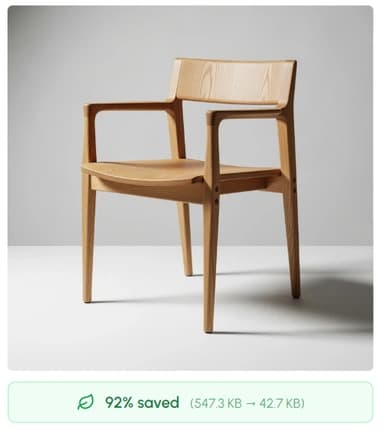
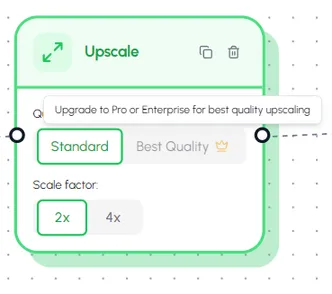
Image Upscaler: enlarge images 2× and 4×

Upscale to 4K

Enlarge product shots 2× or 4× with AI, sharp, noise-free, ready for print and ads.

Open Image Upscaler
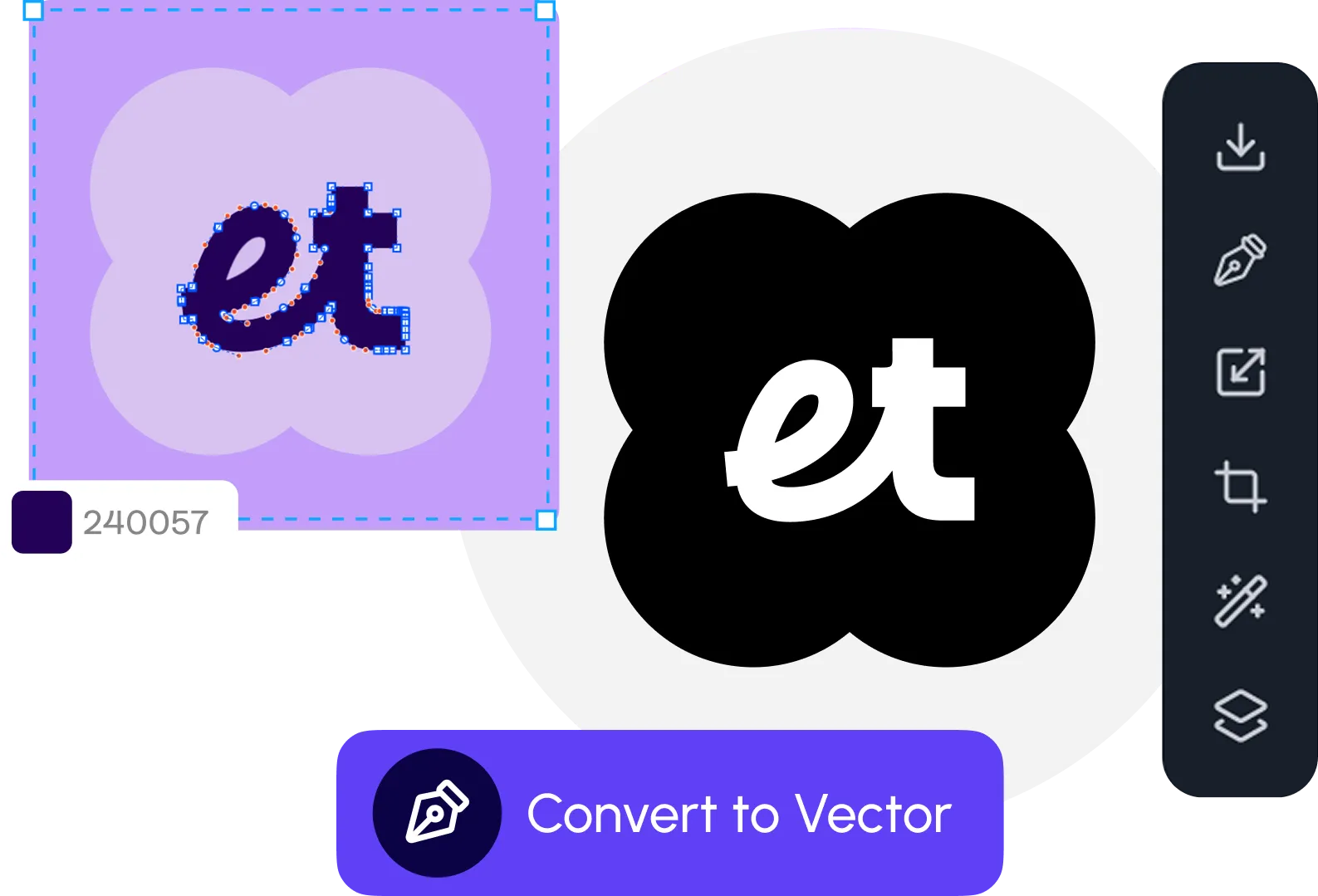
Vectorizer turning raster art into clean SVG paths

Vectorize logos & icons

Convert background-removed logos and icons into clean, editable SVGs that scale to any size.

Open Image Vectorizer
Image optimizer resizing and converting images

Resize, compress & convert

Shrink PNG file sizes, convert to WebP/AVIF, or resize to fit any layout, up to 50 images at a time.

Open Image Optimizer
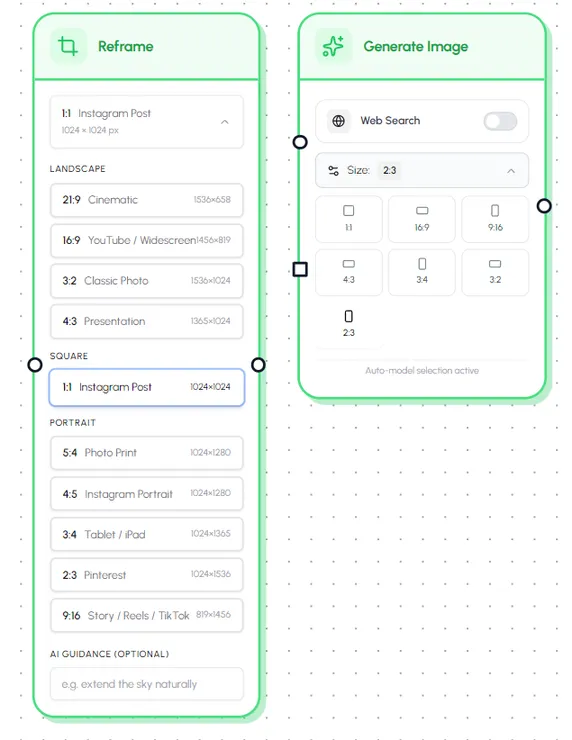
Image reframer adapting a photo to multiple social media aspect ratios

Reframe for any social ratio

Turn one photo into 1:1, 4:5, 9:16, 16:9, and more, AI crops, uncrops, or expands the canvas so the subject stays intact.

Open Image Reframer
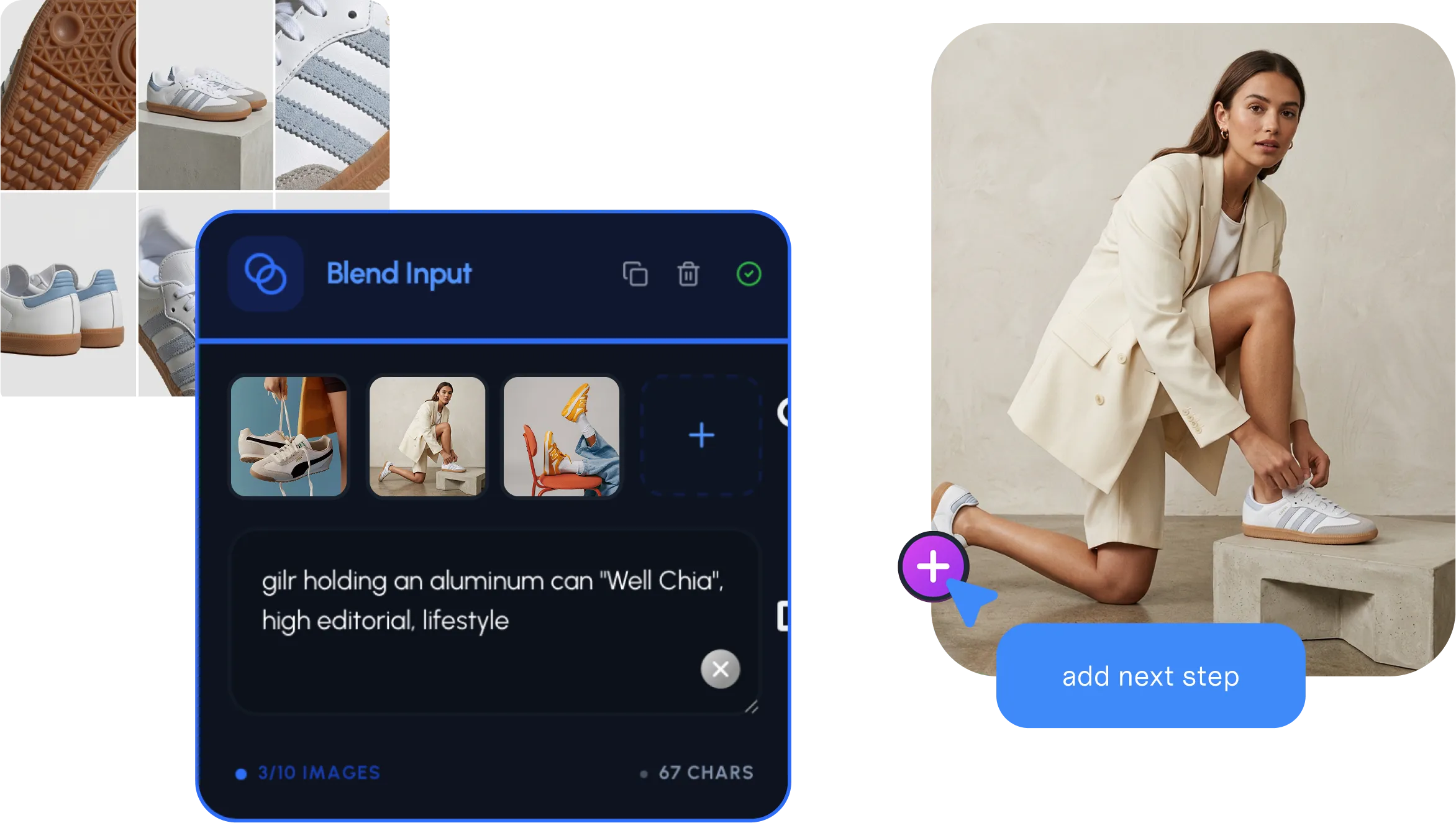
Workflow automation across hundreds of SKUs

Batch across your catalog

Run background removal, resize, and export across hundreds of SKUs in one workflow, not one at a time.

See workflow automation

Background removal + the full workspace

From transparent PNG to full campaign, in one workspace

Hiding Elephant pairs background removal with AI generation, a vector canvas, brand rules, and batch workflows, so every isolated subject becomes every asset your team needs.

Try the full workspace for freeSee all features

The AI designworkspace forfast-moving ideas.

Product

  • AI Generation
  • Vector Canvas
  • Image Tools
  • Workflows
  • Brand Management
  • Product Catalog
  • My Assets
  • Collaboration

Use Cases

  • E-commerce teams
  • Design agencies
  • Marketing teams
  • Content creators

Quick tools

  • All quick tools
  • Background Remover
  • Image Upscaler
  • Image Vectorizer
  • Image Optimizer
  • Image Reframer

Resources

  • About
  • Pricing
  • Enterprise
  • Explore
  • Blog
  • Contact Us
  • Book a Demo
  • Affiliates

© 2026 Hiding Elephant. All rights reserved

Cookie PolicyPrivacy PolicyTerms of Service
Hiding Elephant