Pen & Bézier tool
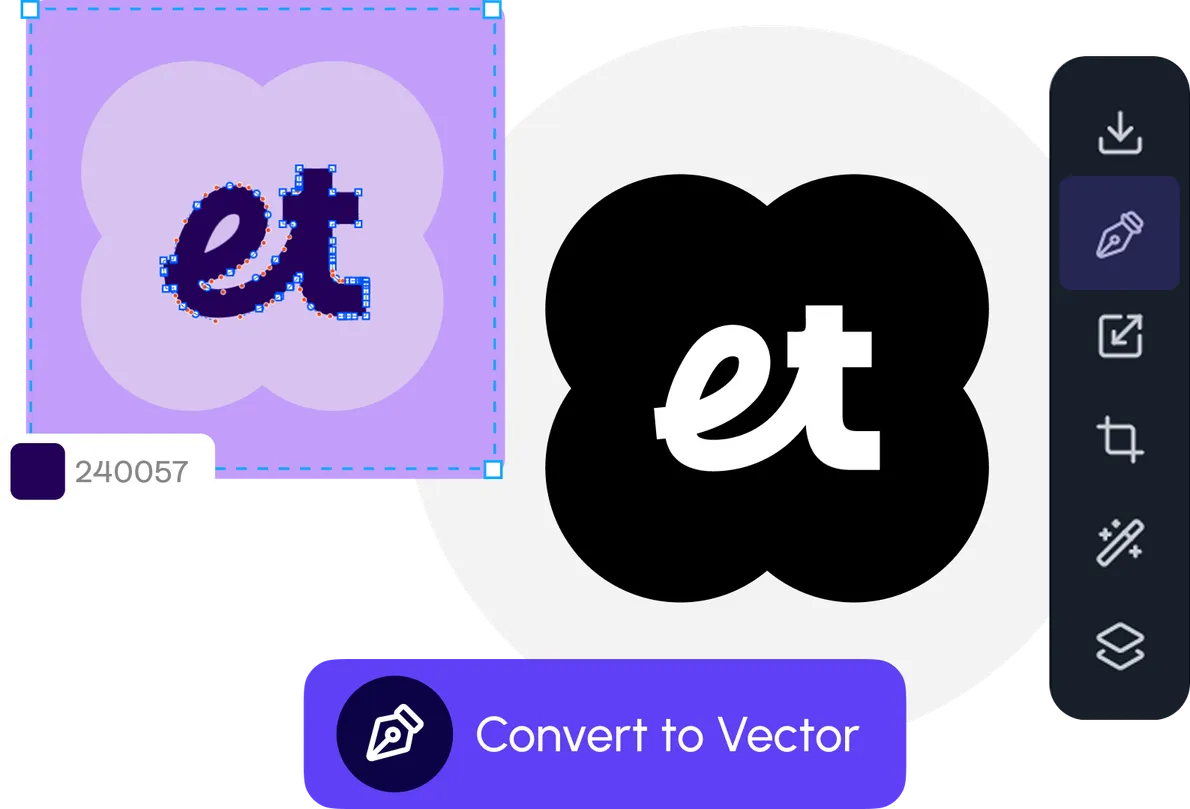
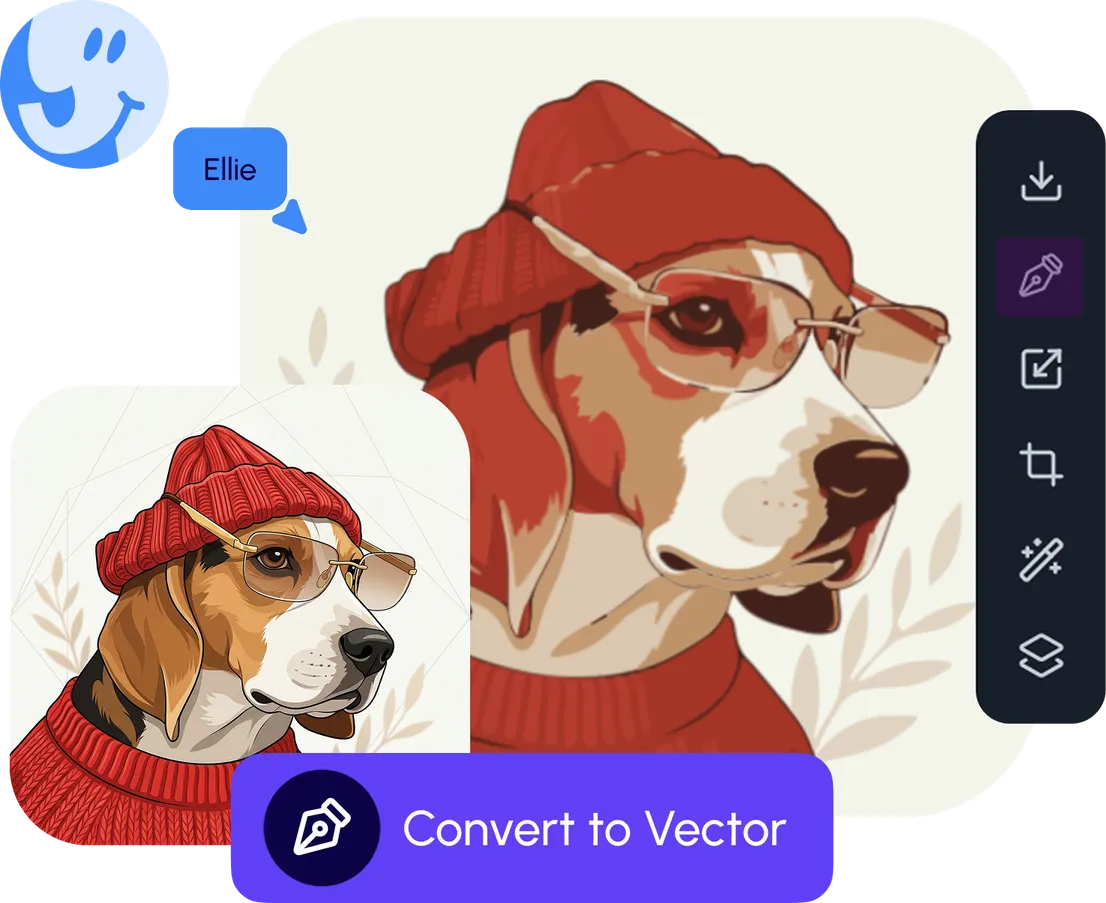
A precision pen tool with full anchor and handle control. Draw from scratch, trace illustrations, or refine an AI generation curve-by-curve.

Edit
Pen, shapes, booleans, layers, typography, and SVG — pro vector tools on the same canvas as your AI.
Draw, refine, and finish production-ready work without switching apps.
Your design toolkit
A professional vector toolkit — pen, shapes, layers, type, and AI — ready for real production work, not just quick edits.
A precision pen tool with full anchor and handle control. Draw from scratch, trace illustrations, or refine an AI generation curve-by-curve.
Rectangles, ellipses, polygons, stars, and lines — combined with union, subtract, intersect, and exclude. Build complex forms from simple ones, non-destructively.
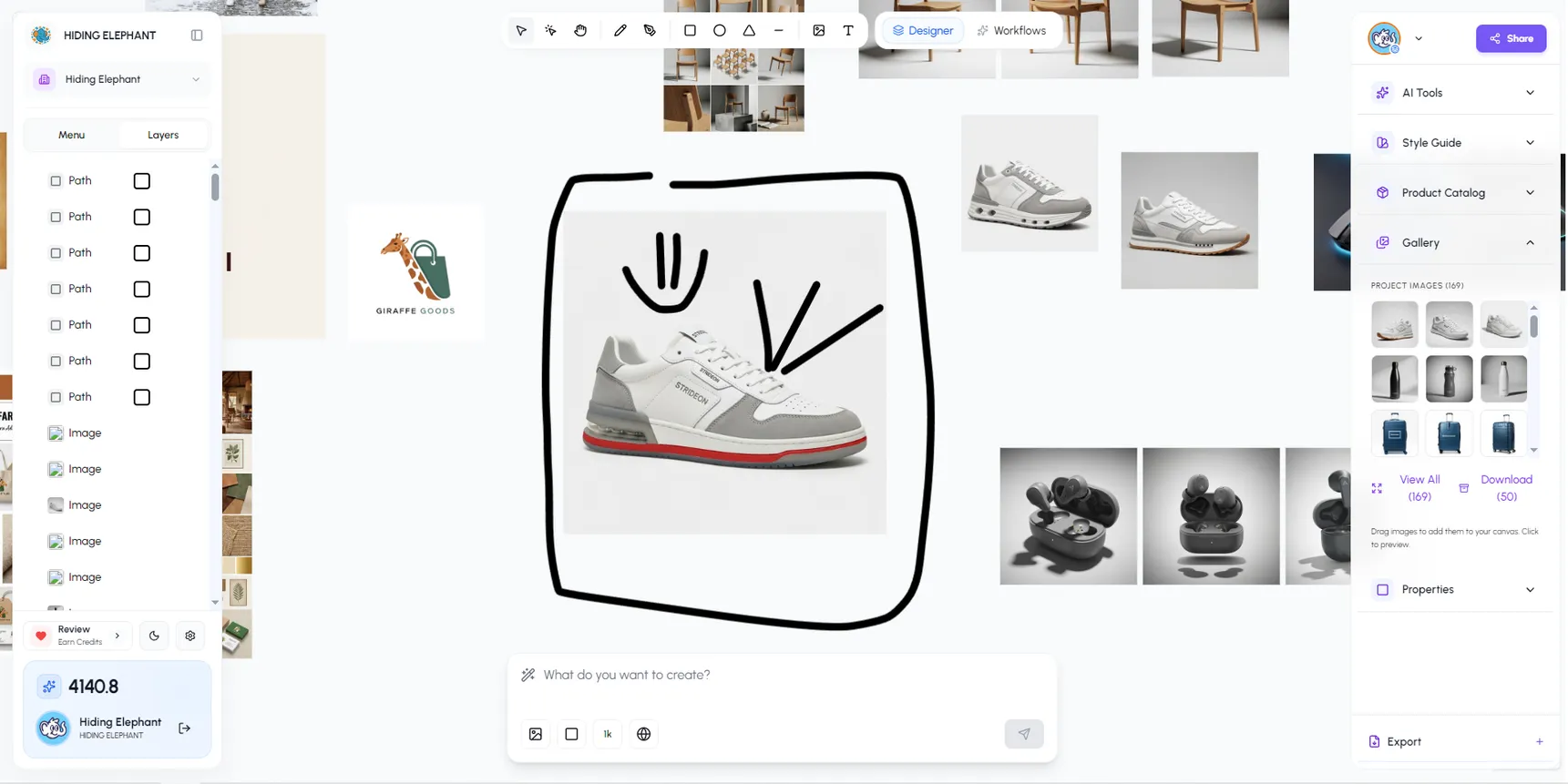
Nested groups, drag-to-reorder layers, visibility and lock controls, and clip masks — everything you need to keep complex files organized.
Work like artboards — contain a design inside a frame and anything that spills over gets clipped automatically. Perfect for ad sizes, social, and export presets.
Double-click into a group to edit an individual object without ungrouping. Tweak the detail, step back out — the group stays intact.
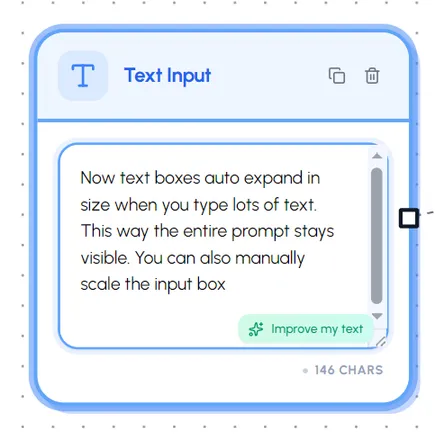
52+ professional fonts with full control over size, weight, letter spacing, line height, and alignment. Live preview while you pick.
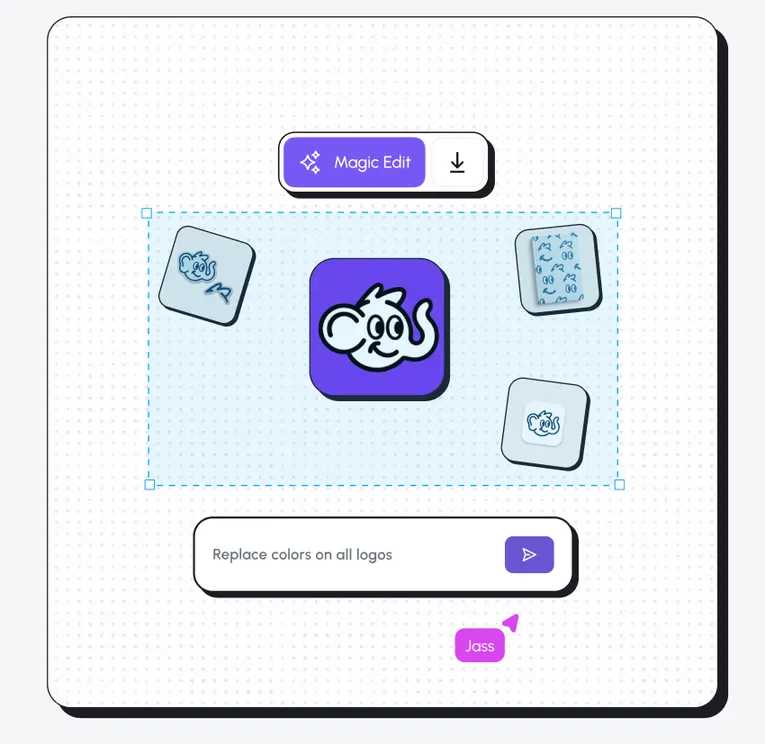
Solid fills, linear and radial gradients, configurable strokes, and opacity. Full color control on every element — recolor a vectorized logo in seconds.
Magnetic snap guides, grid snapping, and distribution tools keep layouts pixel-perfect. Edges, centers, and adjacent objects all align automatically.
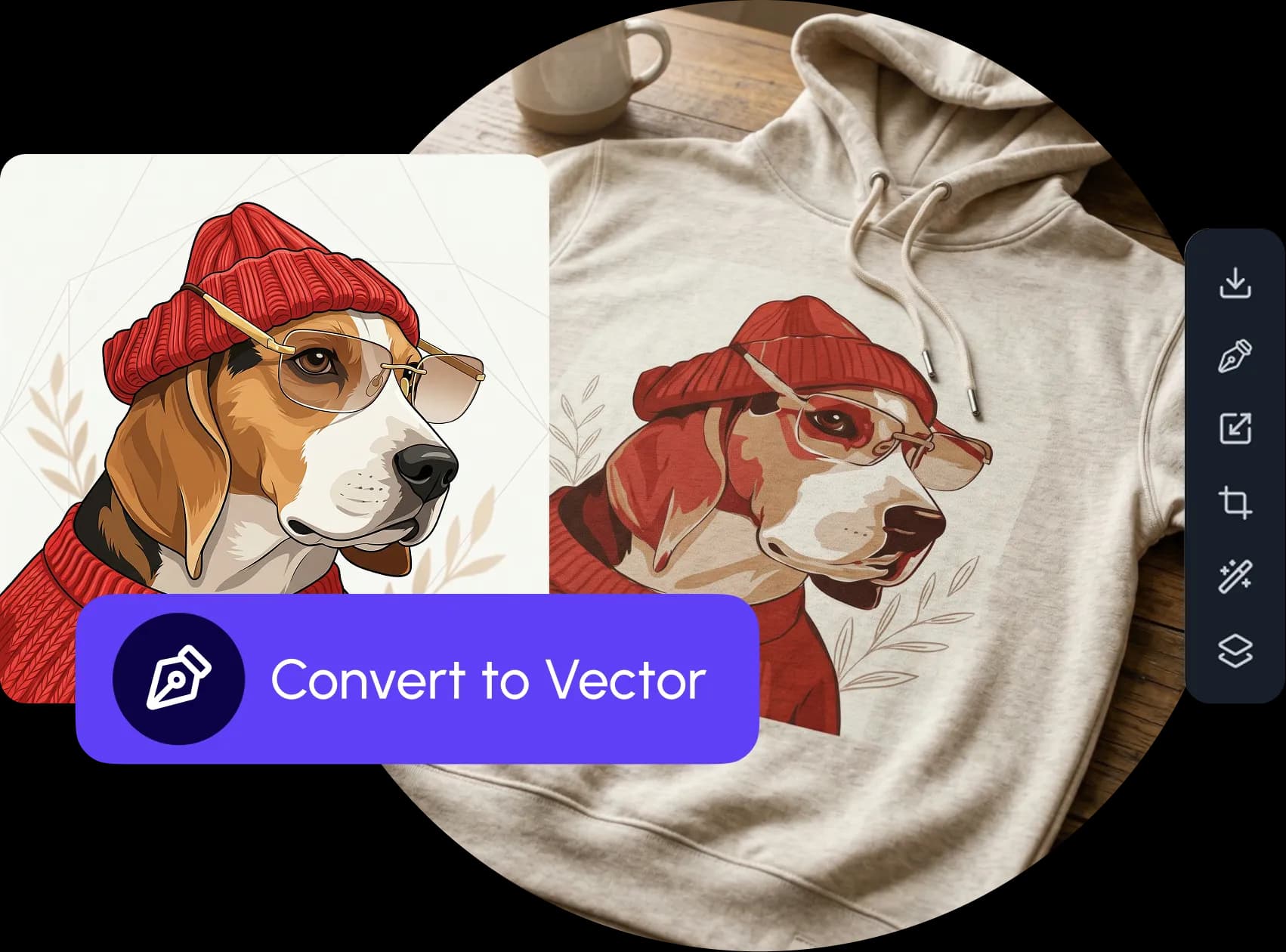
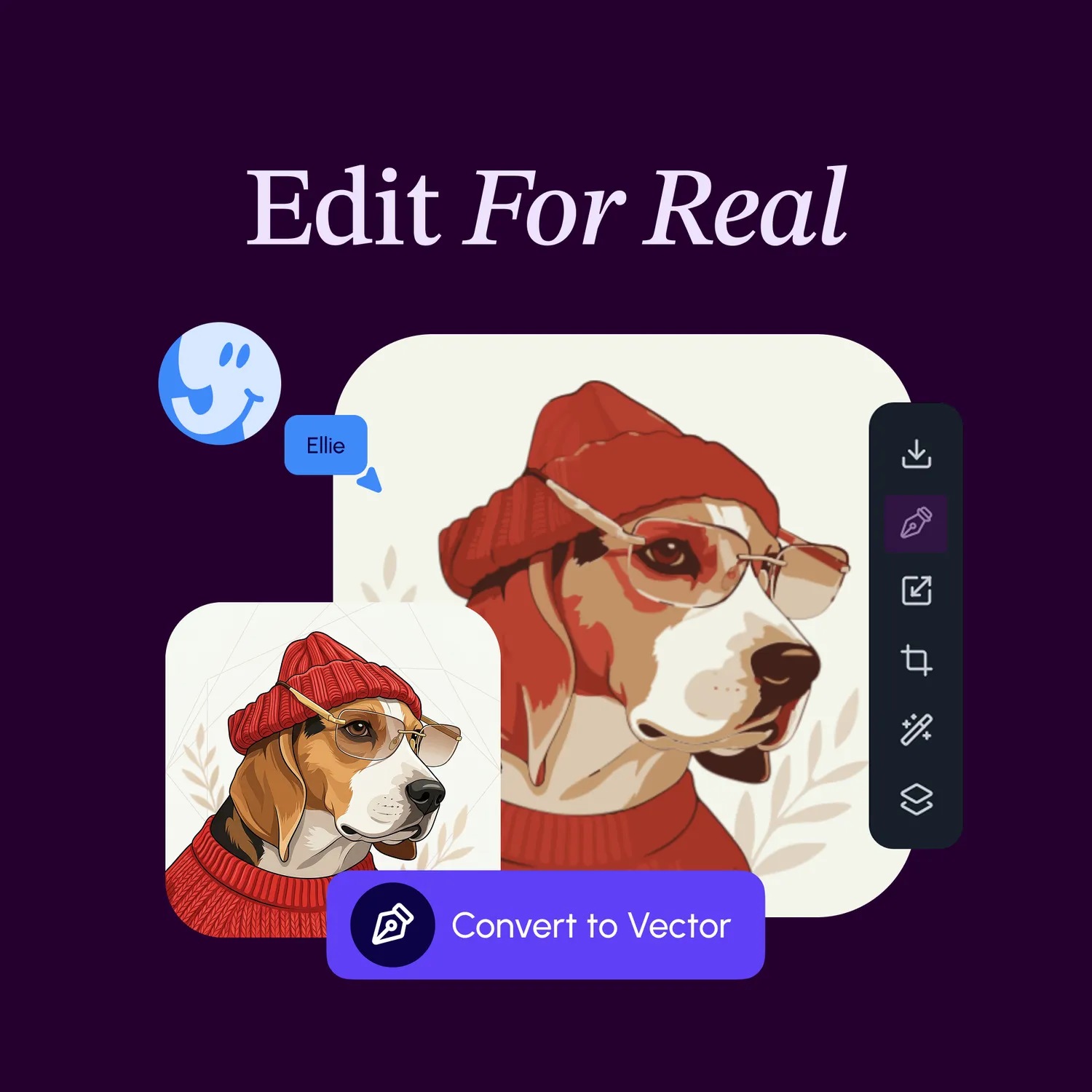
Drop in any SVG and edit every path. Turn logos, sketches, and photos into editable vectors with one click — then export clean, optimized SVGs for the web.
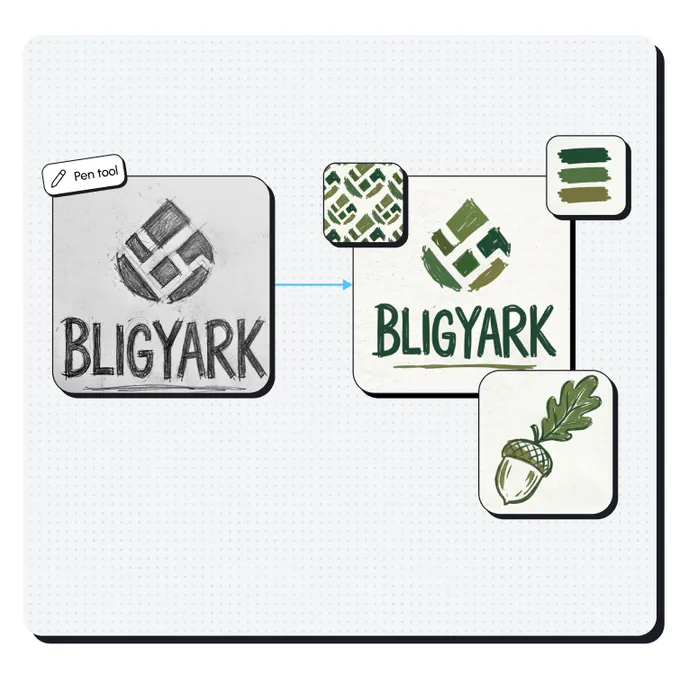
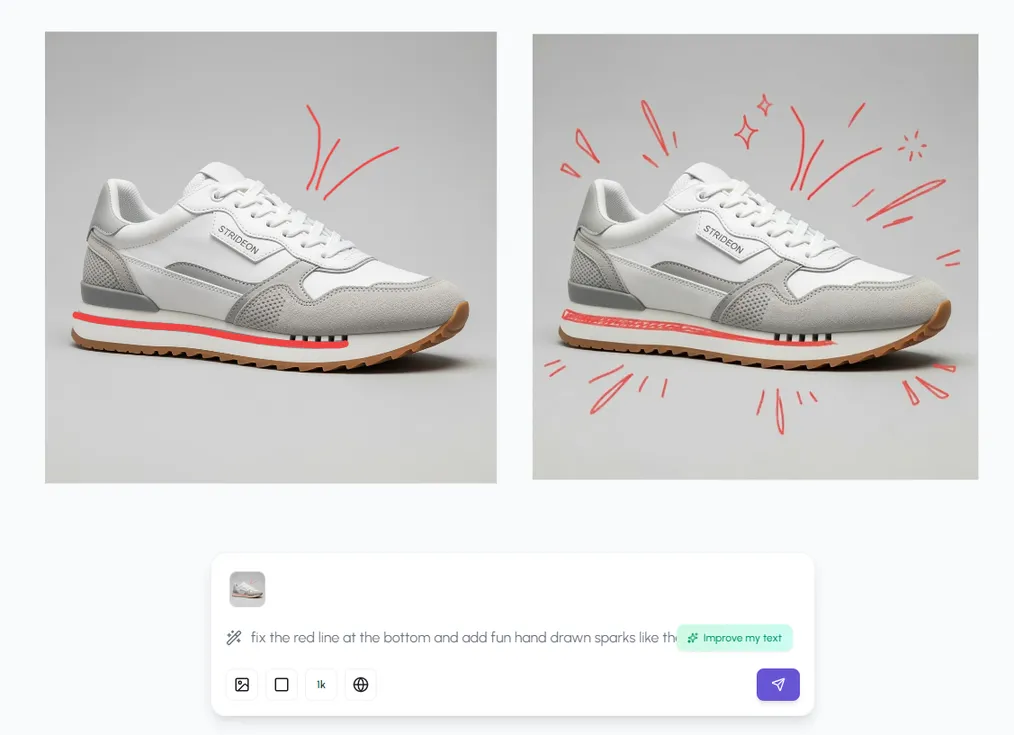
Sit vectors next to AI generations and live images on one canvas. Highlight any element and recreate it with AI — no switching apps, no export round-trips.
Design meets automation
Design it once on the canvas, then run it across your whole catalog — without leaving Hiding Elephant.
Wait, there's more