
Product
Use Cases
How it Works
Pricing
Login

Design Canvas

Design without limits. With AI, not just prompts.

Draw, write, and compose on a real canvas. Then design alongside AI. It improves your work, and you direct its output.

Start Designing
Precision editing and full control on the Hiding Elephant vector AI design canvas
You

Core tools

Everything you need,in one place

Typography and text styling on the vector design canvas

Write & style text

Type right on the canvas. Pick fonts, sizes, and spacing. No extra tools.

Move and arrange elements on the design canvas

Move things around

Drag, resize, and stack layers. Build clean layouts that look designed.

Sketch vector shapes directly on the canvas

Draw with vectors

Sketch shapes or drop in SVGs. Edit every line and curve.

Files panel and layers in the professional design workspace

Layers & files

See every layer. Keep projects tidy. Find your assets fast.

What makes it special

What makes our canvas different

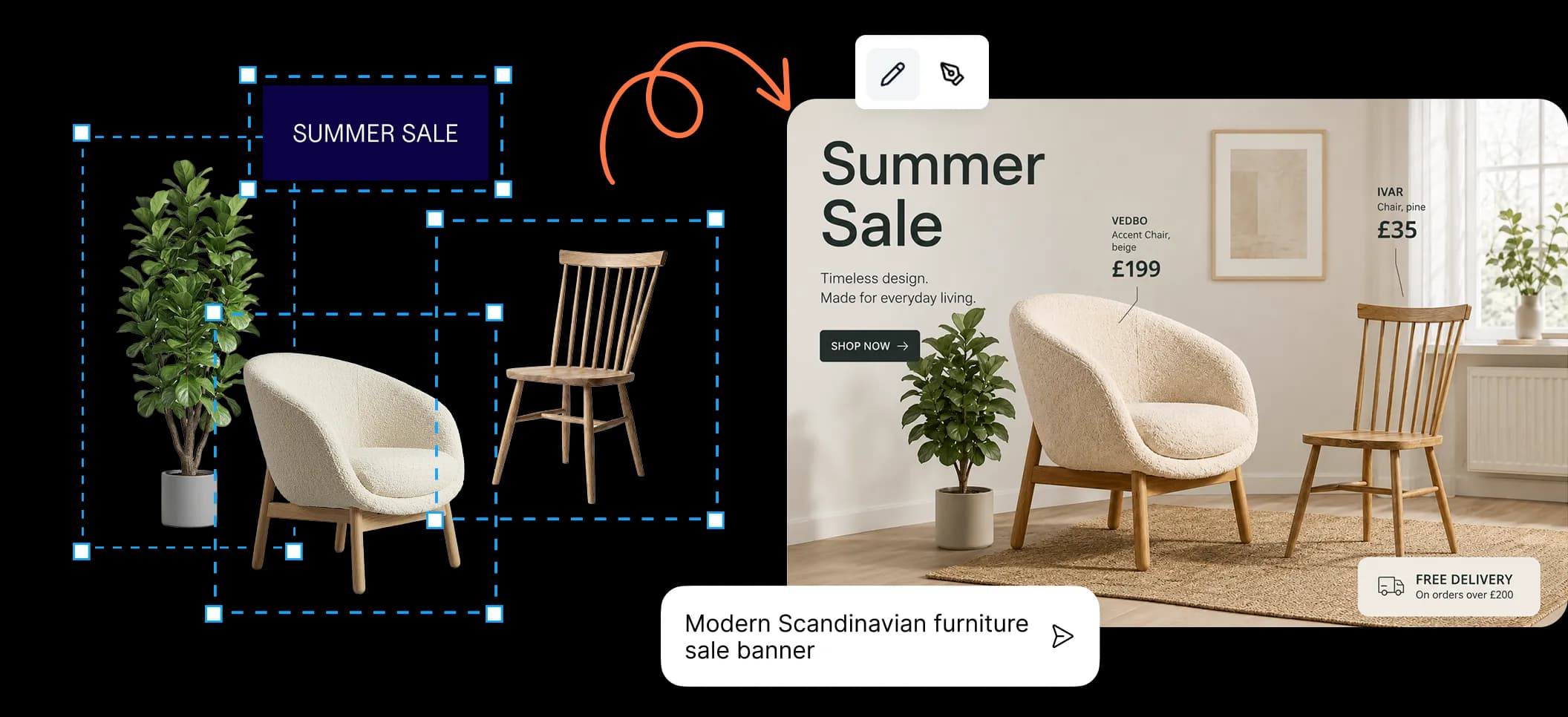
One canvas, many jobs. Build full layouts, mix vectors with images, pull in product catalogs, and reuse brand templates, all in the same file.

Build real layouts with frames and composition

See how teams use it

Build real layouts,

not just images

Simple steps

How pros work

Bring your stuff, design your way, let AI help finish.

Upload or generate assets to start a design

Bring your stuff

Drop in images, products, or brand bits. Start with what you have.

01

Layout elements on the design canvas

Lay it out

Arrange things on the canvas. Real layouts, not just prompts.

02
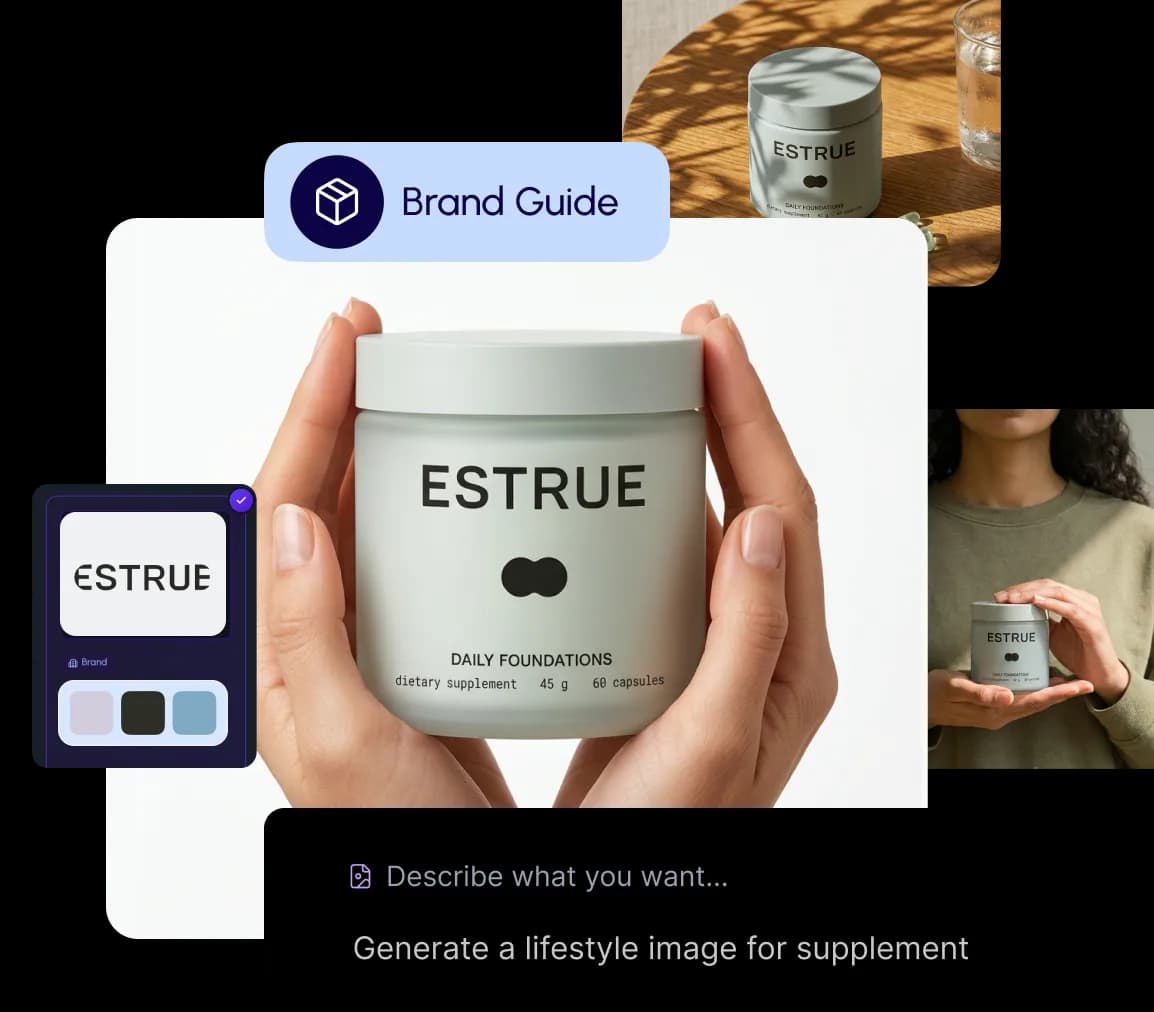
Add your brand guide and design style

Add your style

Use brand rules, templates, and prompts to keep it all on-brand.

03
Generate content and tweak it on the canvas

Generate & tweak

Let AI do the heavy lifting. Then polish it. All in one place.
04
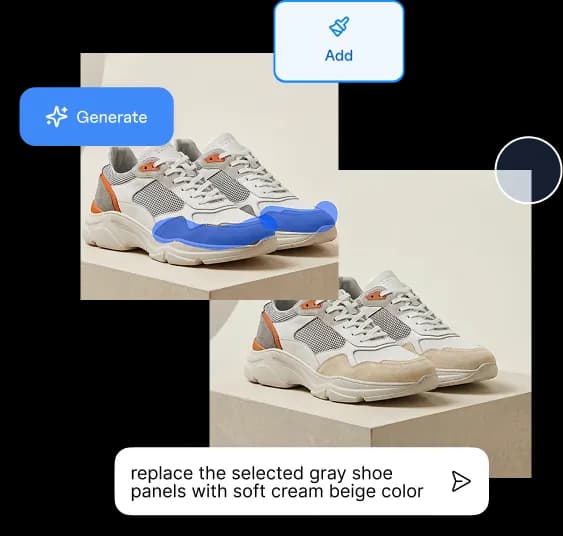
Make precise edits with vector design and AI generations

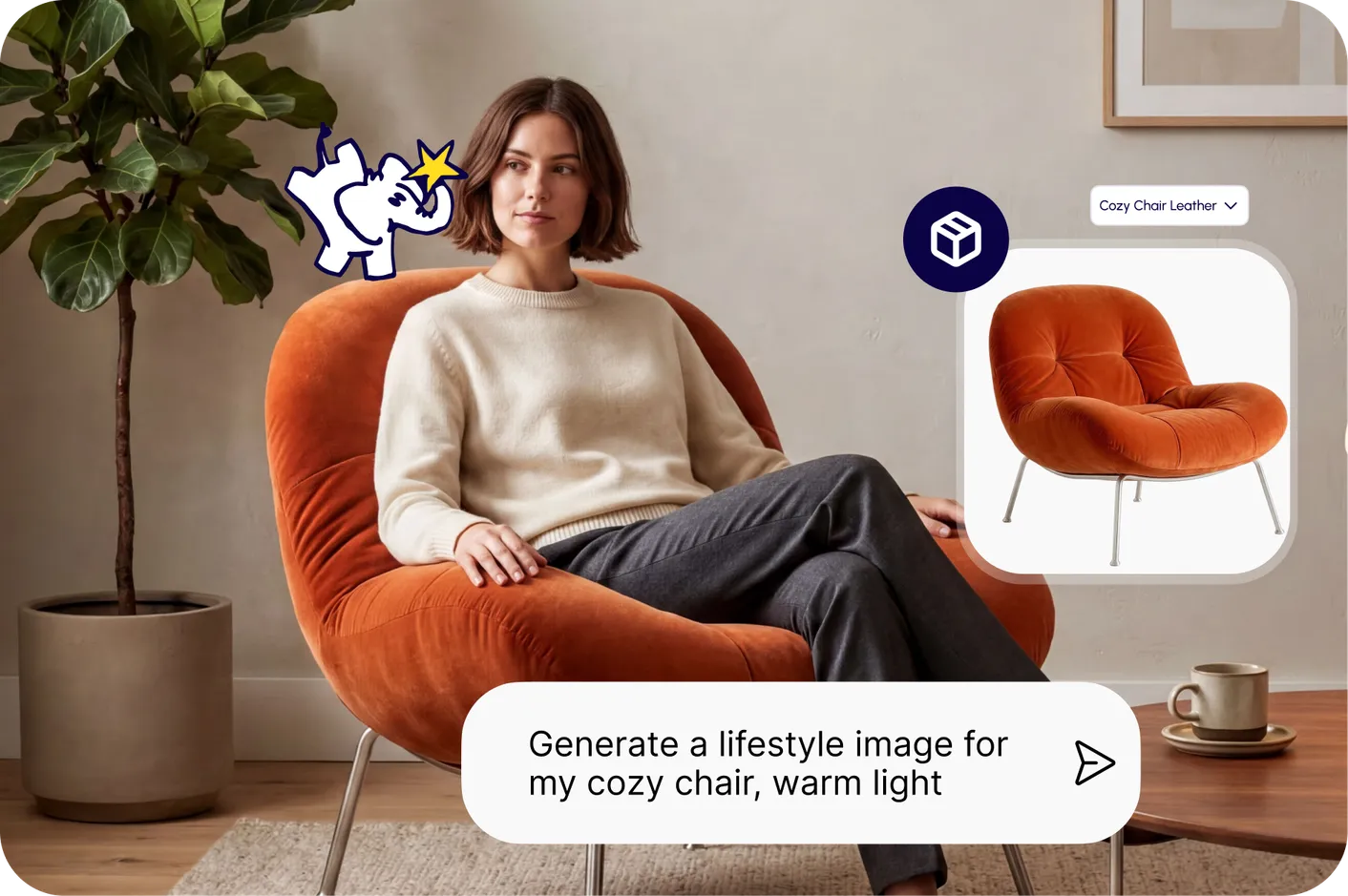
Image tools

Edit images, just the parts you want

Change one thing without redoing it all.

Pick the spot, say what you want, and the rest stays put.
See image tools
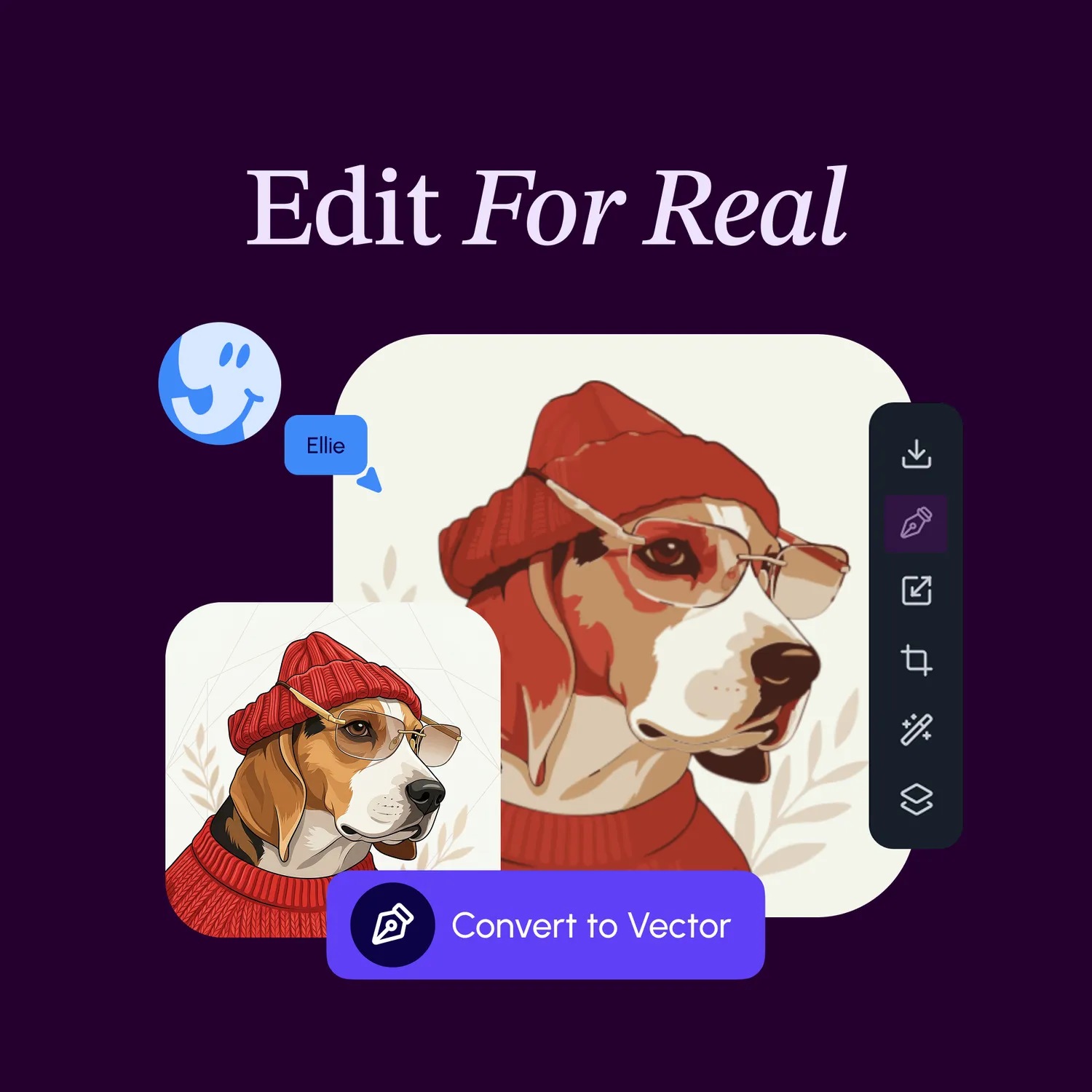
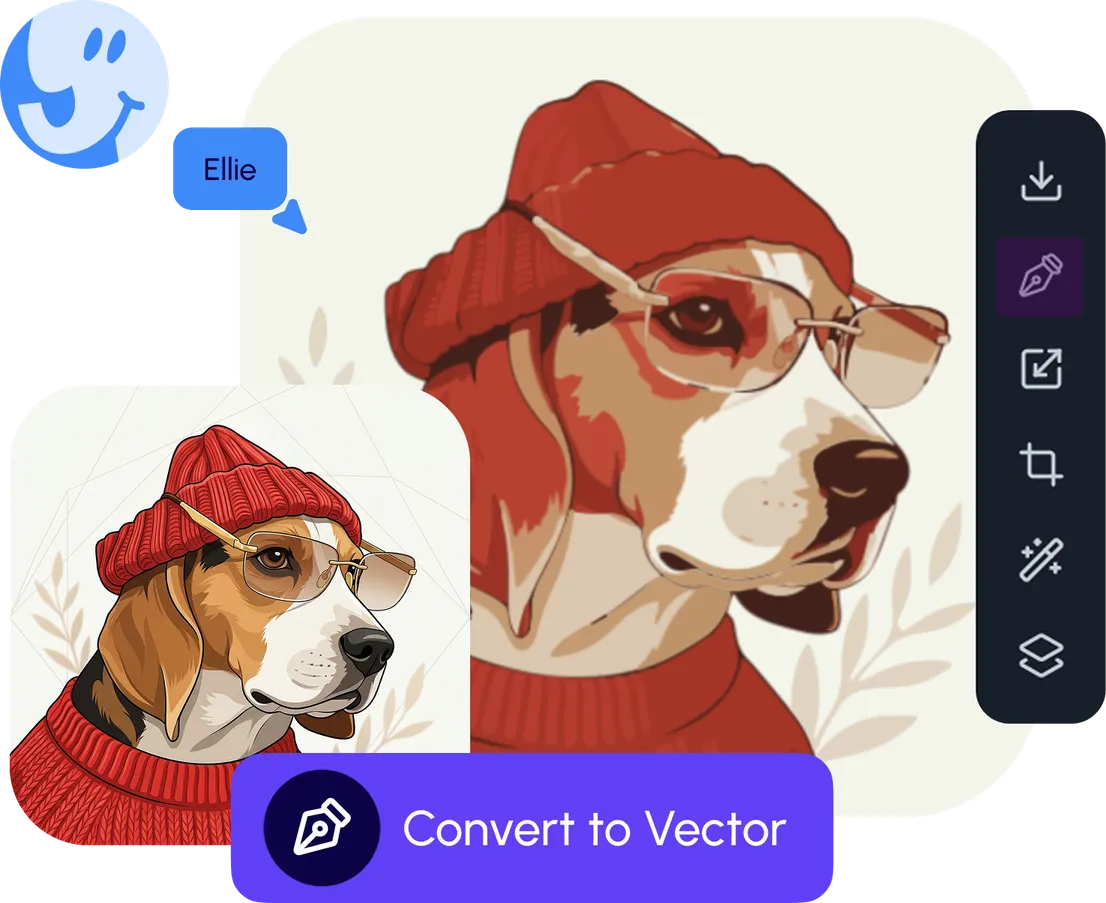
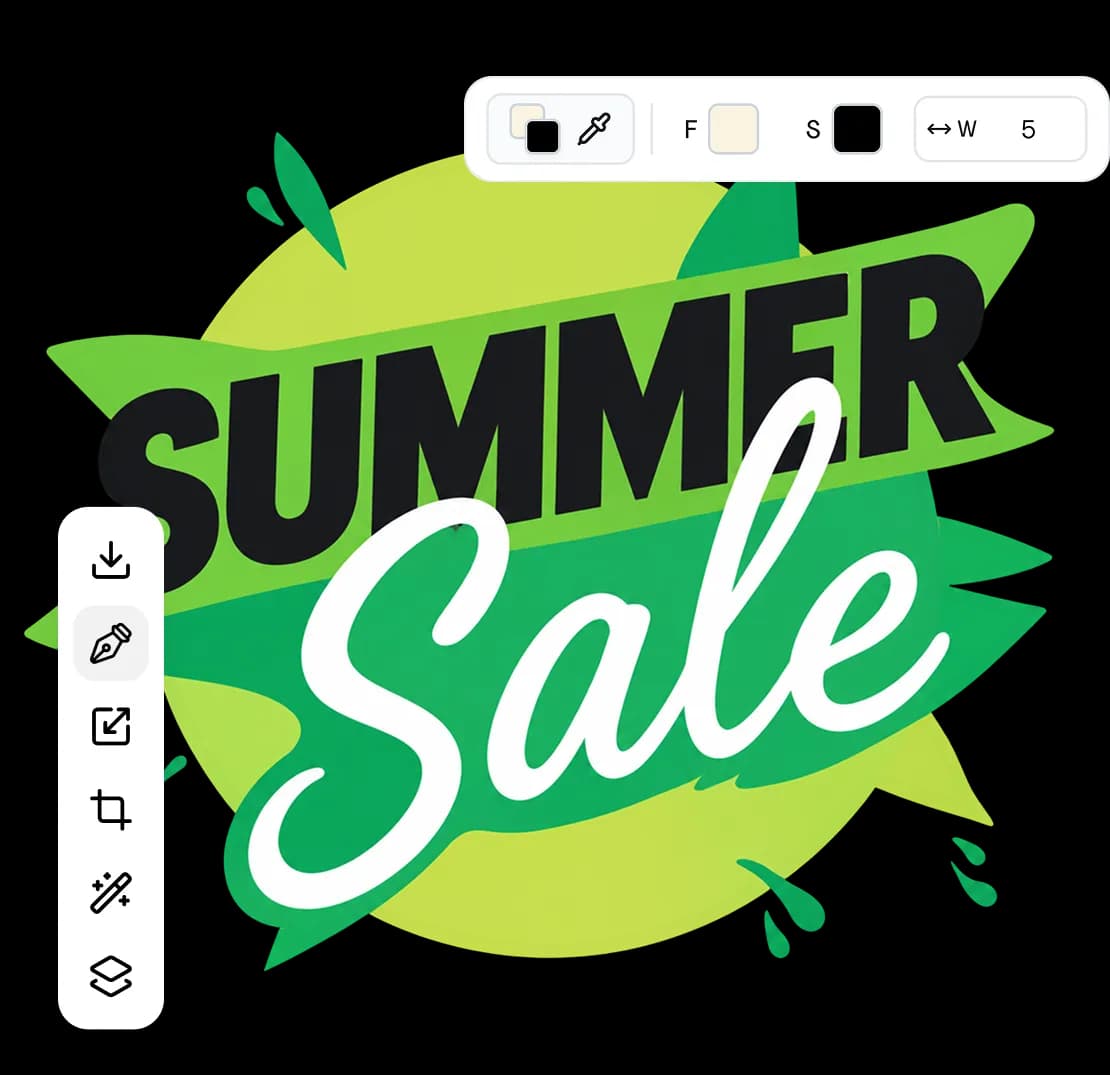
Pen tool, precision editing, and shapes on the canvas

Vector tools

Go vector when you need to

Turn any image into editable vectors.

Tweak every shape, line, and curve.

See vector tools

What's next?Explore more features

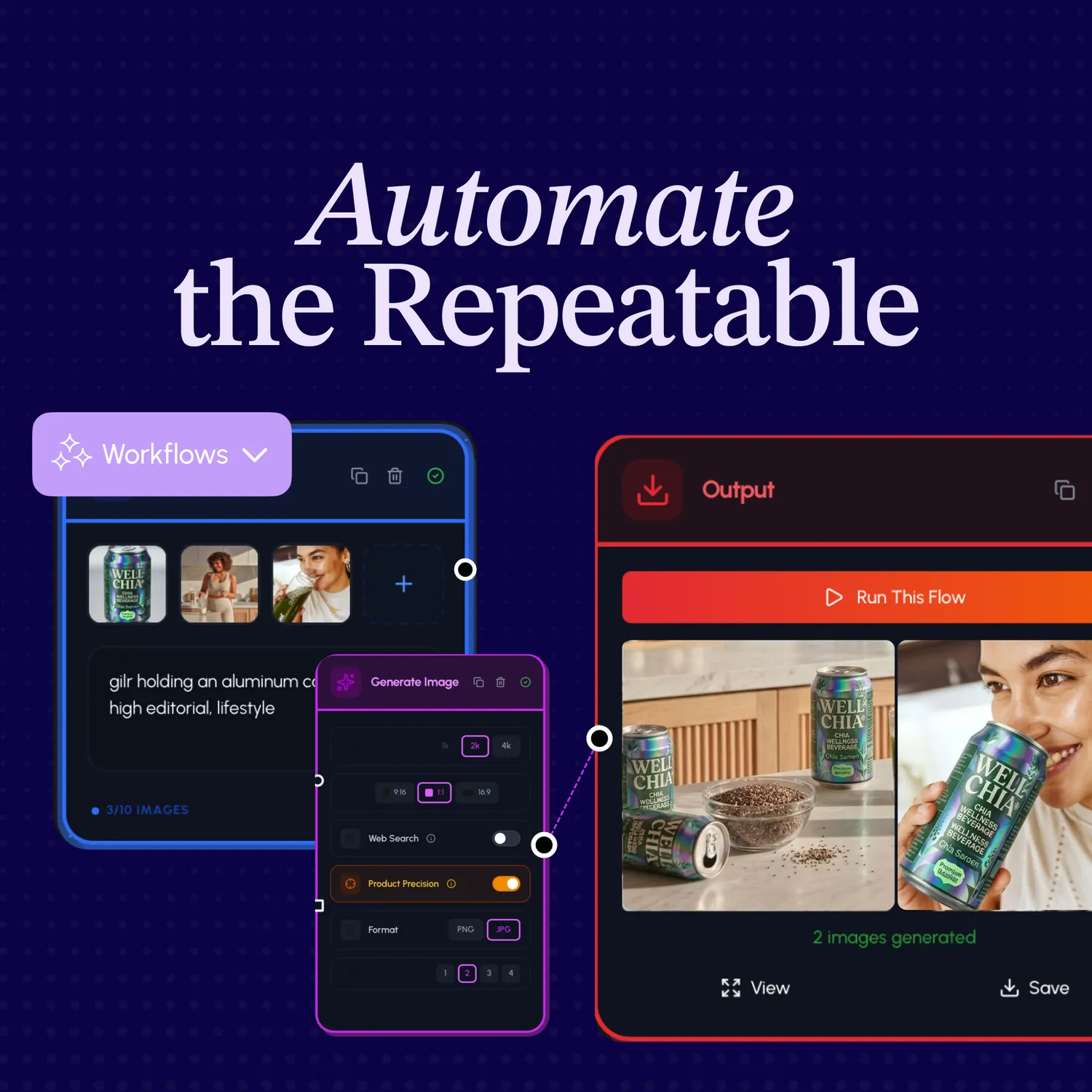
Workflow automation nodes

Workflow automation

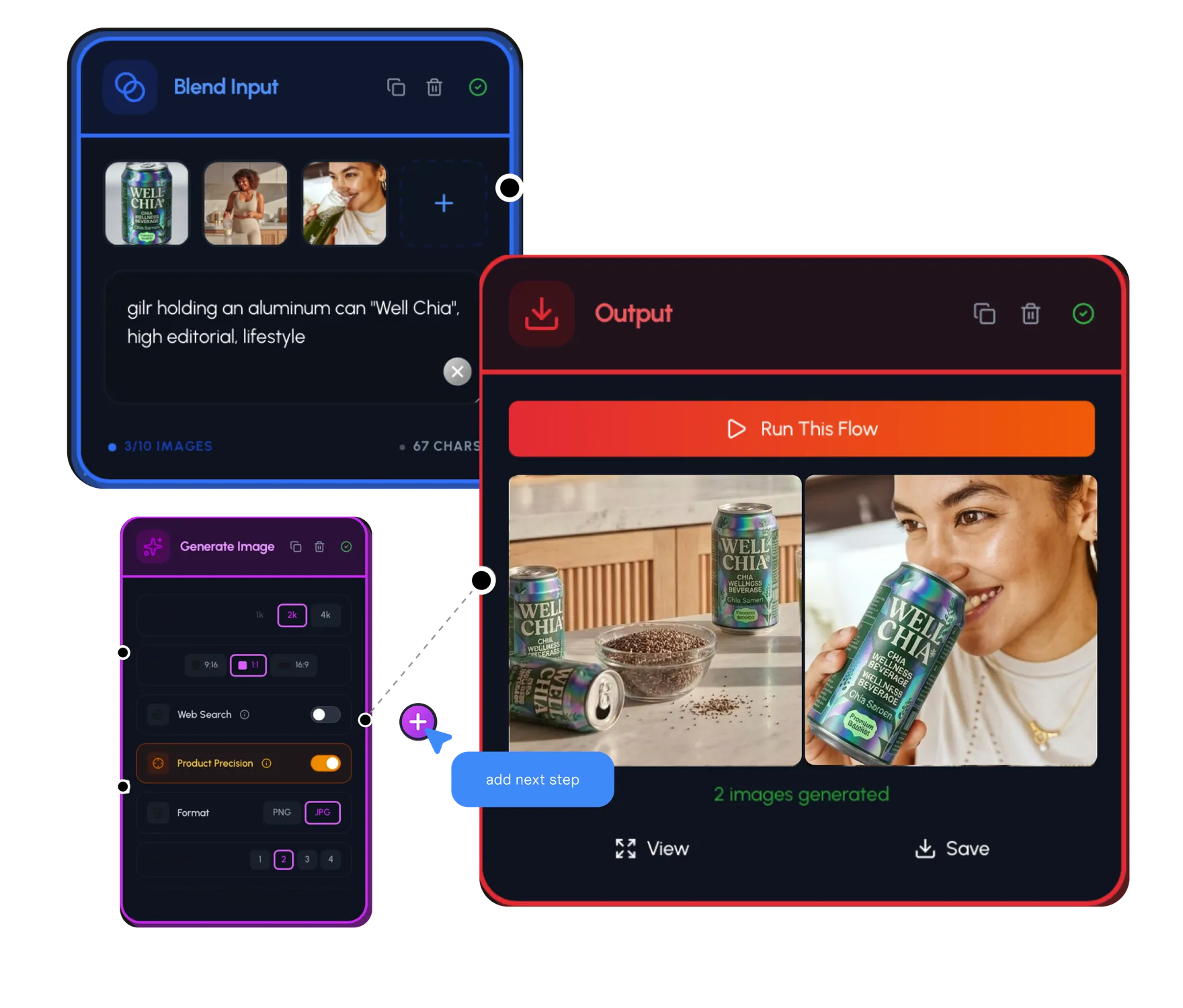
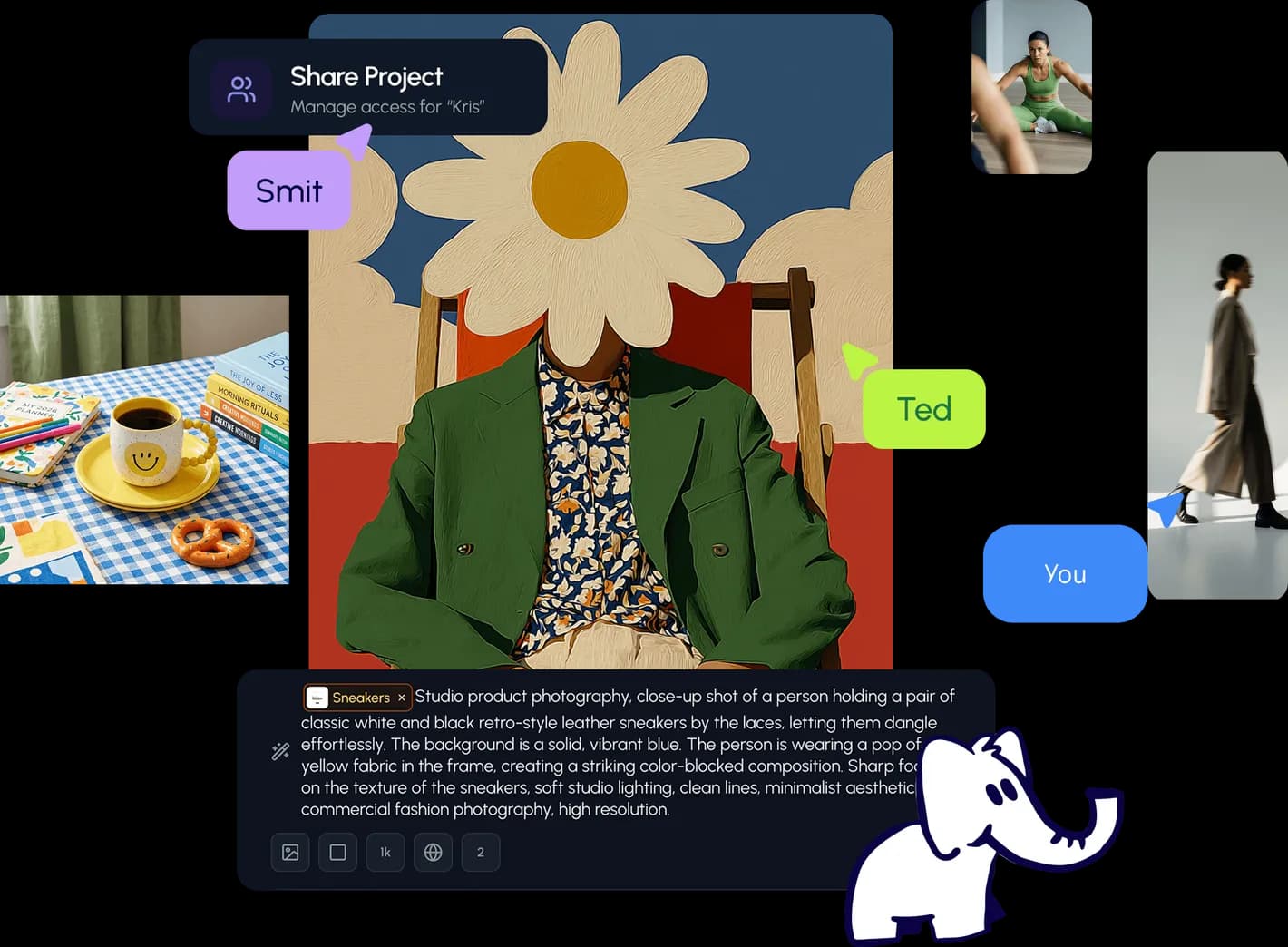
Automate the boring bits. Run batches and make hundreds of variants at once.

Live collaboration on the canvas

Collaboration

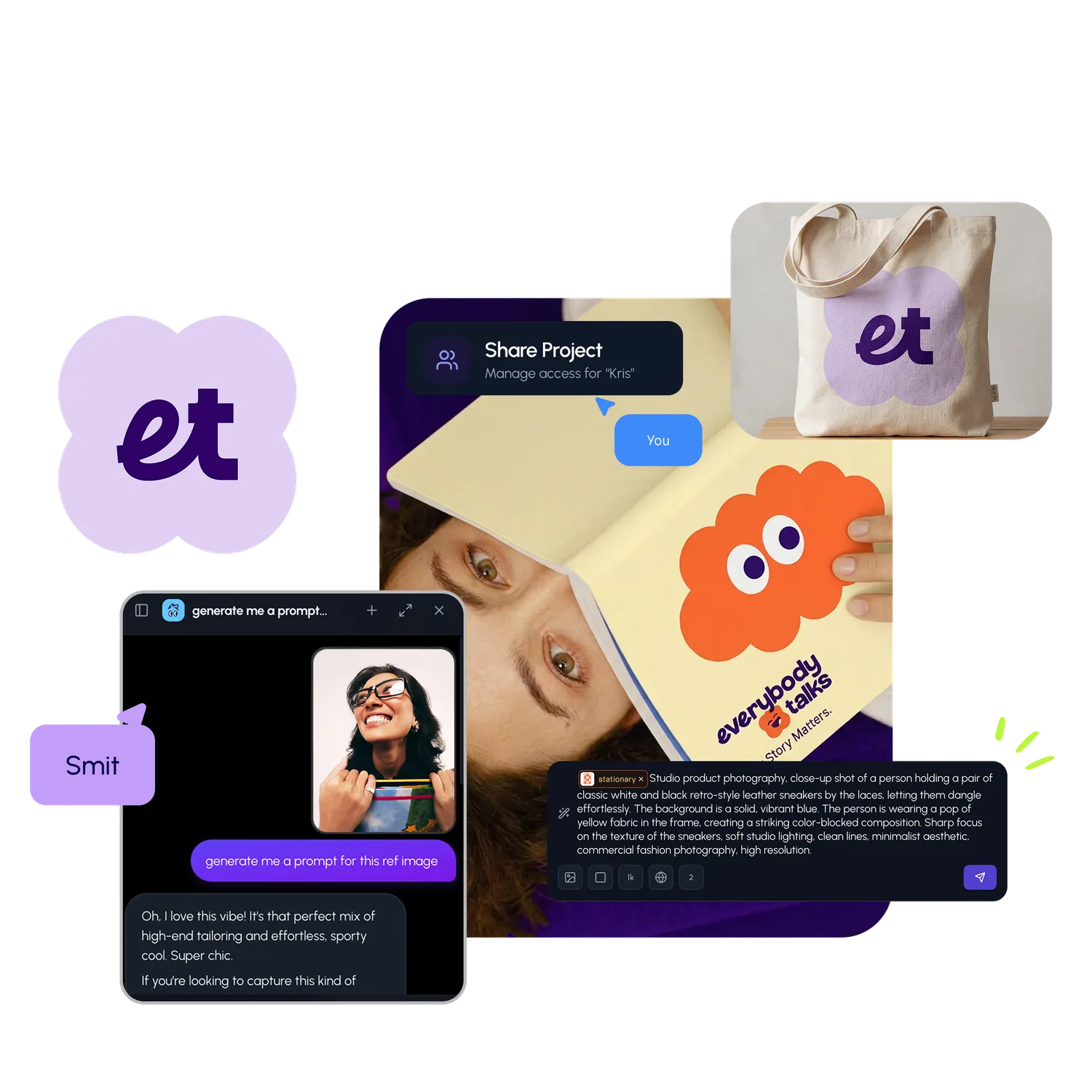
Work with your team in real time. One canvas, shared by everyone.

Brand intelligence layer

Brand Intelligence

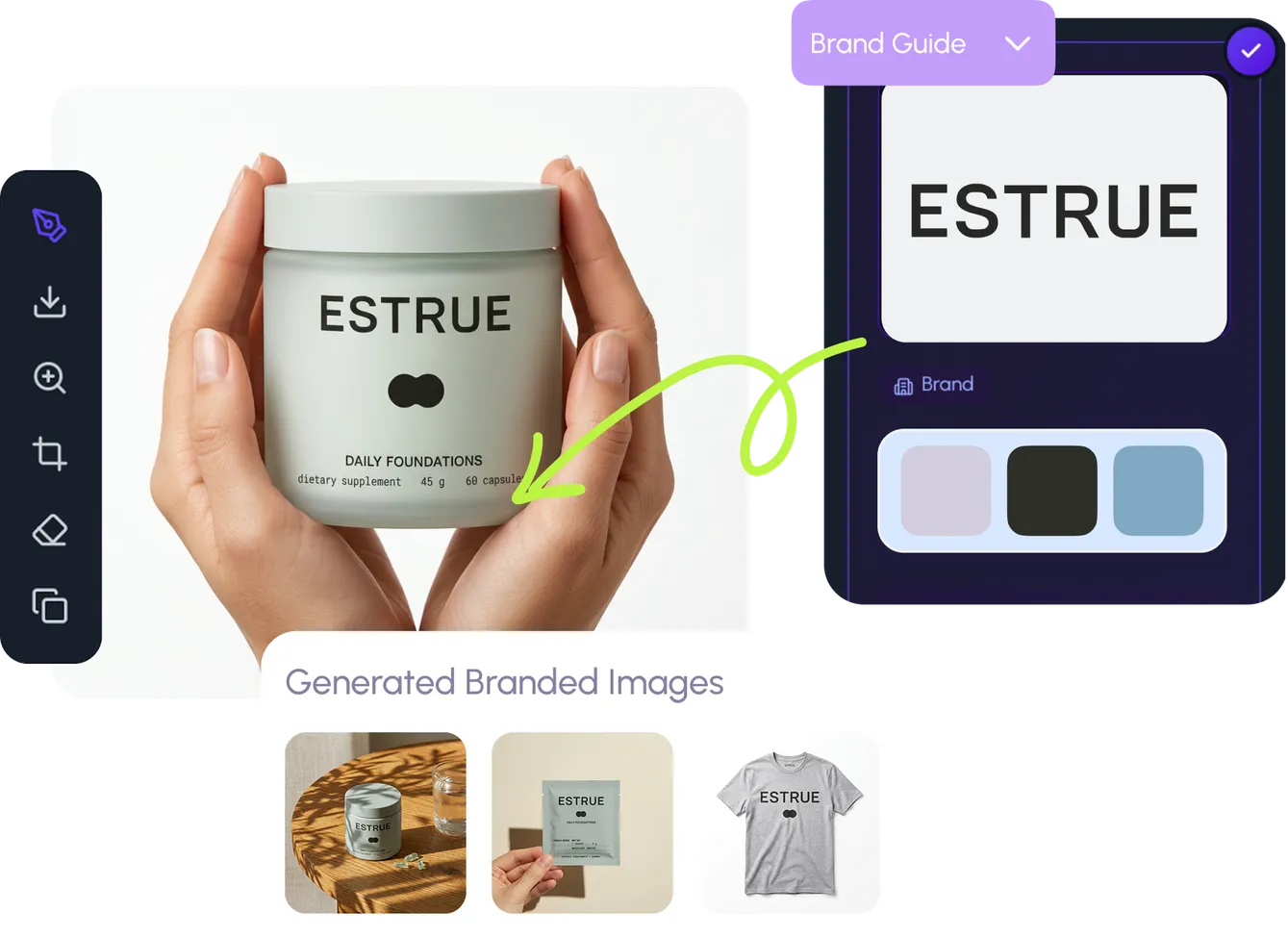
The layer that keeps every edit on brand — voice, style, and real products, built in.

Wait, there's more

Explore what else the Elephant can do.You'll love it

AI image generation

AI Generation

Image tools

Image Tools

Workflow builder

Workflows

Brand and style templates

Brand Management

Product catalog

Product Catalog

Collaboration

Collaboration

Batch image generation

Batch generation

Explore community

Community workflows

The AI designworkspace forfast-moving ideas.

Product

  • AI Generation
  • Vector Canvas
  • Image Tools
  • Workflows
  • Brand Management
  • Product Catalog
  • My Assets
  • Collaboration

Use Cases

  • E-commerce teams
  • Design agencies
  • Marketing teams
  • Content creators

Quick tools

  • All quick tools
  • Background Remover
  • Image Upscaler
  • Image Vectorizer
  • Image Optimizer
  • Image Reframer

Resources

  • About
  • Pricing
  • Enterprise
  • Explore
  • Blog
  • Contact Us
  • Book a Demo
  • Affiliates

© 2026 Hiding Elephant. All rights reserved

Cookie PolicyPrivacy PolicyTerms of Service
Hiding Elephant