Product
Use Cases
How it Works
Pricing
Login

Free · PNG & JPG to SVG

Free Image Vectorizer: convert PNG & JPG to SVG

Turn logos, icons, and artwork into clean SVG vectors. Scale to any size, edit every path, no redrawing needed.

Free with a Hiding Elephant accountSign up free

Works best on simple, flat graphics

Logos, icons, badges, line art, and flat illustrations vectorize beautifully. Photos and richly detailed images will lose fidelity.

Click or drop up to 10 files here to start

or click to select an image

How it works

Convert raster to vector in three steps

The vectorizer traces real paths, not a 'save as SVG' wrapper around a bitmap.
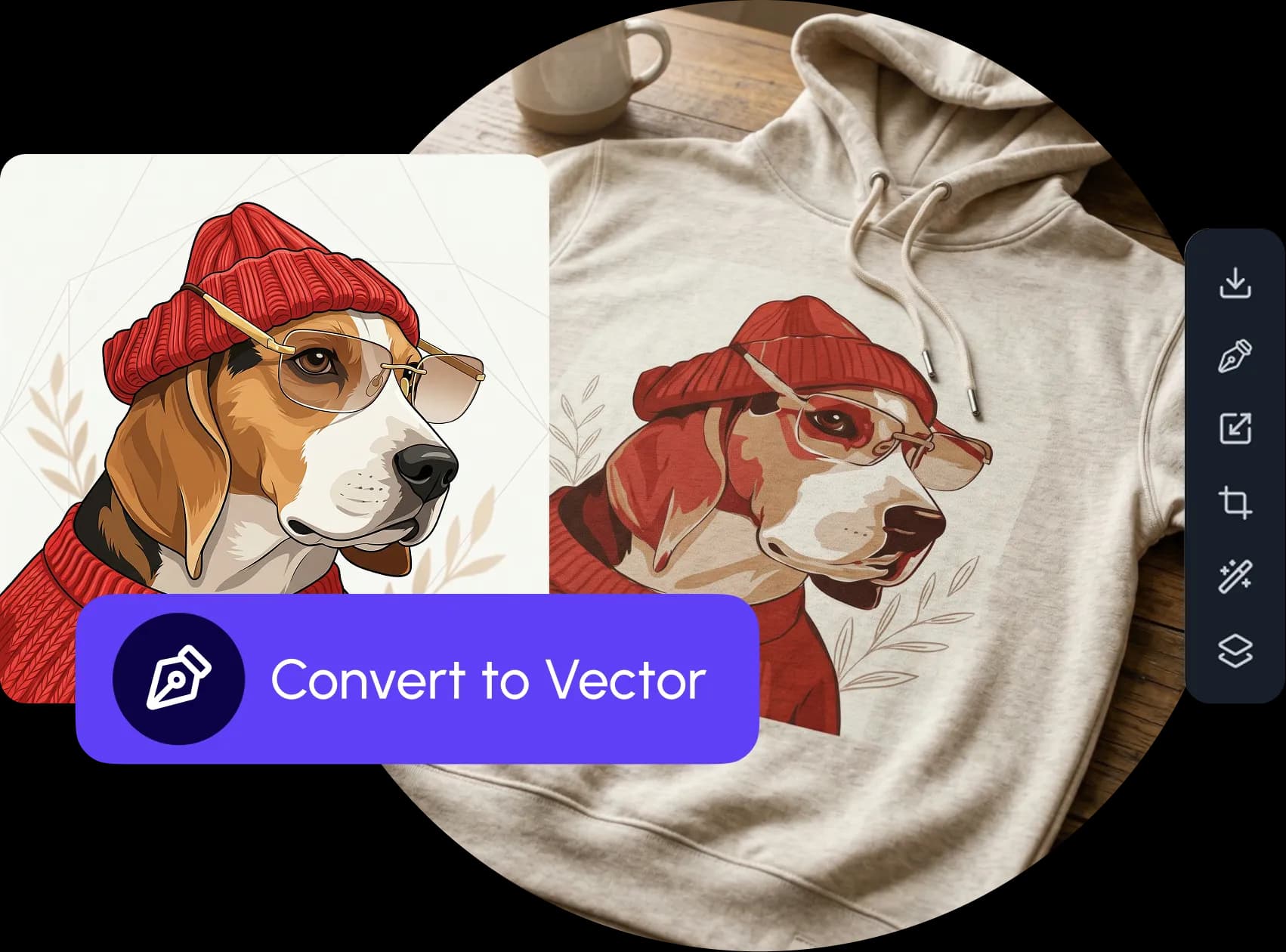
  1. Raster image ready to be converted to vector

    Upload a raster image

    Drop a PNG, JPEG, or WebP file. Works best on logos, icons, and high-contrast illustrations.
    01
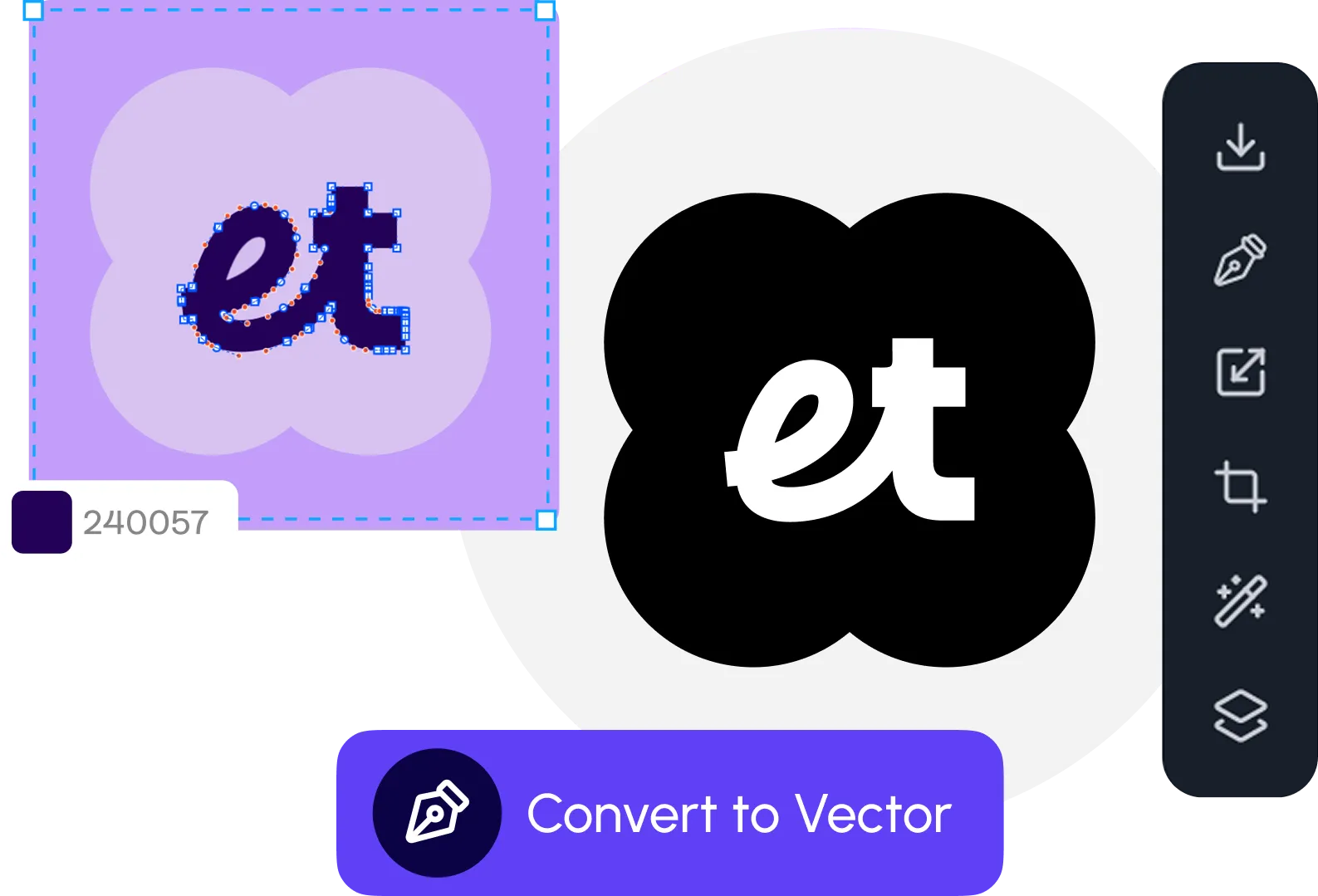
  2. Vectorizer tracing pixels into clean SVG paths

    AI traces it into SVG paths

    The vectorizer converts pixels into clean, editable vector paths, color or black-and-white, spline or polygon modes supported.
    02
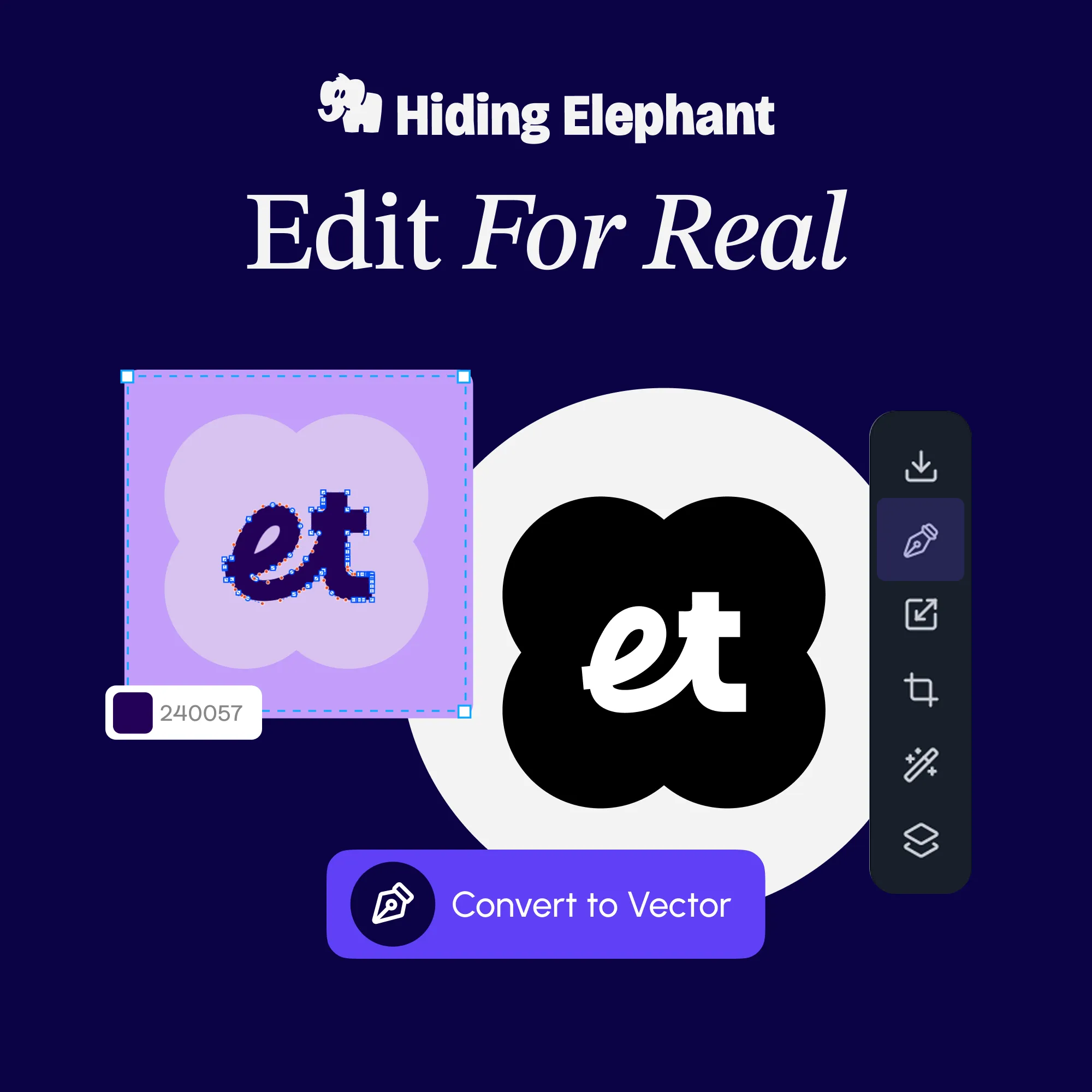
  3. Editing the resulting SVG paths on the design canvas

    Download an SVG

    Preview the vector result and download an SVG you can continue editing, recolor, resize, and layer it inside the Hiding Elephant canvas or any vector tool.

    03

Supported files

What the vectorizer accepts and outputs
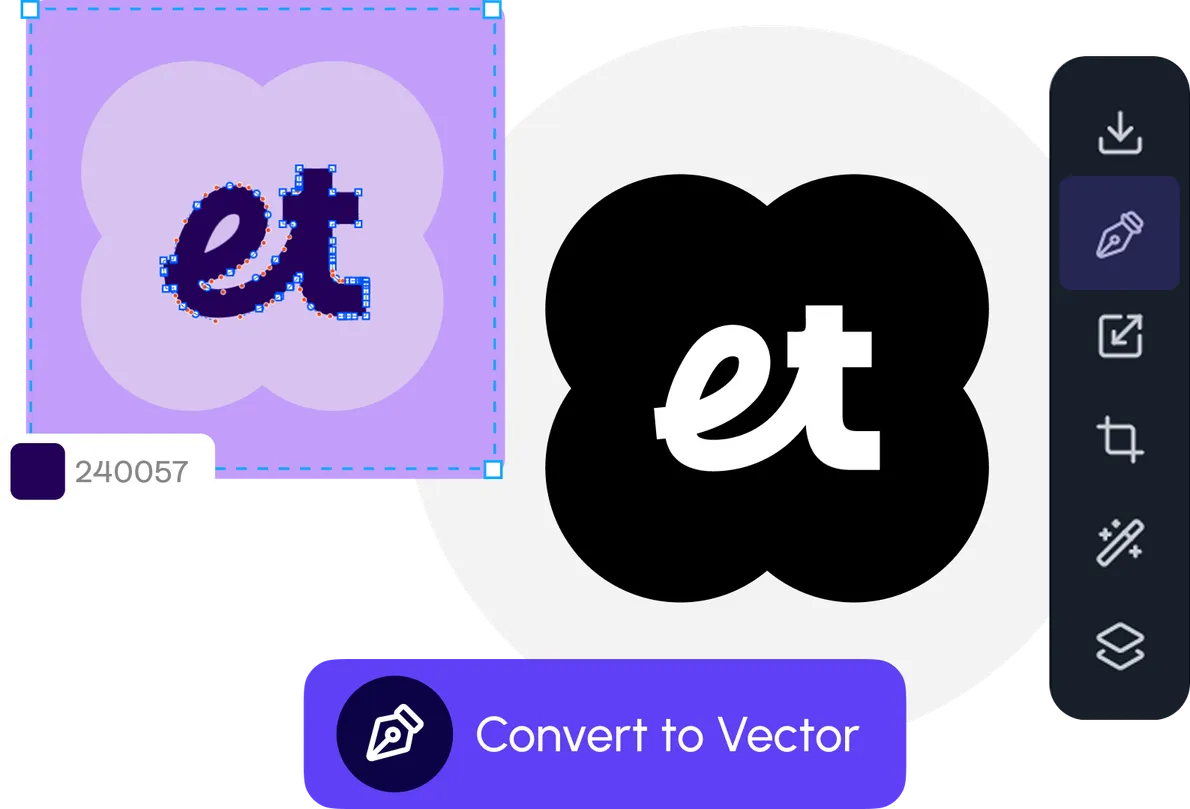
Editable vector shapes produced by the vectorizer

Inputs

  • PNG
  • JPEG
  • WebP

Outputs

  • SVG (scalable vector)
Color modes
Full color or black-and-white tracing
Path modes
Spline (curves) or polygon (straight)
Scalability
Resolution-independent, sharp at any size
Editable
Open in any vector tool or the HE canvas

Image vectorizer FAQ

Common questions

More you can do

Vectors love a real design workspace

Once it's a vector, you'll want to edit every path, try new colors, and stack it with AI, or reframe raster sources before you trace. Hiding Elephant does all of it in one place.
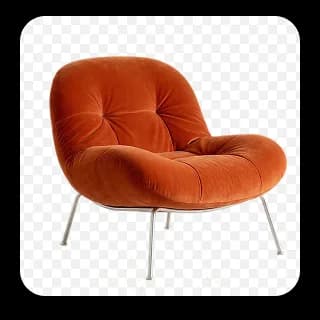
Background removed from a product photo

Remove backgrounds first

Remove backgrounds before vectorizing so the tracer focuses on the shapes that matter.

Open Background Remover
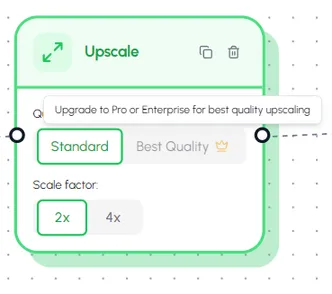
AI upscaler enlarging raster art 2× and 4×

Upscale raster art first

Boost the resolution of raster art before vectorizing for cleaner paths and fewer stray nodes.

Open Image Upscaler
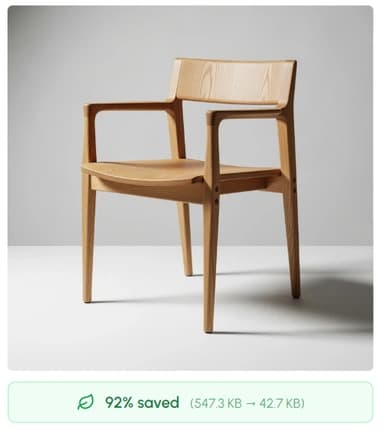
Image optimizer resizing and converting images

Resize, compress & convert

Shrink product photos before vectorizing, or convert raster exports to WebP/AVIF.

Open Image Optimizer
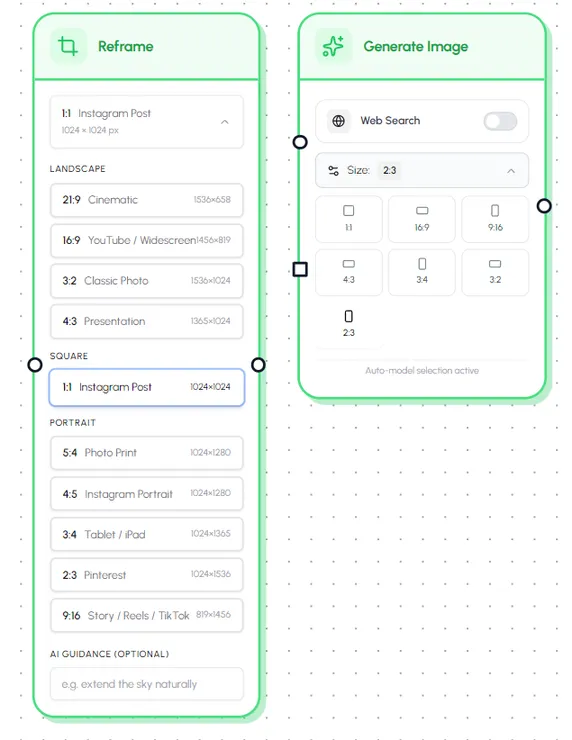
Image reframer adapting a photo to multiple social media aspect ratios

Reframe for any social ratio

Turn one photo into 1:1, 4:5, 9:16, 16:9, and more, AI crops, uncrops, or expands the canvas so the subject stays intact.

Open Image Reframer
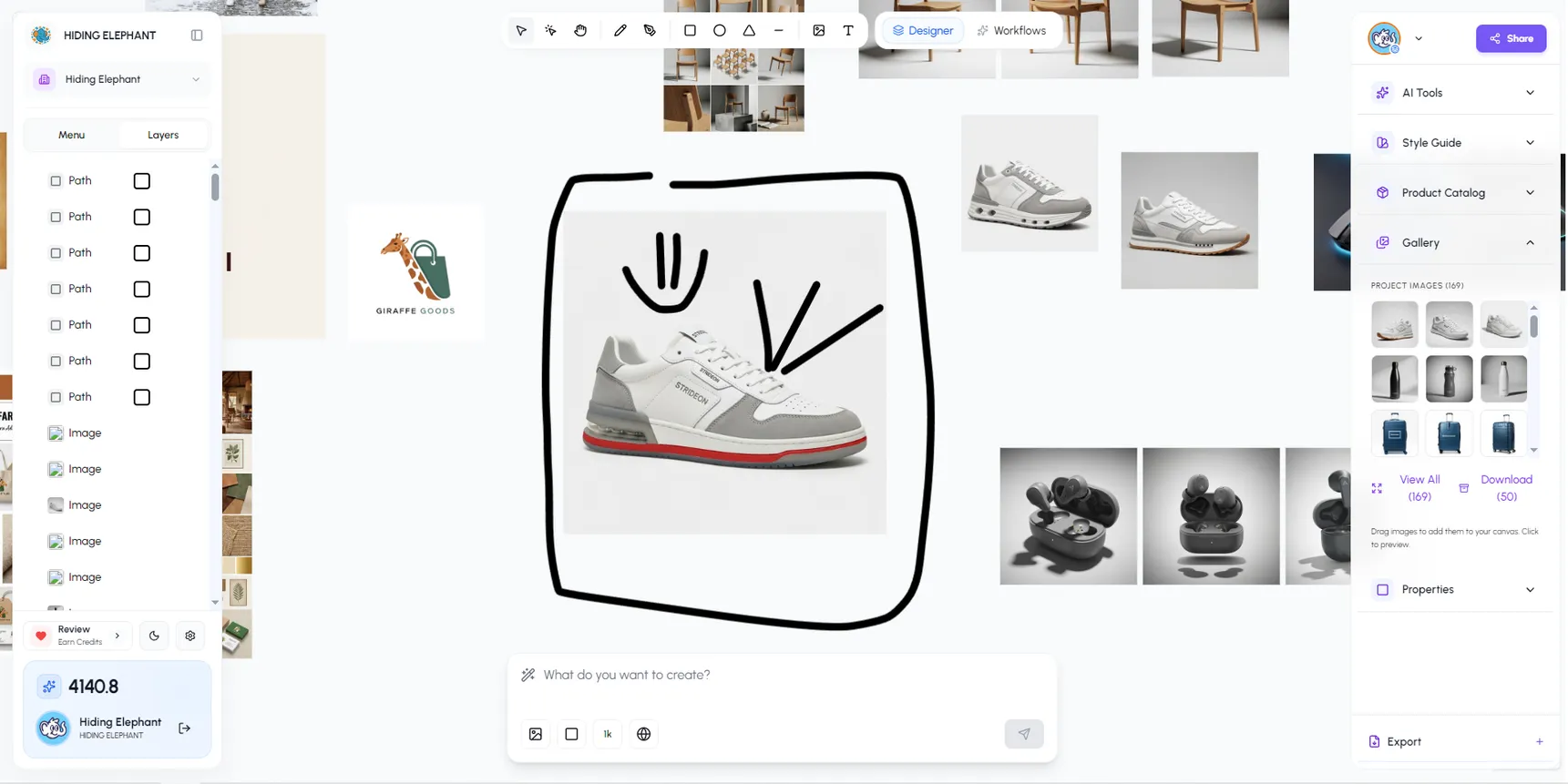
Hiding Elephant vector canvas with layers and paths

Edit every path on a real canvas

Pen, brush, booleans, layers, and masks, pro vector editing, not a download-only tool.

See the vector canvas

Vectors + the full workspace

Mix vectors with AI on one canvas

Hiding Elephant is a design workspace where vectors, AI generations, and live images sit side-by-side, with brand rules, templates, and workflows built in.

Try the full workspace for freeSee all features

The AI designworkspace forfast-moving ideas.

Product

  • AI Generation
  • Vector Canvas
  • Image Tools
  • Workflows
  • Brand Management
  • Product Catalog
  • My Assets
  • Collaboration

Use Cases

  • E-commerce teams
  • Design agencies
  • Marketing teams
  • Content creators

Quick tools

  • All quick tools
  • Background Remover
  • Image Upscaler
  • Image Vectorizer
  • Image Optimizer
  • Image Reframer

Resources

  • About
  • Pricing
  • Enterprise
  • Explore
  • Blog
  • Contact Us
  • Book a Demo
  • Affiliates

© 2026 Hiding Elephant. All rights reserved

Cookie PolicyPrivacy PolicyTerms of Service
Hiding Elephant