
Product
Use Cases
How it Works
Pricing
Login

Comparison

Hiding Elephant vs Canva

Canva is excellent for fast, template-led marketing graphics.

Hiding Elephant also has design templates — from a curated catalog or ones you create and reuse — but is built for teams that need AI generation, precise editing, brand and product context, and production workflows in the same place.

Start free
AI vector canvas in Hiding Elephant
You

Last updated July 22, 2026

Side by side

Hiding Elephant vs Canva

Fair contrasts for common buyer questions — not a feature laundry list.

DimensionHiding ElephantCanva
Best forEcommerce and creative teams producing product images, ads, campaign kits, and social creatives at scaleMarketers and small teams shipping decks, presentations, and everyday template-based graphics quickly
How you createGenerate with AI, start from a design template (ours or your own), and edit everything as vectors on one canvasPick a template from a large marketplace and customize it with drag-and-drop, plus growing AI features
Editing toolsVector paths, boolean shape operations, layers, and typography — designer-grade control over AI outputStrong layout and brand-kit controls, built so anyone on the team can edit quickly
Ecommerce productionConnect your product catalog, then batch-produce listing images and ad variations with workflowsPossible with templates and Brand Kit, but not built around producing a whole catalog at once
Social postsCreate social images and videos, then schedule them straight to your channels with our Buffer integration — with on-brand caption helpStrong social templates and design flows; scheduling and publishing often still involve extra tools
AutomationVisual workflow builder — set up a process once, then run it in batchesMagic Studio and bulk features for many assets, but not a visual production pipeline
CollaborationTeam workspaces, live editing on the same canvas, shared brand and product assets, unlimited seats on Team plansMature team sharing, Brand Kit, and real-time collaboration for marketing teams
PricingFree plan with daily credits. Paid plans add more credits, commercial use, and private projects. Team plans have unlimited seats — you pay for credits, not per personFree plan, then Pro and Teams subscriptions priced per seat

Who should choose which tool

Choose Hiding Elephant if…

  • You need AI generation and precise editing in the same workspace
  • You regularly produce product listings, ad variations, or creative for a whole catalog
  • You want design templates plus brand kits, product catalogs, and workflows for production at scale
  • You want to create social posts and schedule them straight to your channels via Buffer
  • You care about cleaning up AI output to vector quality before shipping

Choose Canva if…

  • You mainly build presentations, decks, or one-off graphics from a huge template marketplace
  • Your team already lives in Canva and does not need AI generation plus deep vector editing
  • Most of your team are non-designers who need quick drag-and-drop editing above all

Choose Canva when a broad template marketplace and everyday marketing graphics are enough. Choose Hiding Elephant when your bottleneck is producing on-brand, editable, ready-to-ship ecommerce and social creatives with AI — then refining, scaling, and publishing them without leaving the workspace.

Customer stories

What teams say after they switch

Real feedback from designers and marketers using Hiding Elephant in production.

5.0 out of 5

Hiding Elephant has become my go-to for generating polished, on-brand visuals fast. … Compared to other tools I’ve tried, it feels more reliable and production-friendly—less trial-and-error, more “ship it.”

Henry Hernandez

Lead Graphic Designer

Cortex Beauty

After generating a logo I found that it can be vectorized. ... All the elements and overlapping elements are vectorized correctly. I like that a lot :)

H.L

Hans Løgeskov-Eriksen

The new Elephant Brain 2 is awesome! what an upgrade!! ... With a right prompt it's like it's inside my mind.

Rafael Makris

Graphic Designer

See what you canbuild with Hiding Elephant

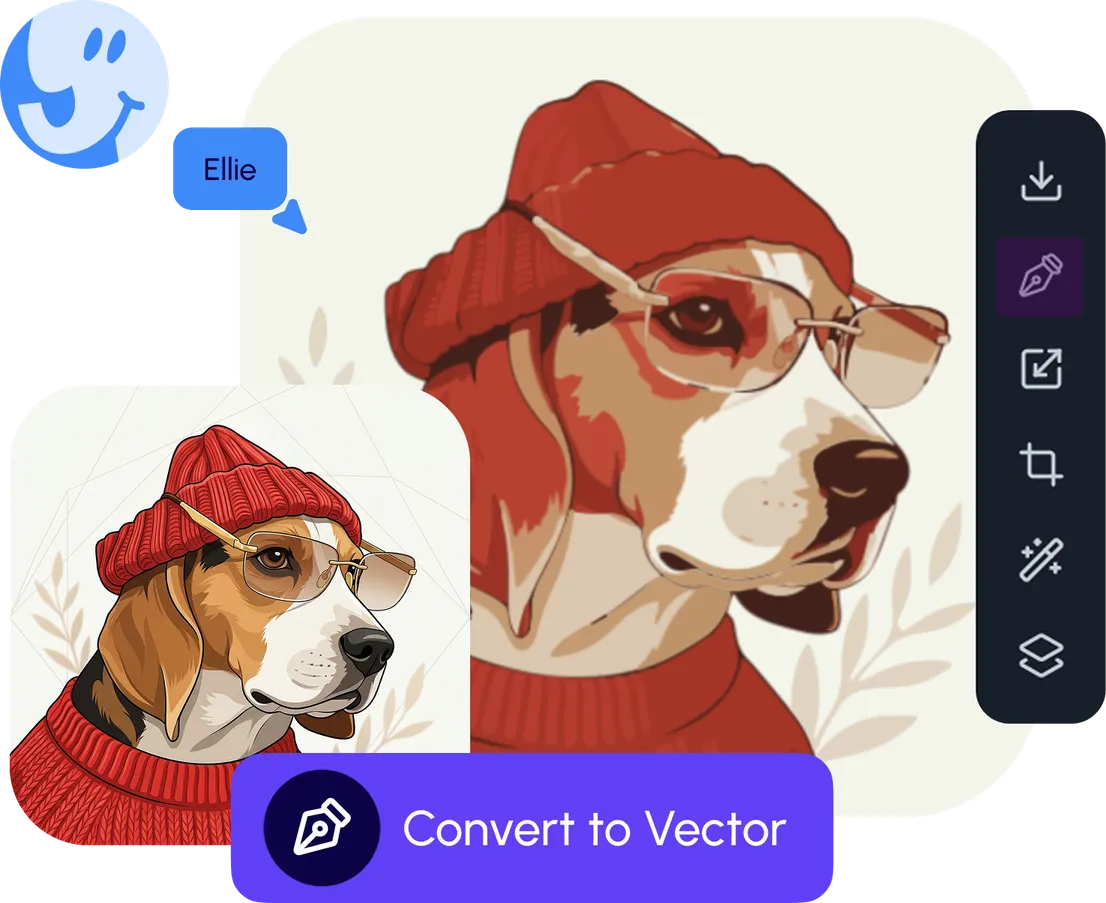
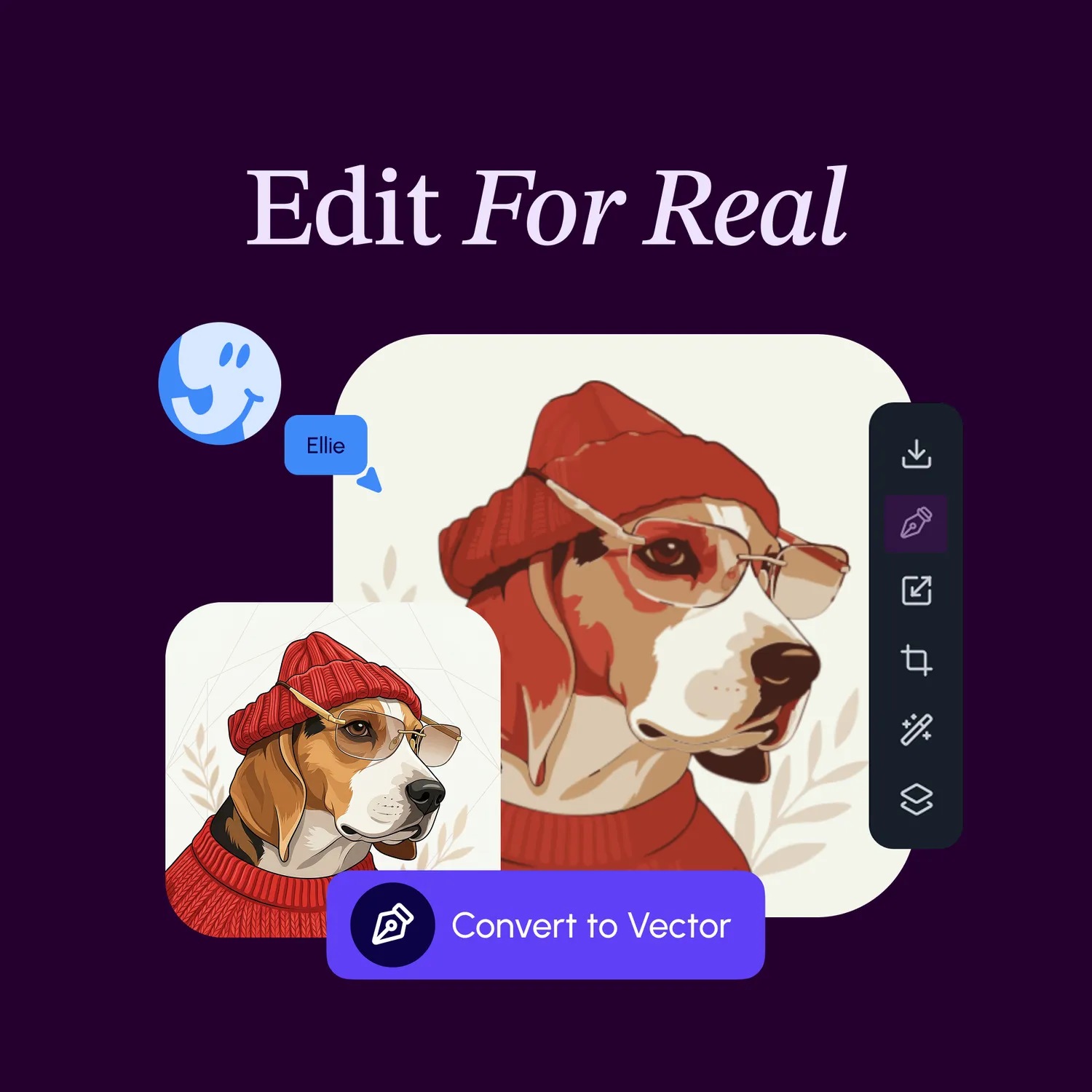
Vector editing flow on the Hiding Elephant canvas

AI Vector Canvas

Generate, draw, and edit on one infinite canvas — vectors, text, layers, and export in one place.

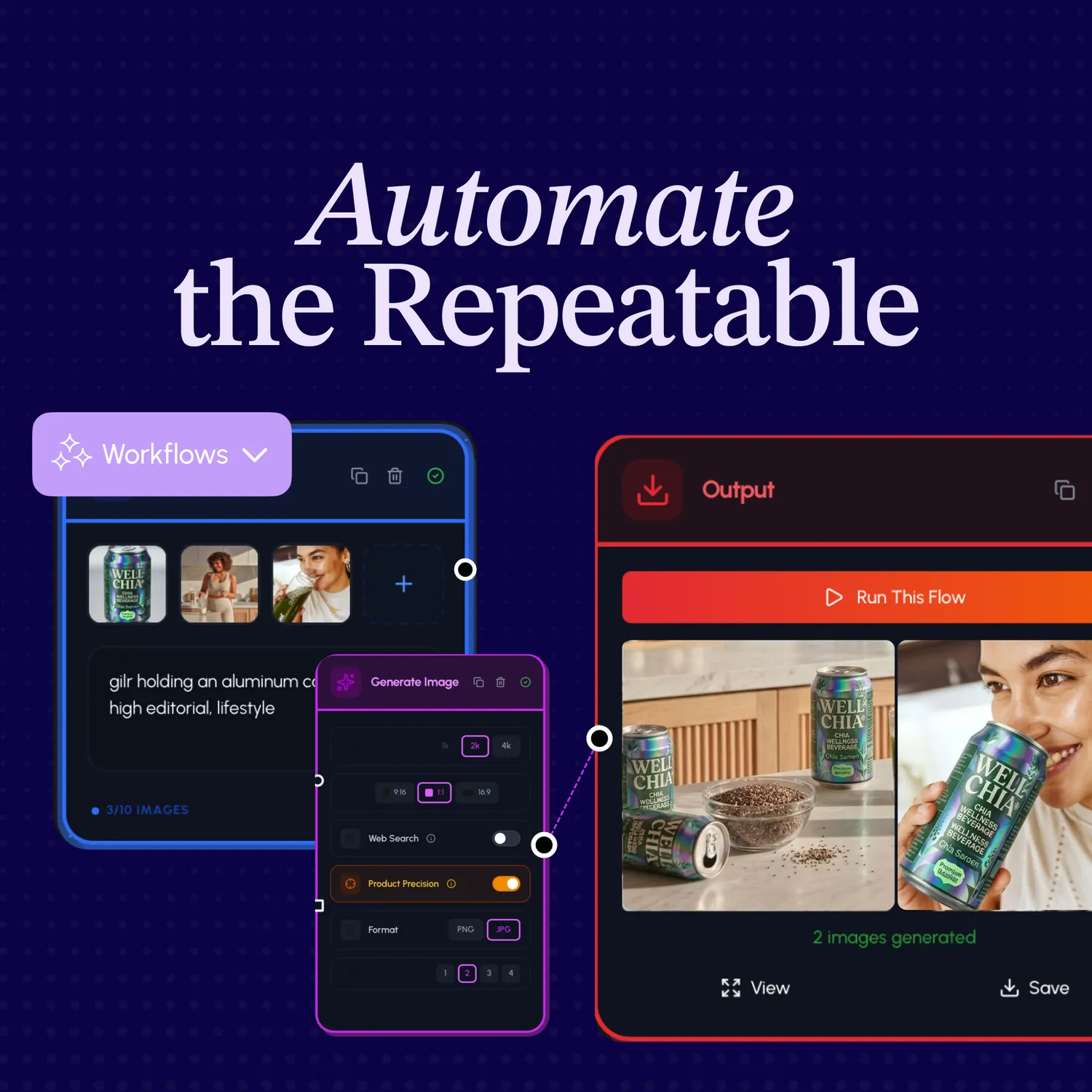
Workflow automation on Hiding Elephant

Workflow Automation

Batch and automate repeatable creative work so you ship hundreds of variants without the busywork.

Brand Intelligence style guide in Hiding Elephant

Brand Intelligence

Keep generations on brand with style, voice, assets, and real products built into the workspace.

Live collaboration on the Hiding Elephant canvas

Collaboration

Design together in real time — shared canvas, feedback, and exports for the whole team.

FAQ

Common questions about Hiding Elephant vs Canva

Straight answers for comparison shoppers deciding between tools.

More comparisons

  • vs Midjourney
  • vs Kittl
  • vs Recraft
  • vs Illustrator

See all comparisons

Ready to try the generate-and-edit workspace?

Start freeSee pricing

The AI designworkspace forfast-moving ideas.

Product

  • AI Generation
  • Vector Canvas
  • Image Tools
  • Workflows
  • Brand Management
  • Product Catalog
  • My Assets
  • Collaboration

Use Cases

  • E-commerce teams
  • Design agencies
  • Marketing teams
  • Content creators

Quick tools

  • All quick tools
  • Background Remover
  • Image Upscaler
  • Image Vectorizer
  • Image Optimizer
  • Image Reframer

Resources

  • About
  • Pricing
  • FAQ
  • Compare
  • Enterprise
  • Explore
  • Blog
  • Contact Us
  • Book a Demo
  • Affiliates

© 2026 Hiding Elephant. All rights reserved

Cookie PolicyPrivacy PolicyTerms of Service
Hiding Elephant