Stop spending hours on initial concept sketches.
Get dozens of concepts in seconds with AI generation.
.webp&w=3840&q=75)
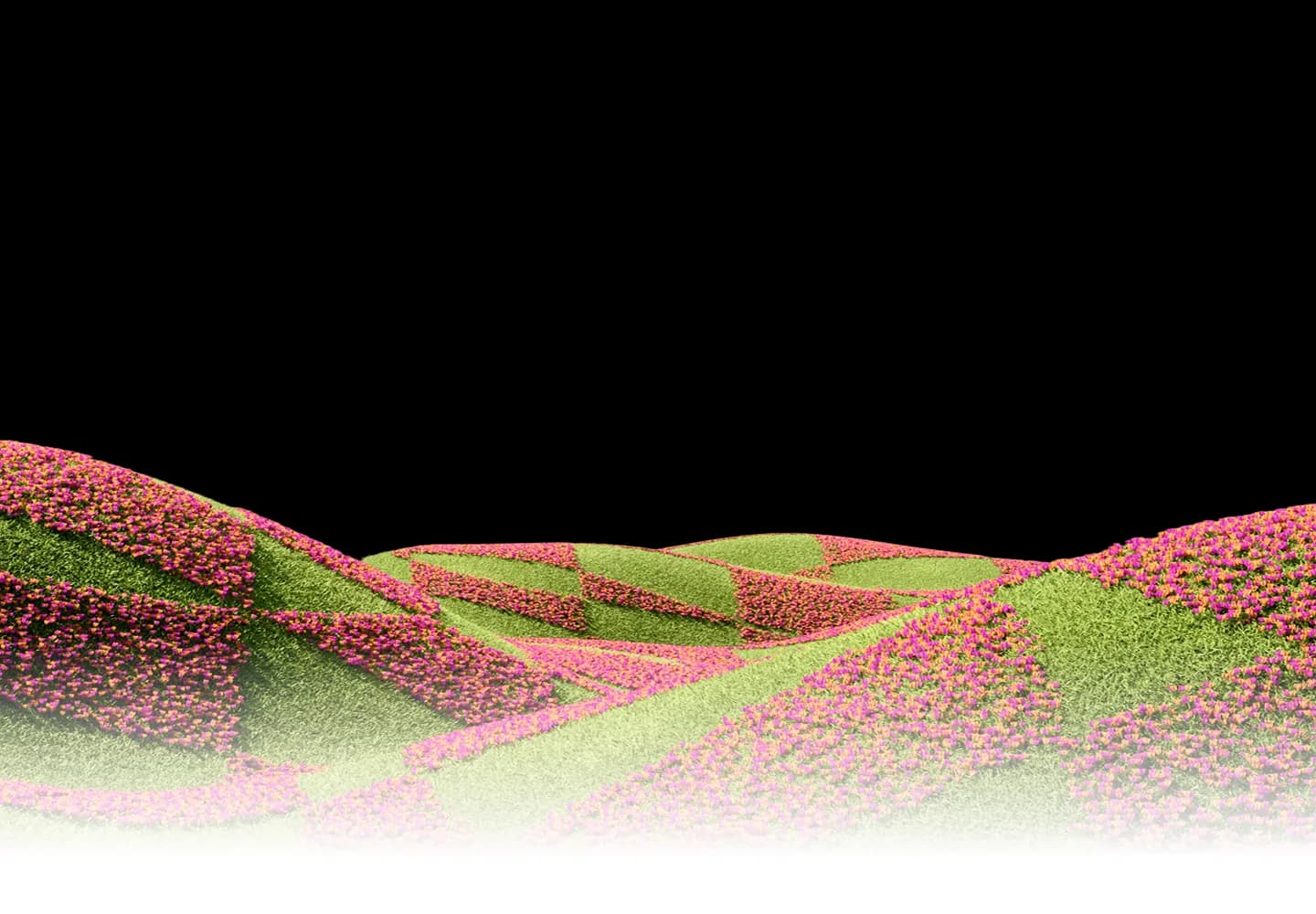
Generate unique characters, scenes, and artwork — then refine every detail with professional vector editing tools
.webp&w=3840&q=75)
Compare
Generate unique characters, scenes, and illustrations — then refine every detail with professional vector editing tools.
Stop spending hours on initial concept sketches.
Stop feeling limited to one art style at a time.
Stop struggling to iterate fast enough for client feedback.
.webp&w=3840&q=75)
Stop spending hours cleaning up AI outputs.
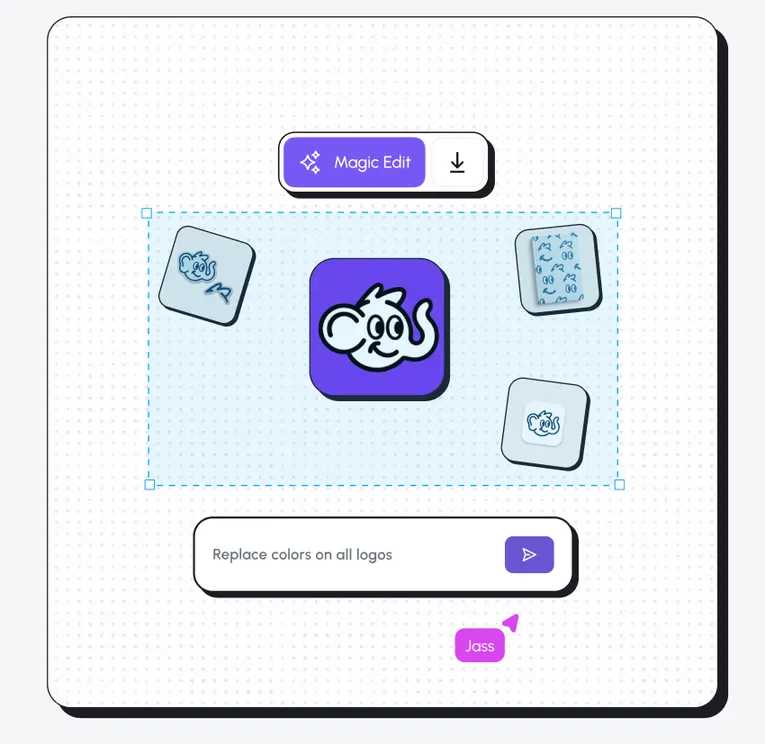
Stop switching between generation and editing tools.
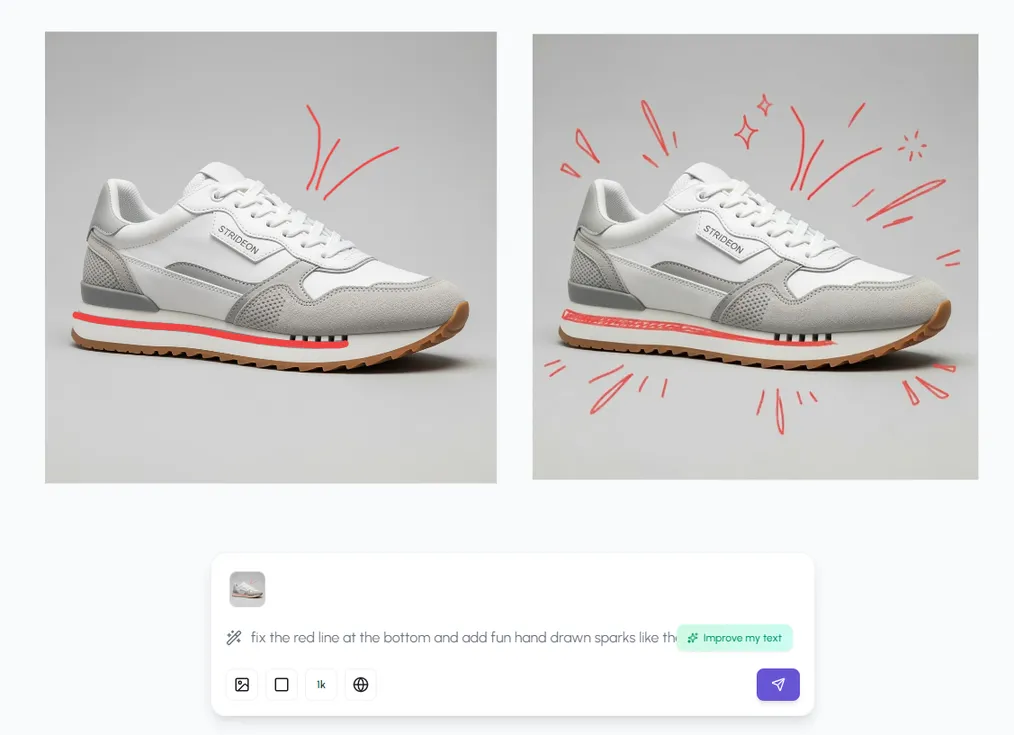
Workflow
Three workflows that supercharge your illustration process.
.webp&w=3840&q=75)
Character Design
Describe your character's traits, style, and personality. AI generates multiple concepts. Pick your favorite, refine with vector tools, and export a character sheet with multiple poses.
Capabilities
AI generation meets professional illustration tools in one workspace.
.webp&w=3840&q=75)
Upload reference images and blend styles. Create unique visual languages by combining elements from multiple artistic traditions.
Pen tool, Bezier curves, boolean operations, and shape tools. Everything you need to refine AI output into polished vector art.
Hierarchical layers with grouping, visibility toggles, and lock controls. Keep complex illustrations organized and editable.

Style guides and product catalogs help AI maintain consistent character designs across multiple generations.
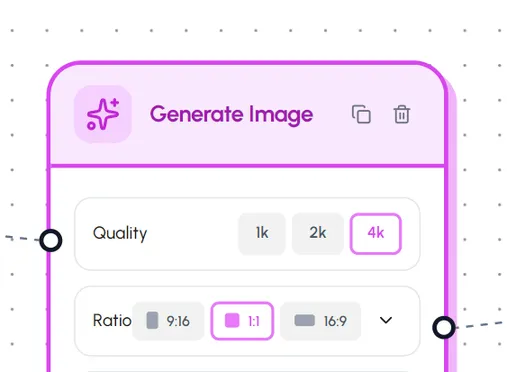
Shape output with prompts, reference images, and generation controls—iterate toward the look you want without leaving the workspace.
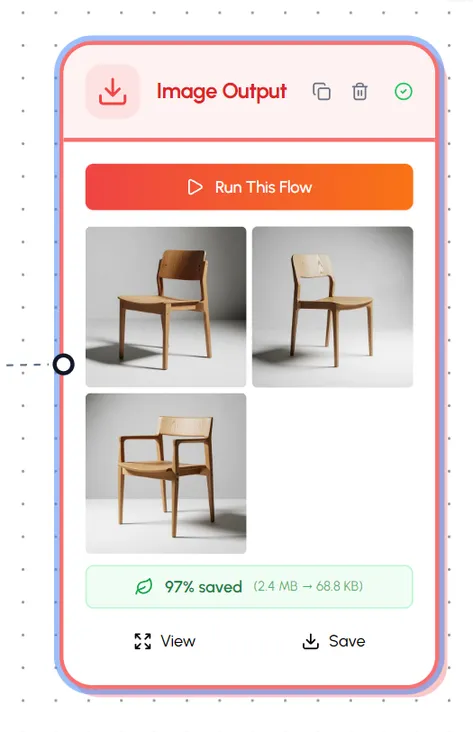
Export illustrations as clean SVG vectors that scale to any size. Perfect for web, print, animation, and merchandise.